Continuous shooting – Canon IXUS 180 User Manual
Page 33
33
Before Use
Basic Guide
Advanced Guide
Camera Basics
Auto Mode
Other Shooting
Modes
P Mode
Playback Mode
Setting Menu
Wi-Fi Functions
Accessories
Appendix
Index
•
Shots taken without adding a date stamp can be printed with one as follows.
However, adding a date stamp this way to images that already have one may
cause it to be printed twice.
-
Print using printer functions (
)
-
Use camera DPOF print settings (
) to print
-
Use the software downloaded from the Canon website (
) to print
Still Images
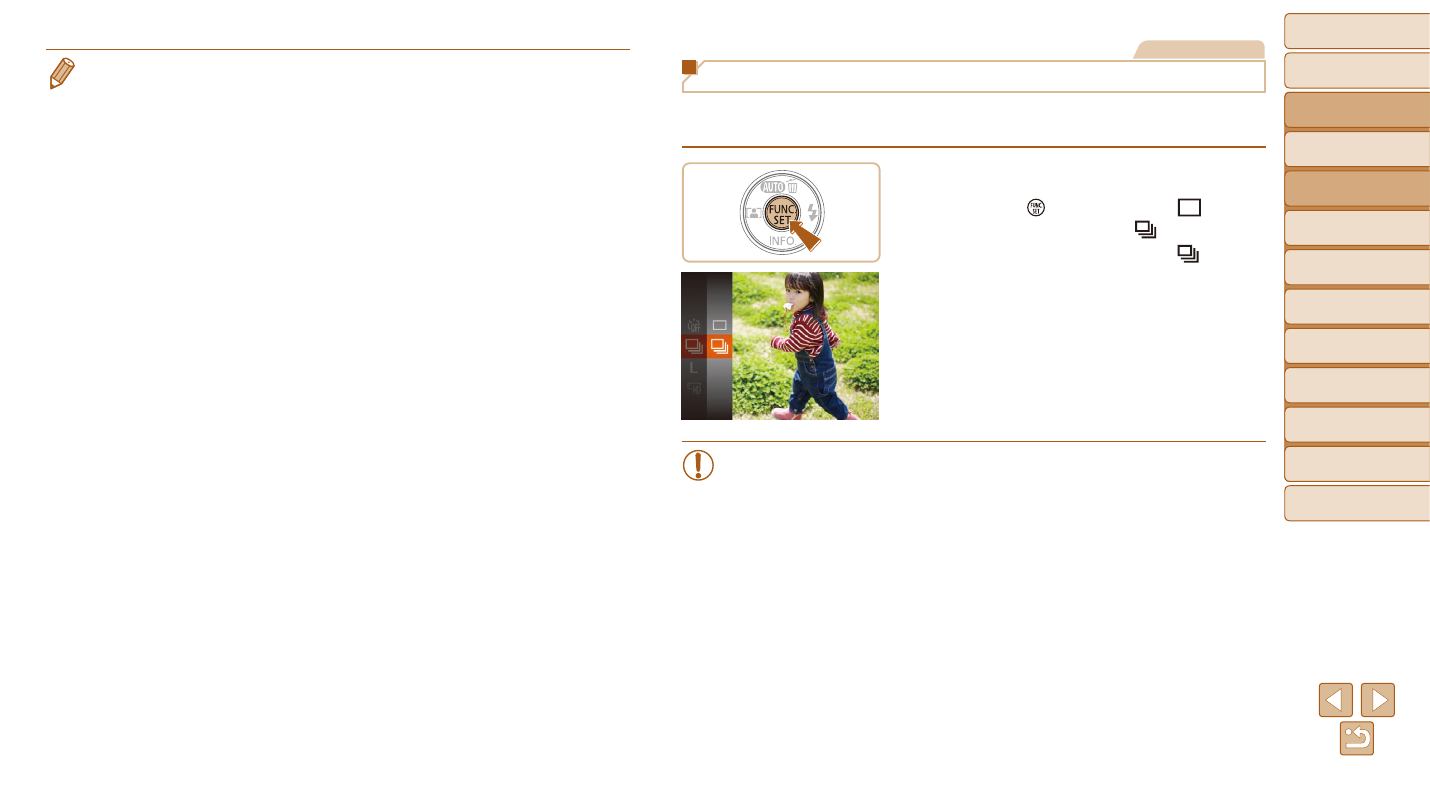
Continuous Shooting
Hold the shutter button all the way down to shoot continuously.
For details on the continuous shooting speed, see “Camera” (
1
Configure the setting.
z
z
Press the [ ] button, choose [ ] in the
menu, and then choose [ ] (
).
z
z
Once the setting is complete, [ ] is
displayed.
2
Shoot.
z
z
Hold the shutter button all the way down
to shoot continuously.
•
Cannot be used with the self-timer (
).
•
Shooting may stop momentarily or continuous shooting may slow
down depending on shooting conditions, camera settings, and the
zoom position.
•
As more shots are taken, shooting may slow down.
•
Shooting may slow down if the flash fires.