Shooting long exposures, Shooting long exposures (long shutter) – Canon IXUS 180 User Manual
Page 42
42
Before Use
Basic Guide
Advanced Guide
Camera Basics
Auto Mode
Other Shooting
Modes
P Mode
Playback Mode
Setting Menu
Wi-Fi Functions
Accessories
Appendix
Index
Still Images
Shooting Long Exposures (Long Shutter)
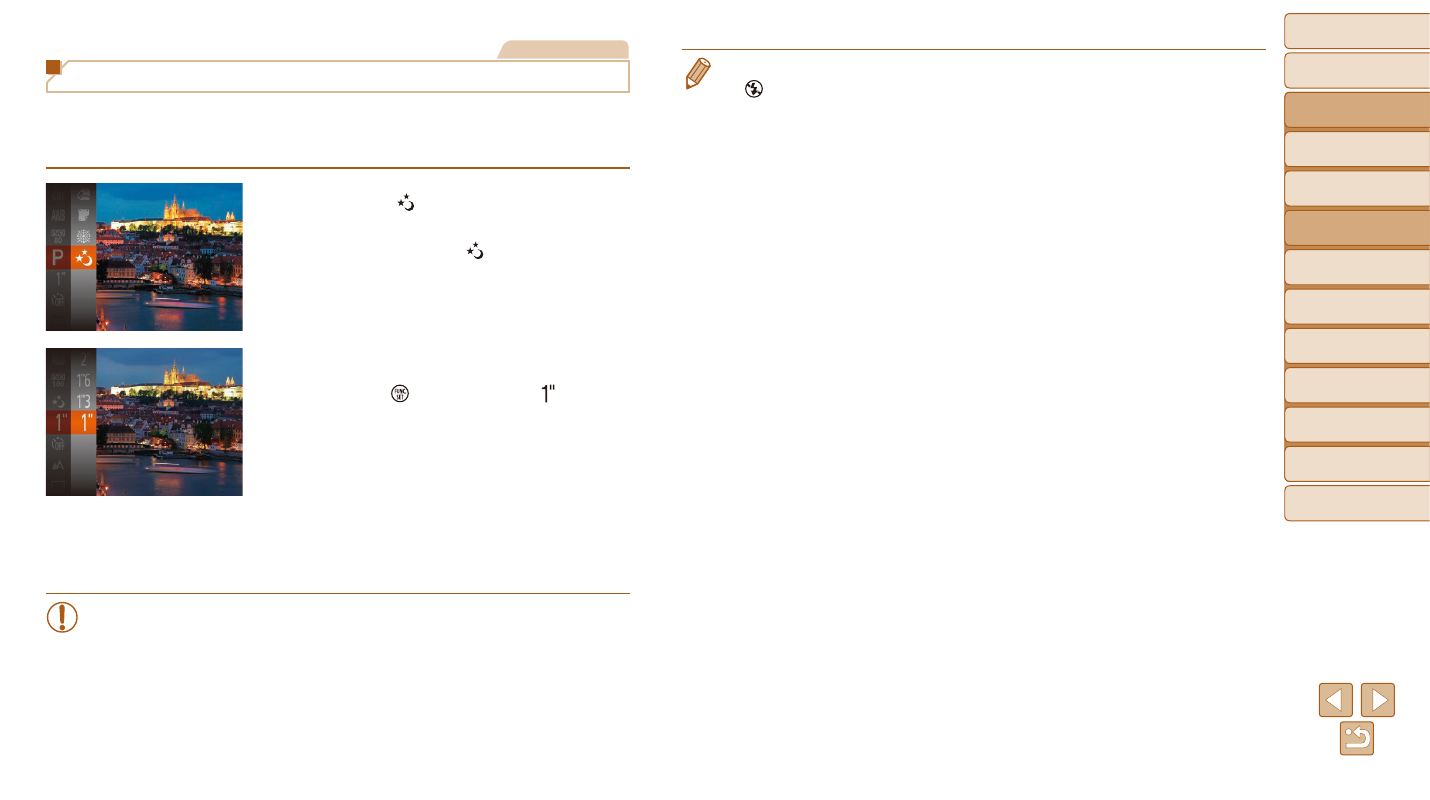
Specify a shutter speed of 1 – 15 seconds to shoot long exposures. In this
case, mount the camera on a tripod or take other measures to prevent
camera shake.
1
Choose [ ].
z
z
Follow step 1 in “Specific Scenes”
(
2
Choose the shutter speed.
z
z
Press the [ ] button, choose [ ] in the
menu, and choose the desired shutter
3
Check the exposure.
z
z
Press the shutter button halfway to view
the exposure for your selected shutter
speed.
4
Shoot.
•
On-screen image brightness in step 3, when you pressed the
shutter button halfway, may not match the brightness of your shots.
•
With shutter speeds of 1.3 seconds or slower, there will be a delay
before you can shoot again, as the camera processes images to
reduce noise.
•
Set [IS Mode] to [Off] when using a tripod or other means to secure
•
If the flash fires, your shot may be overexposed. In this case, set the flash to
).