Roland SP-404MKII Creative Sampler and Effector User Manual
Page 38
Advertising
Sampling (SAMPLING)
38
4.
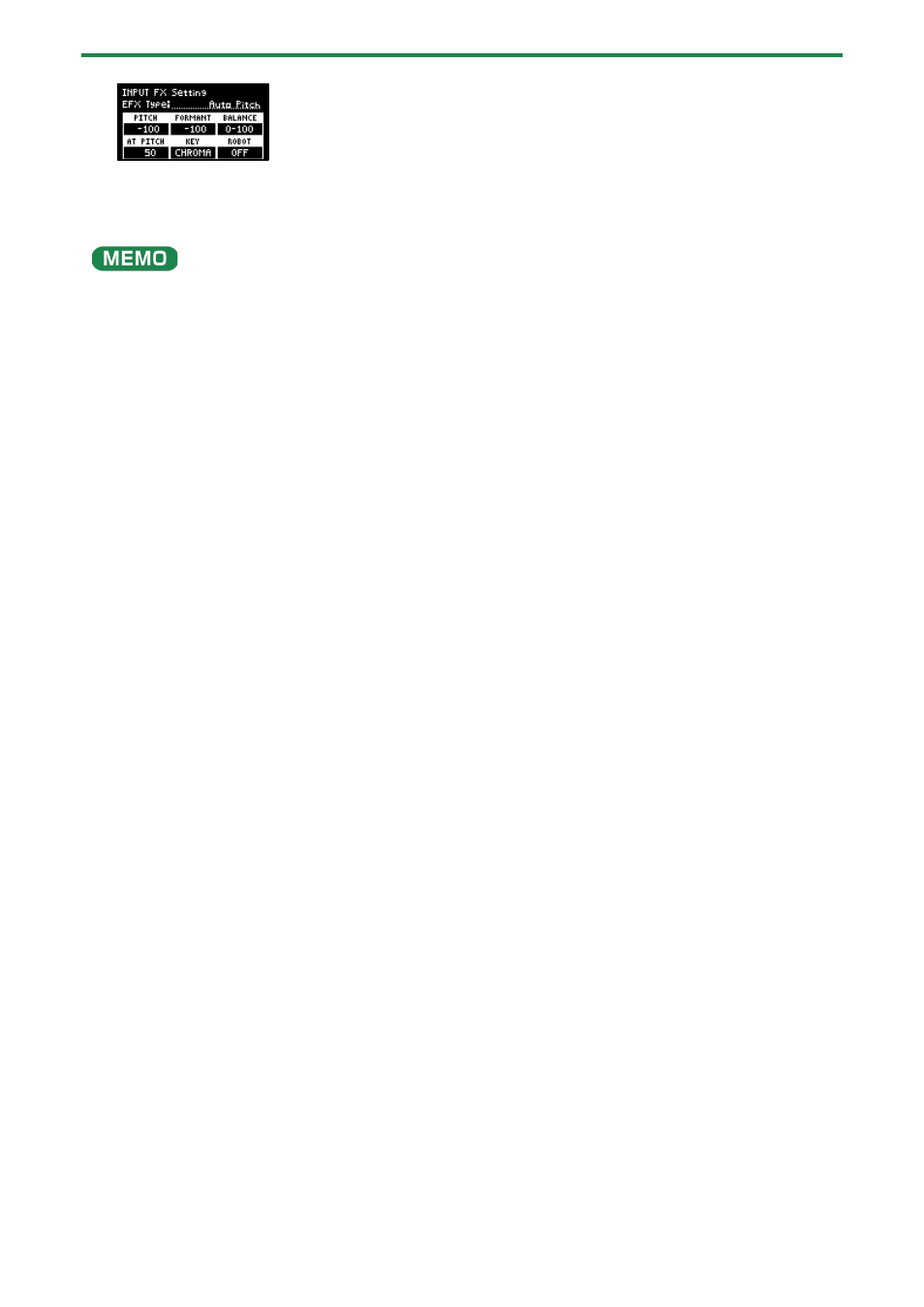
Use the [VALUE] knob to move the cursor to the parameter that you want to edit.
5.
Use the [CTRL 1]–[CTRL 3] knobs to adjust the parameters.
For details on the various effect parameters, refer to “
(P.129)”.
Some effect parameters may be shared in common, depending on the bus to which the effect is assigned. For details, see “
the effect parameters are saved and shared
(P.33)”.
Advertising
See also other documents in the category Roland Musical Instruments:
- UA-25 (68 pages)
- PCR-300 (100 pages)
- 60S (236 pages)
- MTLC-16 (48 pages)
- RT-10S (18 pages)
- TD-3 (22 pages)
- Vs-880 (154 pages)
- AT-45 (3 pages)
- DSD-2 (4 pages)
- SRX-98 (4 pages)
- Fantom-Xa (264 pages)
- SI-24 (52 pages)
- PK-25A (18 pages)
- SRX-01 (16 pages)
- VG-88 (84 pages)
- TD-3KW (16 pages)
- PK-5A (14 pages)
- RS-50 (132 pages)
- HP107 (64 pages)
- VH-10 V-Drum Hi-Hat (108 pages)
- KR-117 (228 pages)
- G6037008-01 (20 pages)
- HP -6 (5 pages)
- AT20s (124 pages)
- V-ACCORDION FR-7 (118 pages)
- RD-700 (172 pages)
- TU-12EX (2 pages)
- HP201 (52 pages)
- FR-5 (114 pages)
- RD-700SX (4 pages)
- maxWerk Musical Instrument (156 pages)
- VS-1824 (140 pages)
- FR-7b (118 pages)
- ME-25 (14 pages)
- FP-7 (188 pages)
- FC-300 - MIDI Foot Controller (72 pages)
- TD-6K (16 pages)
- -50 (6 pages)
- KS-G8B - Keyboard Stand (114 pages)
- KS-G8B - Keyboard Stand (108 pages)
- KS-G8B - Keyboard Stand (100 pages)
- KS-G8B - Keyboard Stand (52 pages)
- KS-G8B - Keyboard Stand (184 pages)
- KS-G8B - Keyboard Stand (64 pages)
- KS-G8B - Keyboard Stand (16 pages)