Playing back a sample from the marker position – Roland SP-404MKII Creative Sampler and Effector User Manual
Page 91
Mixing the Samples (DJ MODE)
91
Playing Back a Sample from the Marker Position
You can play back a sample from the position of the marker that’s set for that sample.
1.
Press pad [13] or [15].
The corresponding samples play back.
2.
Hold down the [SHIFT] button and press pads [1]–[16].
The samples play back from the marker positions set for the samples.
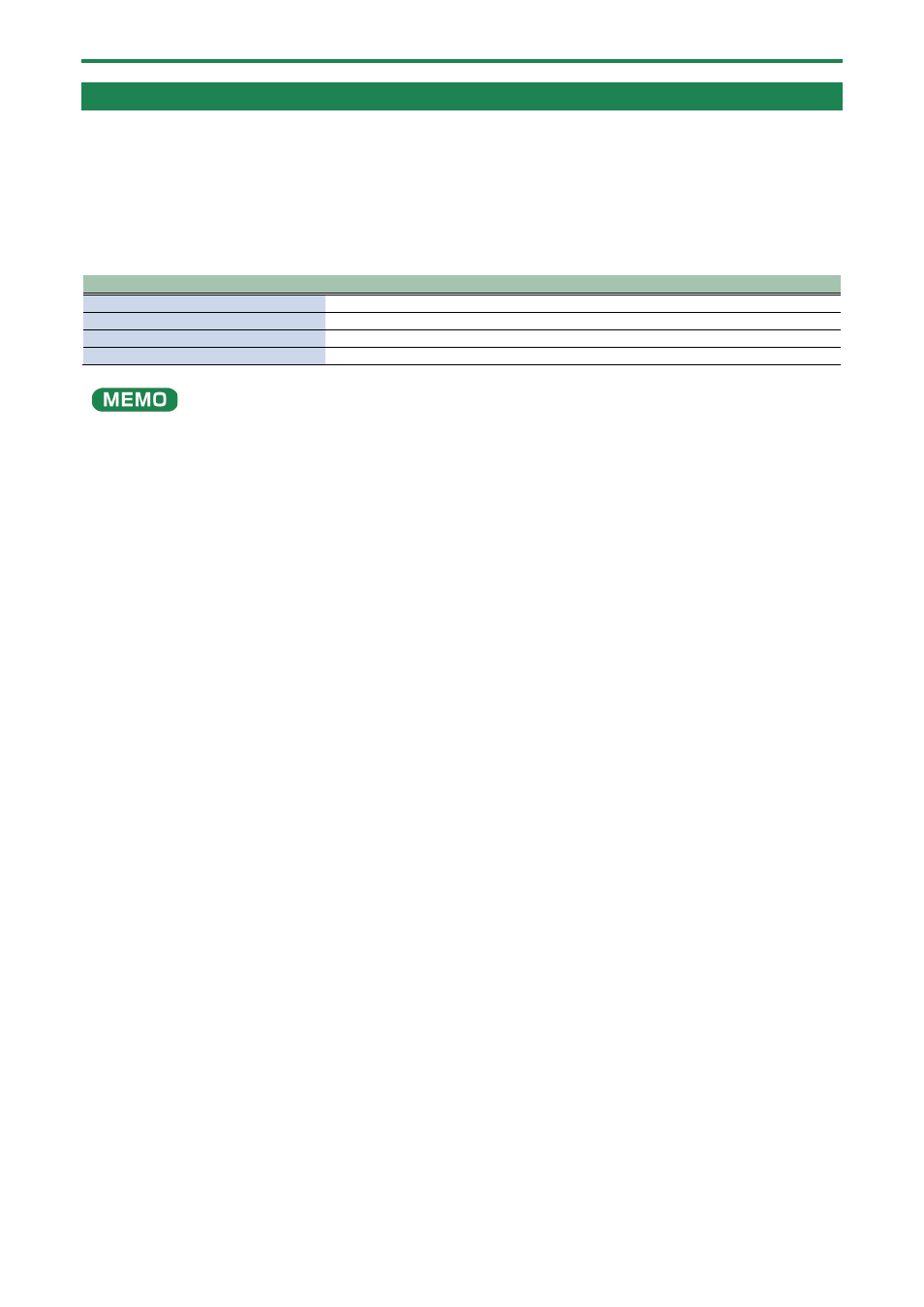
The relationship between the markers where playback begins and the pads are as follows.
CH1 sample
CH2 sample
1: Beginning of sample
2: Marker 1
3: Beginning of sample
4: Marker 1
5: Marker 2
6: Marker 3
7: Marker 2
8: Marker 3
9: Marker 4
10: Marker 5
11: Marker 4
12: Marker 5
13: Marker 6
14: Marker 7
15: Marker 6
16: Marker 7
●
Markers up through the seventh marker from the beginning of the sample are recognized in DJ mode.
Markers from the eighth marker onwards are ignored (and cannot be selected).
●
When you press pads [1]–[16] while holding down the [SHIFT] button, playback begins immediately from the specified
marker, even if a sample is already playing back.
●
If you press the [REMAIN] button while holding down the [SHIFT] button, the [SHIFT] button remains in a pressed-down
state, even after you take your fingers off the buttons.
Selecting a marker makes playback easier. Press the [EXIT] button to cancel this behavior.