Protecting a pattern (protect), Deleting the pattern from a pad, Deleting all patterns in a bank at once – Roland SP-404MKII Creative Sampler and Effector User Manual
Page 80
Combining Samples to Create a Pattern (PATTERN SEQUENCER)
80
5.
Press the [VALUE] knob or [COPY] button.
All the patterns in the bank are copied to the specified bank.
Performing this operation overwrites (erases) the pattern in the copy destination pad.
Protecting a Pattern (PROTECT)
This function prevents the samples and patterns assigned to a pad from being overwritten by being copied or edited, or
accidentally deleted.
Protection is set on a bank by bank basis. Protection is set for both samples and patterns.
1.
Press the bank [A/F]–[E/J] buttons to select the banks to protect.
To select banks F–J, press the bank [A/F]–[E/J] buttons twice to make them blink.
2.
Hold down the [SHIFT] button and press the [COPY] button.
A protect confirmation message appears.
To cancel the protect operation, press the [EXIT] button.
3.
Use the [VALUE] knob to select “OK”, and press the [VALUE] knob.
To cancel protection, do the same operation again.
Deleting the Pattern from a Pad
Here’s how to delete the pattern assigned to a pad.
You can’t perform the following operations while a pattern is playing back. Stop the pattern before performing the operation.
1.
Press the [DEL] button.
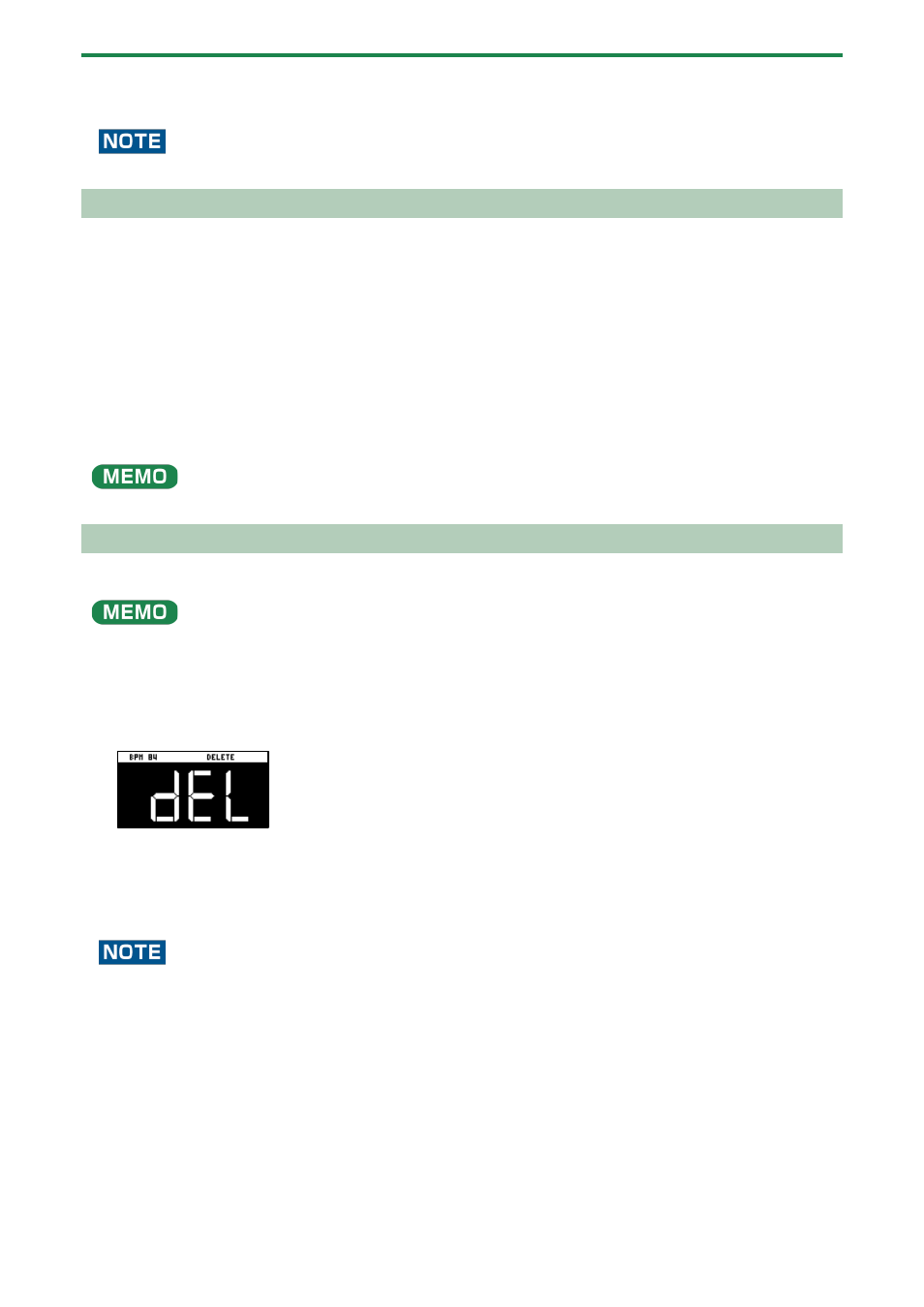
The DELETE screen appears.
2.
Press the pad containing the pattern that you want to delete.
If you decide to cancel deleting, press the [EXIT] button.
3.
Press the [VALUE] knob or [DEL] button.
The pattern for that pad is deleted.
You can’t restore a pad’s pattern after it has been deleted.
If you want to keep your data or make sure it doesn’t get accidentally modified, we recommend that you follow the steps in
(P.120)” to create regular backups.
Deleting all patterns in a bank at once
1.
Hold down the [DEL] button and press the [EXIT] button.
The DELETE BANK screen appears.