Wavetronix SmartSensor Matrix (SS-225) - User Guide User Manual
Page 97
96
CHAPTER 10 • TOOLS
This tool records vehicle detections as shown on the Verification page. Recorded vehicle
detections can be used later for playback using a virtual connection.
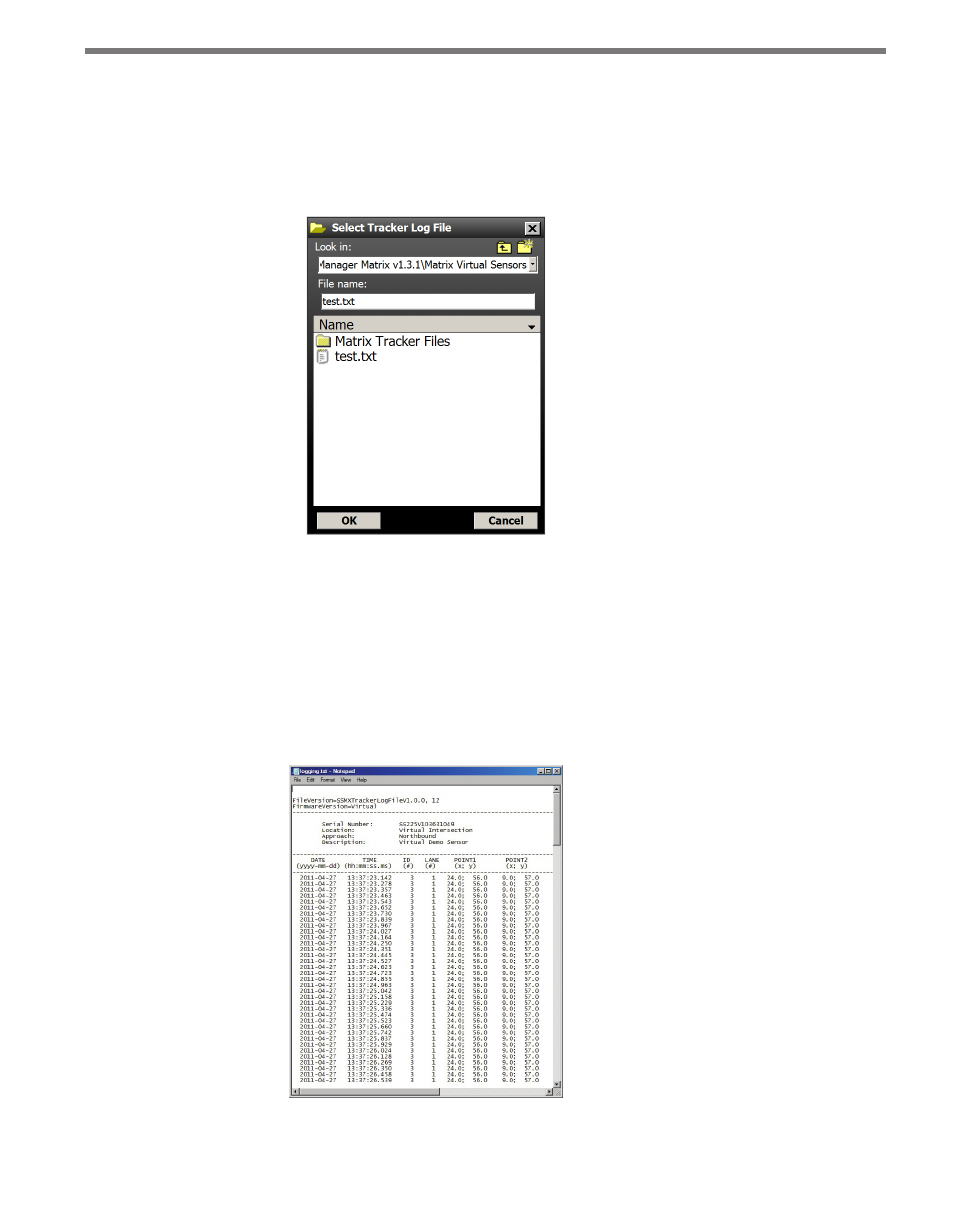
Click on the open folder icon to select a log file. The Select Tracker Log File screen allows
you to specify the name of an existing log file or to create a new file (see Figure 10.5).
Figure 10.5 – Select Detection Log File Screen
Click the ON/OFF toggle switch icon to the ON position to begin logging vehicle detec-
tions. Once activated, the duration of the logging session is displayed on the timer display.
Click the toggle switch to the OFF position to end a logging session.
The vehicle detection log file is an ASCII text file and can be viewed using a standard text
editor. Click on the View Log icon to view the current log file using the system’s default text
editor (see Figure 10.7).
Figure 10.6 – Log File