H3C Technologies H3C WA3600 Series Access Points User Manual
Page 198
185
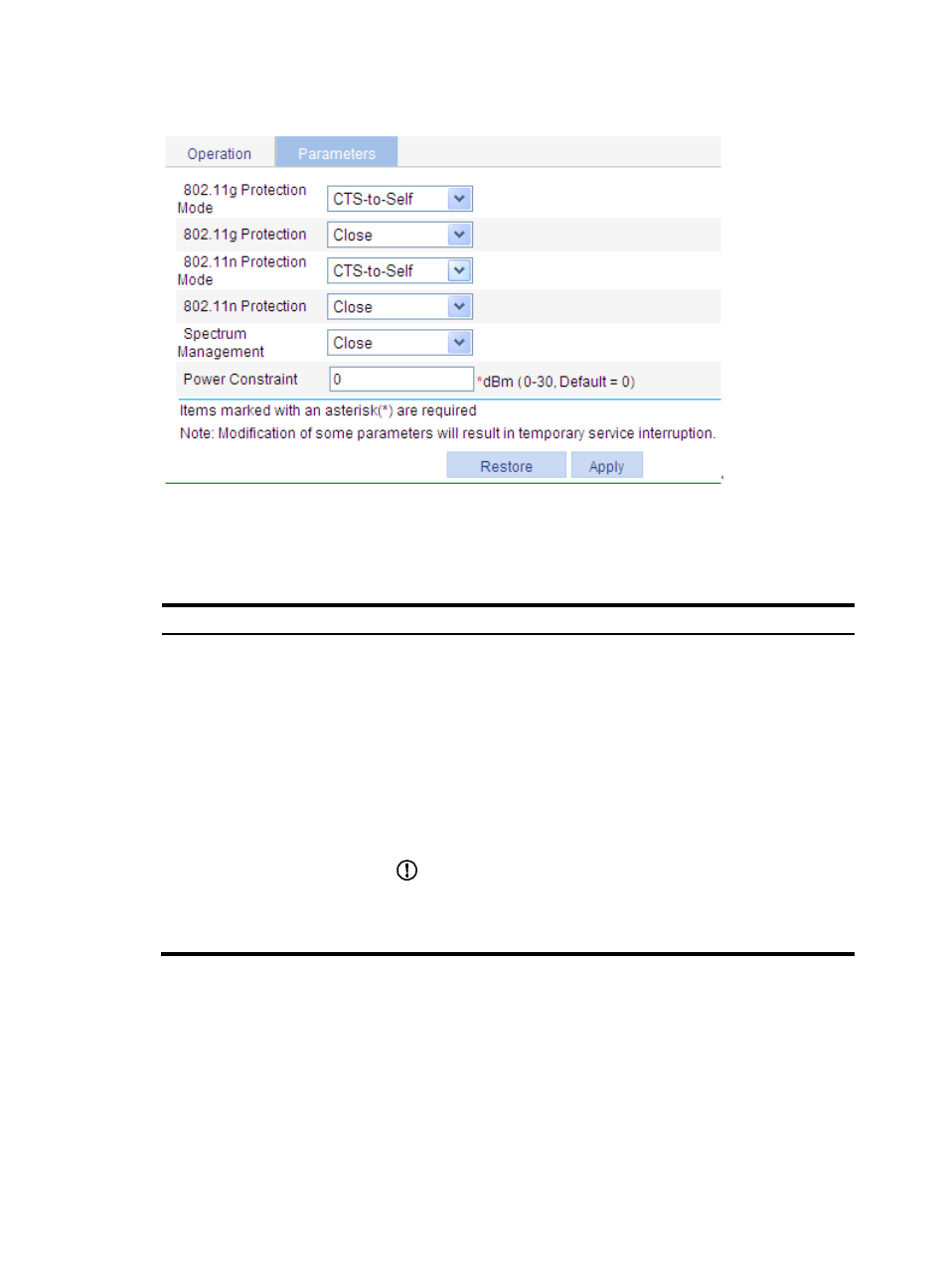
Figure 180 Setting parameters
3.
Configure calibration parameters as described in
4.
Click Apply.
Table 74 Configuration items
Item Description
802.11g Protection
Because 802.11b and 802.11g use different modulation modes,
802.11g protection needs to be enabled for a 802.11g device to send
RTS/CTS or CTS-to-self packets to 802.11b devices, which defer access to
the medium.
•
Enable—Enable 802.11g protection.
•
Close—Disable 802.11g protection.
An AP running 802.11g uses the 802.11g protection function in the
following two cases:
•
An 802.11b client is associated with it.
•
It detects APs or clients running 802.11b on the same channel.
IMPORTANT:
•
Enabling 802.11g protection reduces network performance.
•
Enabling 802.11g protection applies to the second case only because
802.11g protection is always enabled for the first case.