Configuring channel plug-ins, More details, E 175 – Grass Valley iTX System v.2.6 User Manual
Page 175
Configuring channel plug-ins
Configuring channel plug-ins
A channel plug-in is a software component that iTX uses to handle a particular type of schedule
event. There are separate plug-ins for different types of asset (video clip, CG, logo, etc.). Plug-
ins provide the palettes that appear in the Content Selector on the Channel Control layout.
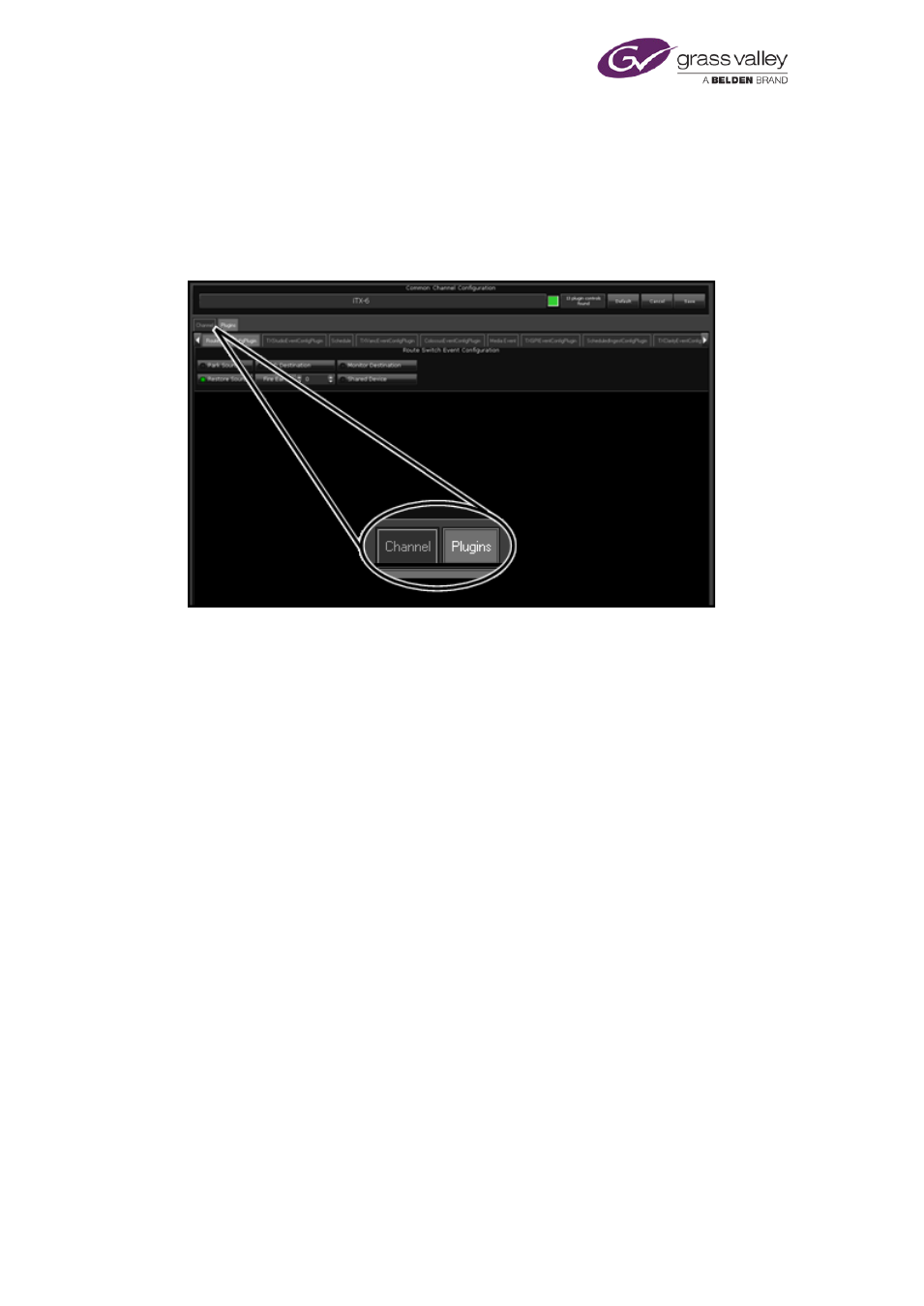
You configure plug-ins under the Plugins tab on the Channel Configuration pop-up layout:
There are separate sub-tabs for the plug-ins that are installed and licensed in your iTX system.
In this section we describe the features that appear under these tabs:
•
Schedule
•
Ex Subtitler
•
GPI
•
VANC
•
Clarity
•
Viz RT
•
Vertigo XG
•
Live
•
Studio
•
Video Clip
•
Colossus
•
Route
•
Data
•
Scheduled Ingest
•
Logo
•
SCTE 104
March 2015
System Administrator Guide
Page 175 of 404