Grass Valley iTX System v.2.6 User Manual
Page 57
Installing iTX software modules
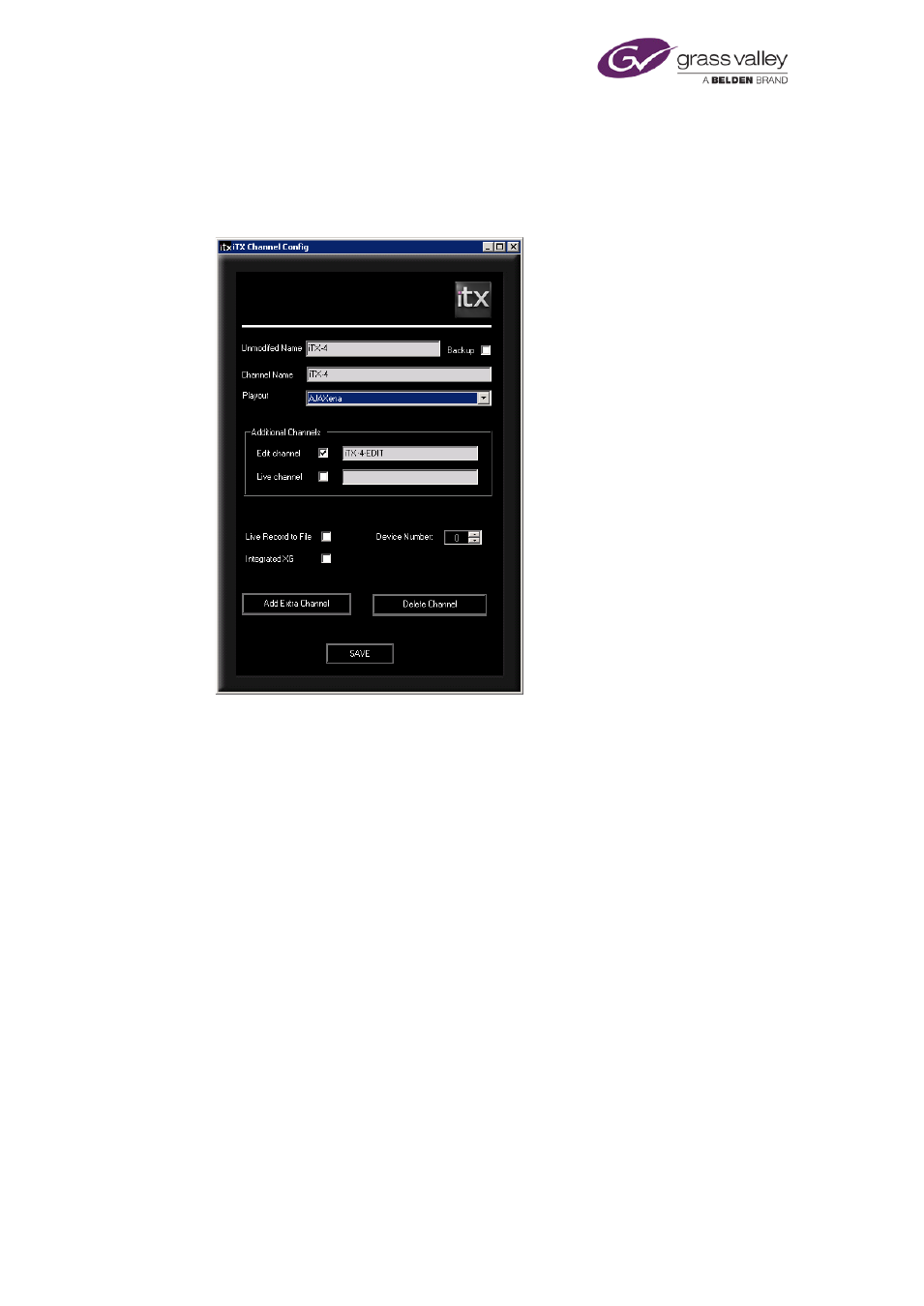
The iTX Channel Config dialog (Output Server 1 only)
The iTX Channel Config dialog appears towards the end of the Output Server 1 installation and
is used to enter the basic details of the channels you want to run on the playout server.
•
Enter a name for the playout channel in the Unmodified Name box. The installer
repeats the name in the Channel Name box. The default name for a channel is iTX-1.
–
The name must be different to all other channel names and must not contain any
spaces.
–
For a sub-channel used to play out regional content, the sub-channel name must
have the same name as the primary channel followed by #n, where n is the number
of the sub-channel (1-8). For example, iTX1#4 is sub-channel 4 of the primary
channel iTX1.
Note: You must restart TXPlay on the Output Server for the primary channel after a
sub-channel is added to the iTX system.
The installer automatically enters names (based on the unmodified name) for any other
type of channel – back-up, edit or live – that you specify in the dialog.
•
Select Backup if you want the installer to create a back-up channel. The installer adds
“-BACKUP” to the channel name.
•
From the Playout dropdown menu, select one of the following:
–
For the output of content to a normal television transmission system using an AJA
SDI video card, select AJAXena.
–
For a channel used to render the content of a schedule as media for video on
demand, select Render. The installer adds "-RENDER" to the end of the channel
name.
–
For an iTX On Demand channel, select On Demand.
March 2015
System Administrator Guide
Page 57 of 404