The time service config dialog – Grass Valley iTX System v.2.6 User Manual
Page 51
Installing iTX software modules
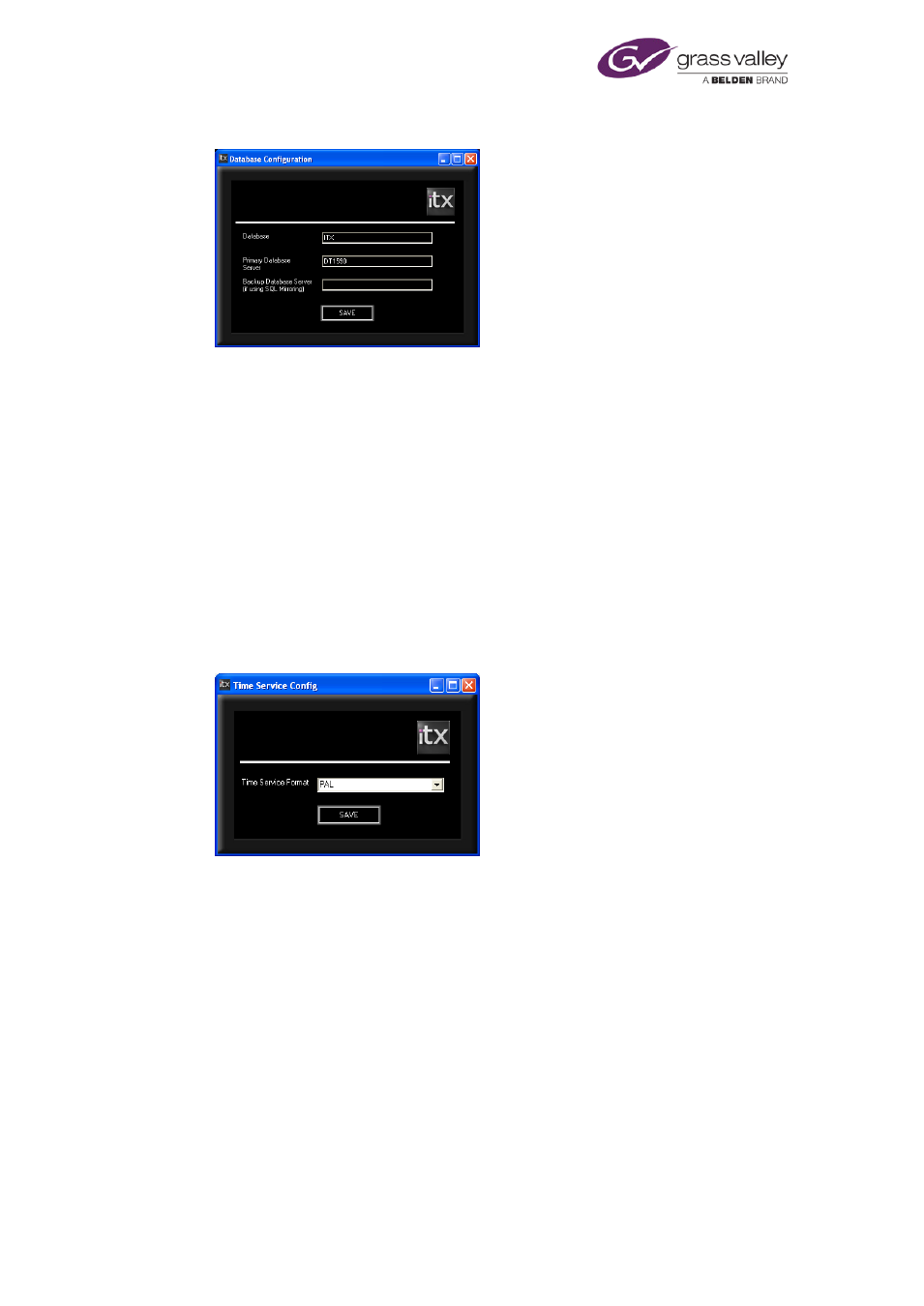
The Database Configuration dialog:
Through this dialog you provide the information the System Service needs to connect to
the System Database.
•
Check the correct name appears in the Database box.
•
Check the network name of the Database Server appears in the Primary Database
Server box.
•
If the system includes a backup SQL Server, check the correct name appears in the
Backup Database Server box.
•
Click Save. The Database Configuration dialog closes.
The installer creates a configuration file, containing the details you enter, in an application-
data folder under the logged-on username.
The Time Service Config dialog:
•
In the Time Service Format box, select the television standard that specifies the frame
rate iTX is use for its output.
•
Click Save. The Time Service Config dialog closes.
The installer creates a configuration file, containing the details you enter, in an application-
data folder under the logged-on username.
March 2015
System Administrator Guide
Page 51 of 404