Modifying the properties of channel plug-ins, Select a channel for configuration, Set channel plug-in properties – Grass Valley iTX System v.2.6 User Manual
Page 176
Configuring channel plug-ins
Modifying the properties of channel plug-ins
Select a channel for configuration
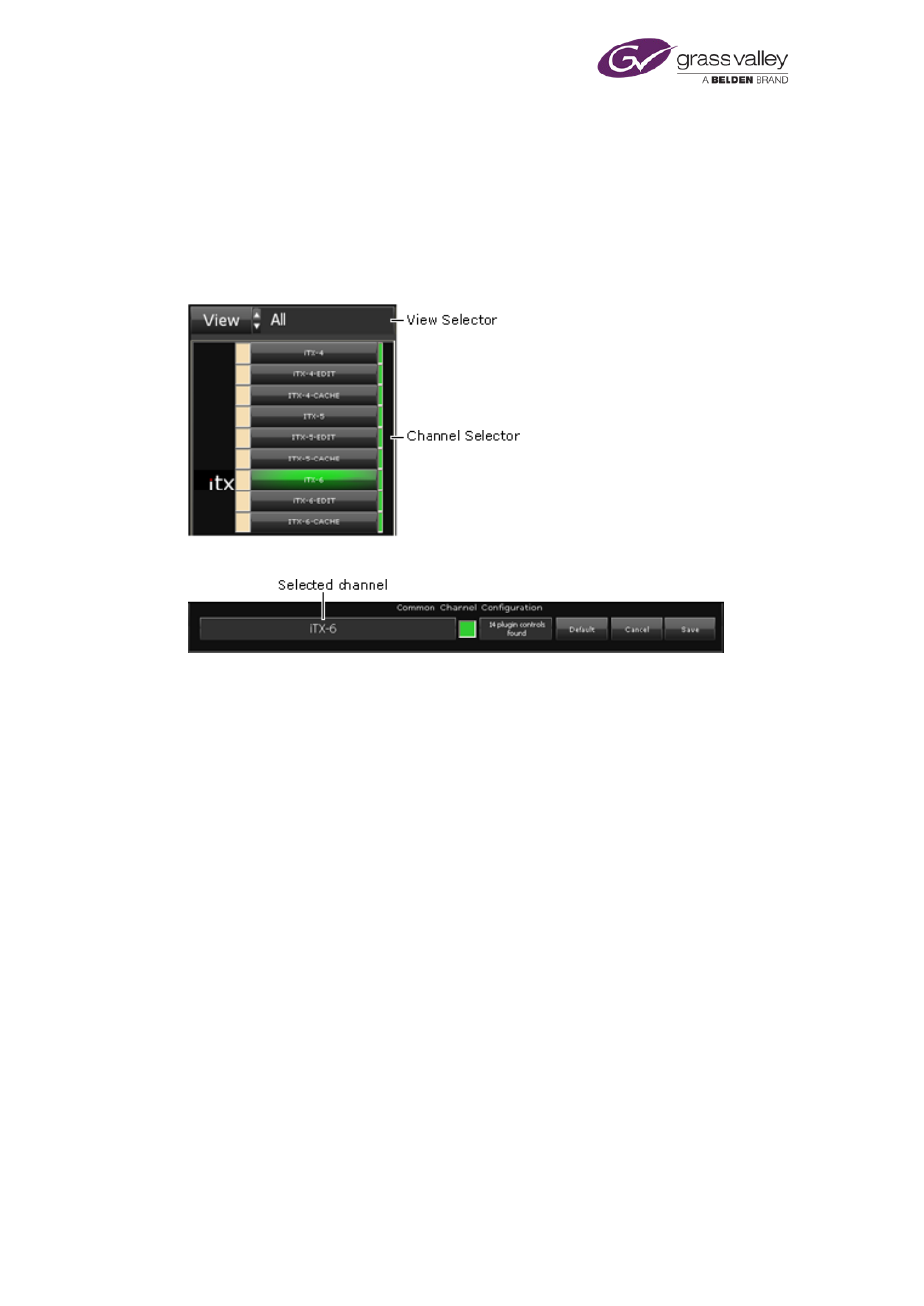
You need to select a channel before you can change its configuration.
To do so, you use the View Selector to select any view that includes the channel; you then
select the channel in the Channel Selector.
The text box in the Common Channel Configuration panel shows the channel name:
Set channel plug-in properties
1.
Select a channel.
2.
Use the features under the Plugins tab to set the new properties.
The Save button flashes green to indicate there are unsaved changes.
3.
Click Save.
iTX updates the channel properties. The Save button stops flashing.
Note:
•
You can cancel any unsaved change by clicking Cancel instead of Save.
•
You can restore the default settings by clicking Default.
March 2015
System Administrator Guide
Page 176 of 404