HEIDENHAIN TNC 426B (280 472) ISO programming User Manual
Page 330
HEIDENHAIN TNC 410, TNC 426, TNC 430
315
Test Run:
■
Display NC software number
■
Display PLC software number
■
Enter code number
■
Setting the Data Interface
■
Showing the Workpiece in the Working Space
■
Machine-Specific User Parameters
■
HELP files (if provided)
In all other modes:
■
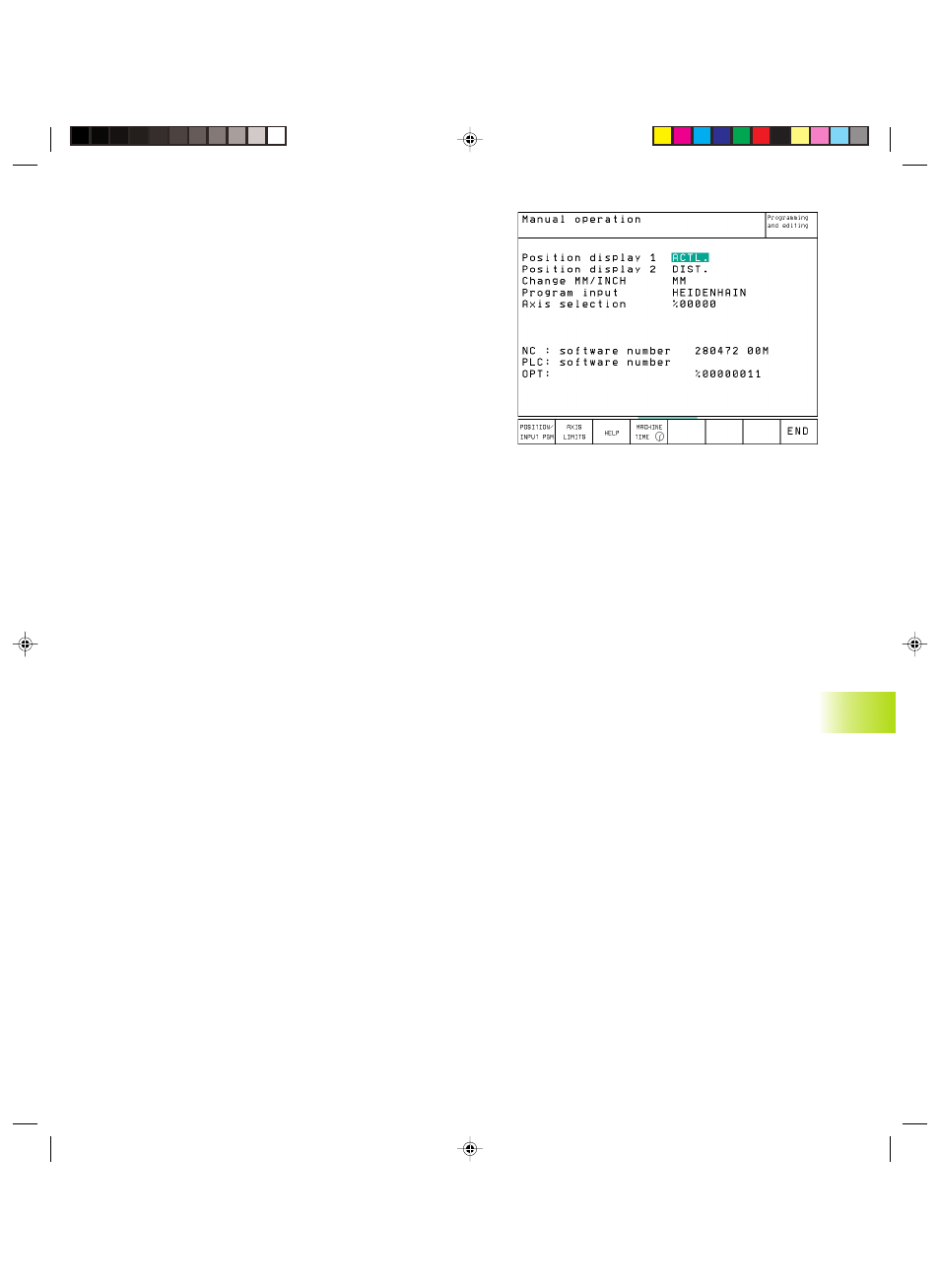
Display NC software number
■
Display PLC software number
■
Display code digits for installed options
■
Select position display
■
Unit of measurement (mm/inches)
■
Programming language for MDI
■
Select the axes for actual position capture
■
Axis traverse limits
■
Display datums
■
Display operating time
■
HELP files (if provided)
13.2 System Information
(not TNC 426, TNC 430)
You can use the soft key INFO SYSTEM to display the following
information:
■
Free program memory
■
NC software number
■
PLC software numbers are displayed on the TNC screen after the
functions have been selected. Directly below them are the code
numbers for the installed options (OPT:):
■
Options (if present), e.g. digitizing
13.2 S
yst
em Inf
or
mation (not
TNC 426,
TNC 430)
Pkap13.pm6
29.06.2006, 08:06
315