Solare Datensysteme Solar-Log User Manual
Page 125
125
Using the Solar-Log™ Android App
8�3�1 S0 meter
By selecting
S0 meter
, you have the option to adjust the settings for the view displayed.
1.
Tap on the settings symbol.
2. Tap on
S0 meter
.
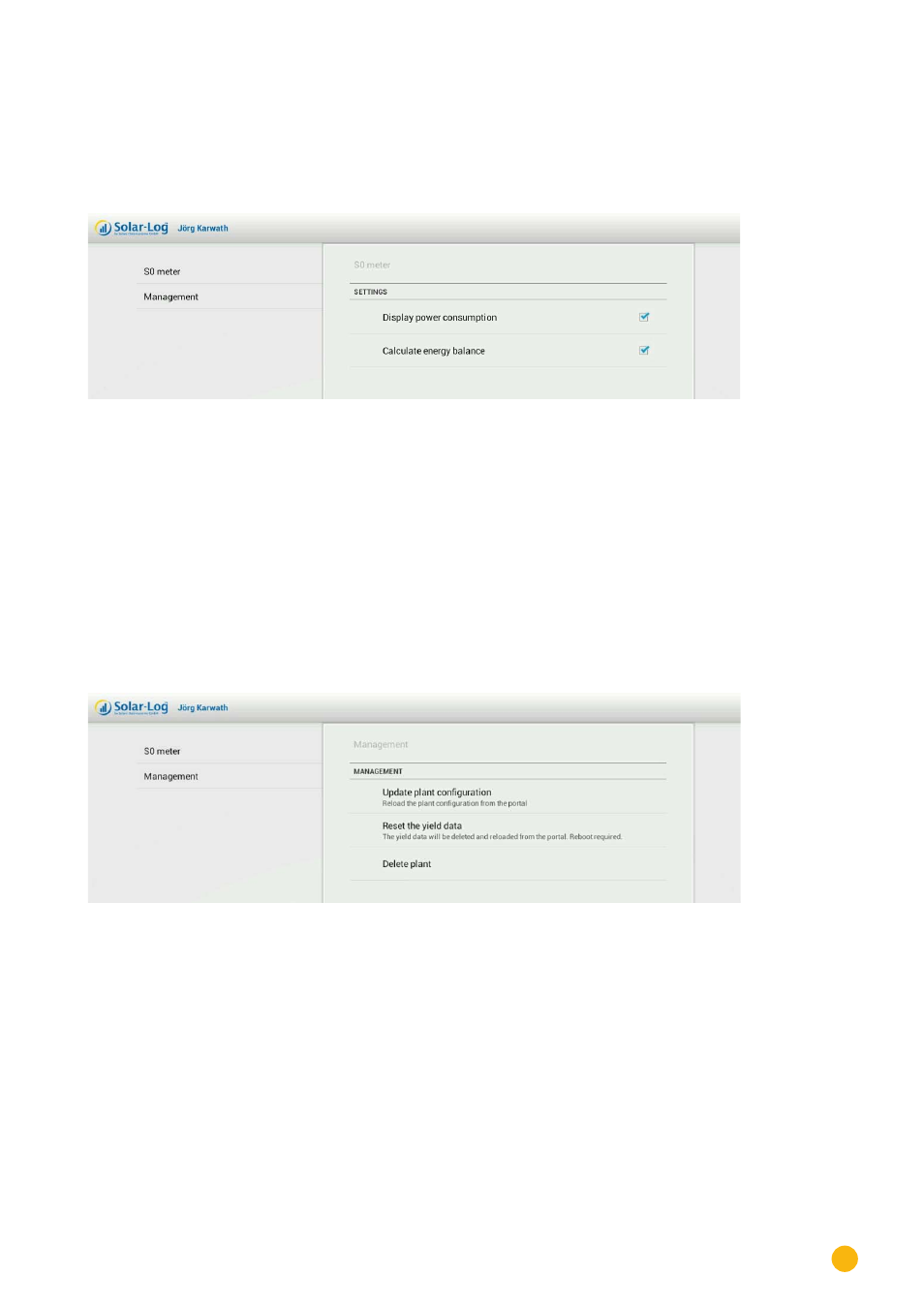
Fig.: S0 meter settings
3. The
S0 meter
's view settings have the following options:
•
Display power consumption
•
Calculate energy balance
8�3�2 Administration
Be selecting
Management
, you can update the plant configuration, reset yield data or also delete the
plant.
1.
Tap on the symbol to go to the settings.
2. Tap on
Management
.
Fig.: Management settings
3. In the Management section, the following options are available:
•
Update plant configuration.
Reload the plant configuration from the portal.
•
Reset the yield data.
The yield data will be deleted and reloaded from the portal. It is necessary to
restart the App.
•
Delete plant.
This plant can be completely deleted here.