Solare Datensysteme Solar-Log User Manual
Page 127
Advertising
127
Using the Solar-Log™ Android App
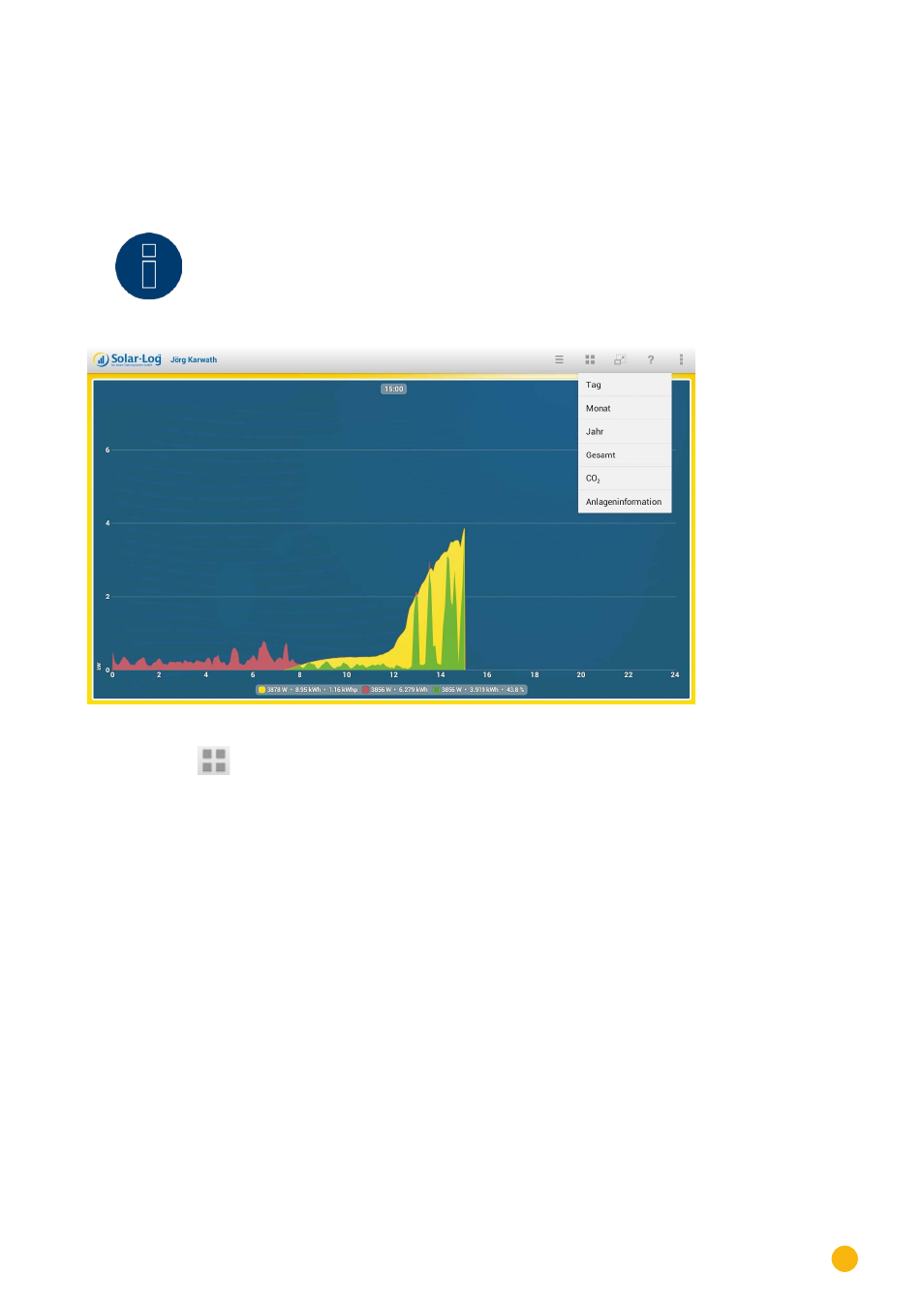
8�5 Accessing Yield values
After your plant has been correctly recognized, the yield values are displayed with the current daily values
in the overview.
Note
!
The data is only updated when your mobile device is connected to the Internet.
Fig.: Day curve with a menu selection
By selecting the
symbol, you can display various yield values.
•
Day
•
Month
•
Year
•
Total
•
CO2
Advertising