Solare Datensysteme Solar-Log User Manual
Page 149
Advertising
149
Using the Solar-Log™ App iPhone V3 for iPhones
9�7 Viewing Plant data
1.
Tap the screen.
•
The bottom menu bar is displayed.
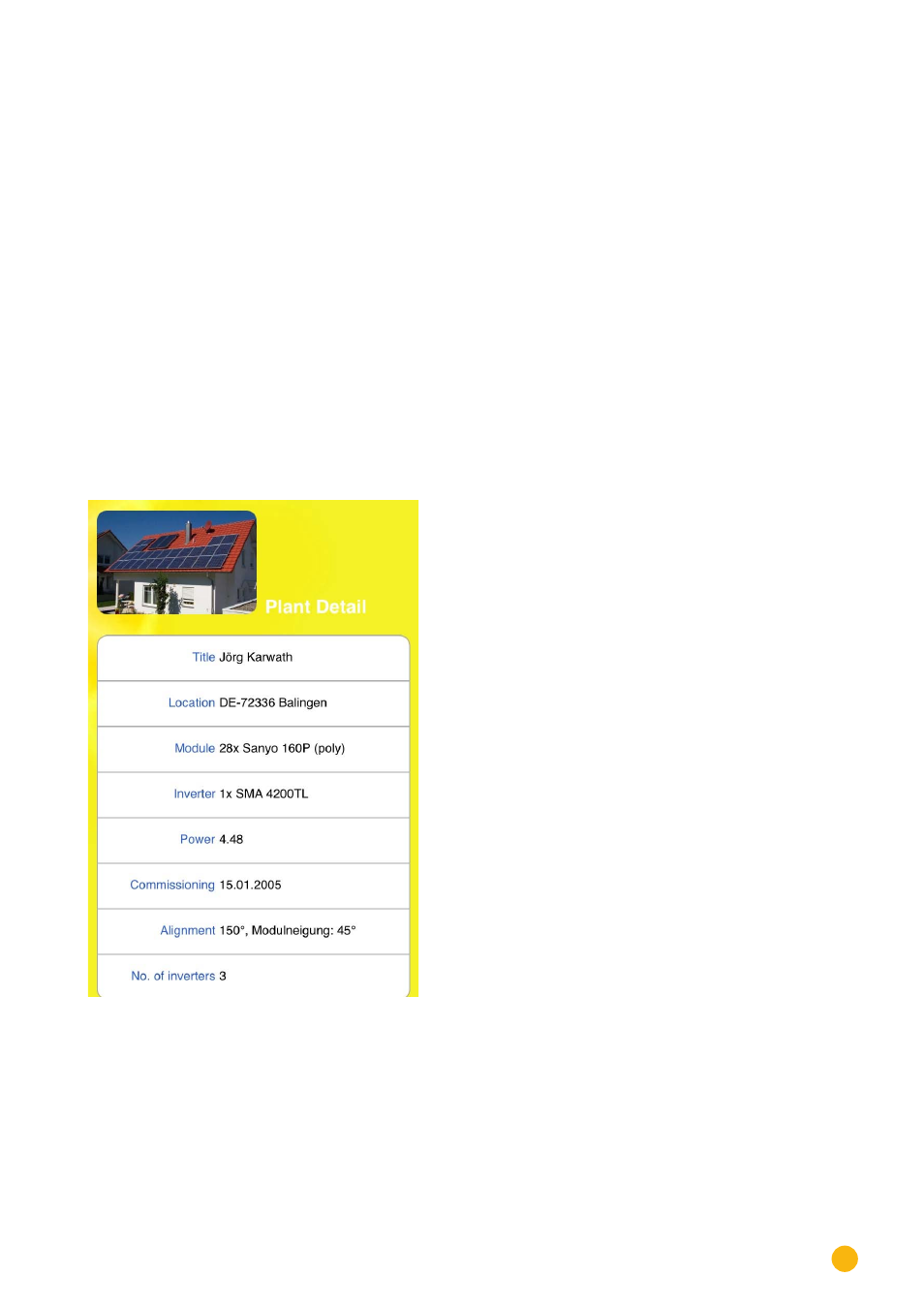
2. Select Plant to go to the page with the plant details.
The page displays the following plant data:
•
Plant Name
•
Plant Location
•
Module
•
Inverter Type
•
Plant Power Output
•
Installation Date
•
Orientation of the plant and pitch of the modules
•
Number of inverters
•
Consumption
•
Inverter Label
•
Connected Sensors
Fig.: Plant data
Advertising