Solare Datensysteme Solar-Log User Manual
Page 131
Advertising
131
Using the Solar-Log™ Android App
The savings shown is calculated using the quantity of carbon dioxide that would have been created in
order to generate the same amount of energy using fossil fuels.
8�7 App settings
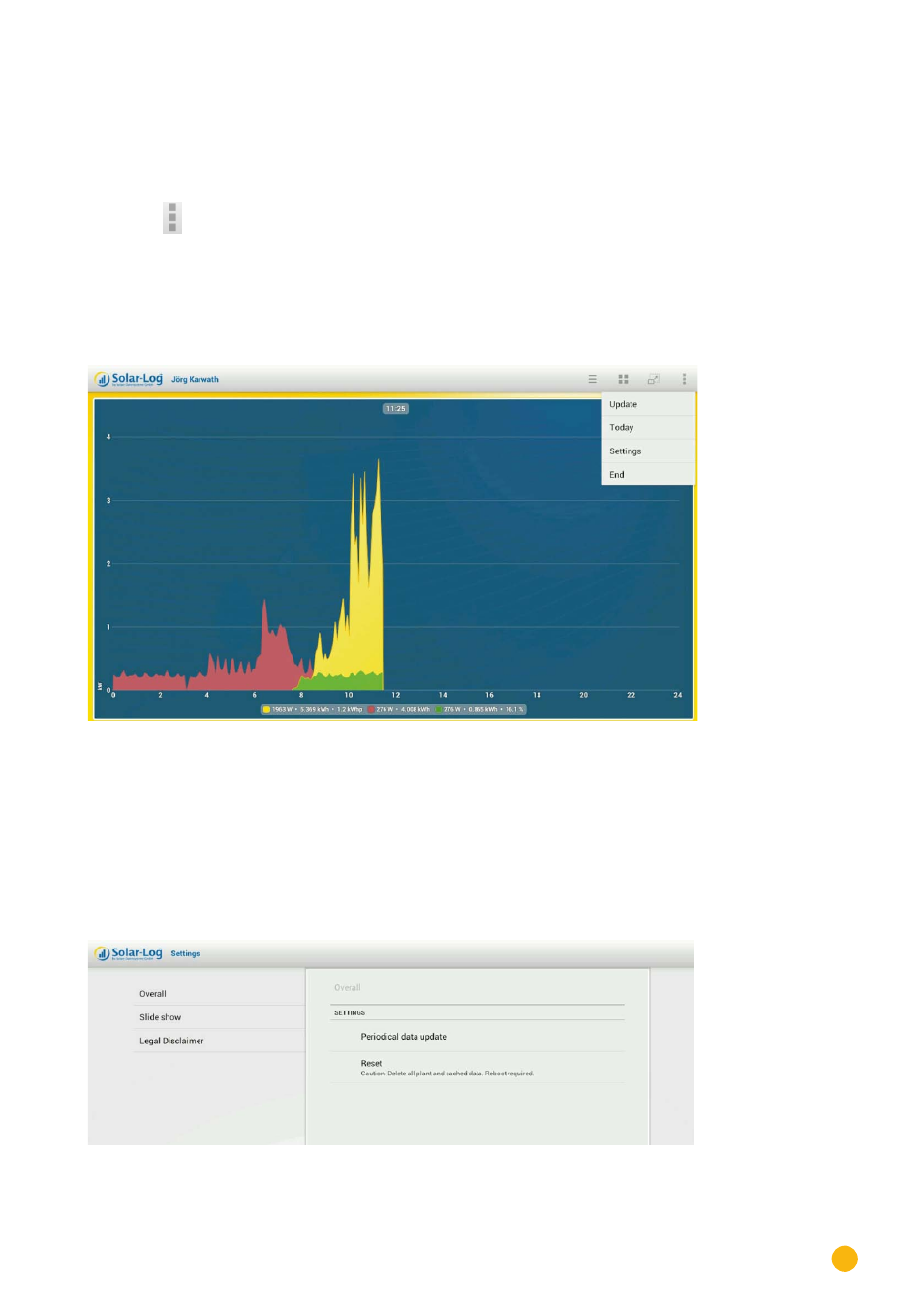
Tap on the
symbol in the toolbar at the top right corner of the screen.
The navigation screen then appears.
•
Update
•
Today
•
Settings
•
End
Fig.: Day curve and menu
•
Select
Update
to update the plant's data.
•
Select
Today
to leave the yield data and to switch to the current daily overview.
•
Select
End
to quit the application.
By selecting
Settings
from the menu, the following categories are available:
•
General
•
Slide show
•
Legal Disclaimer
Fig.: General settings.
Advertising