Solare Datensysteme Solar-Log User Manual
Page 45
45
Operating via a web browser within your own network
Charge Level of the Battery via the LCD Display
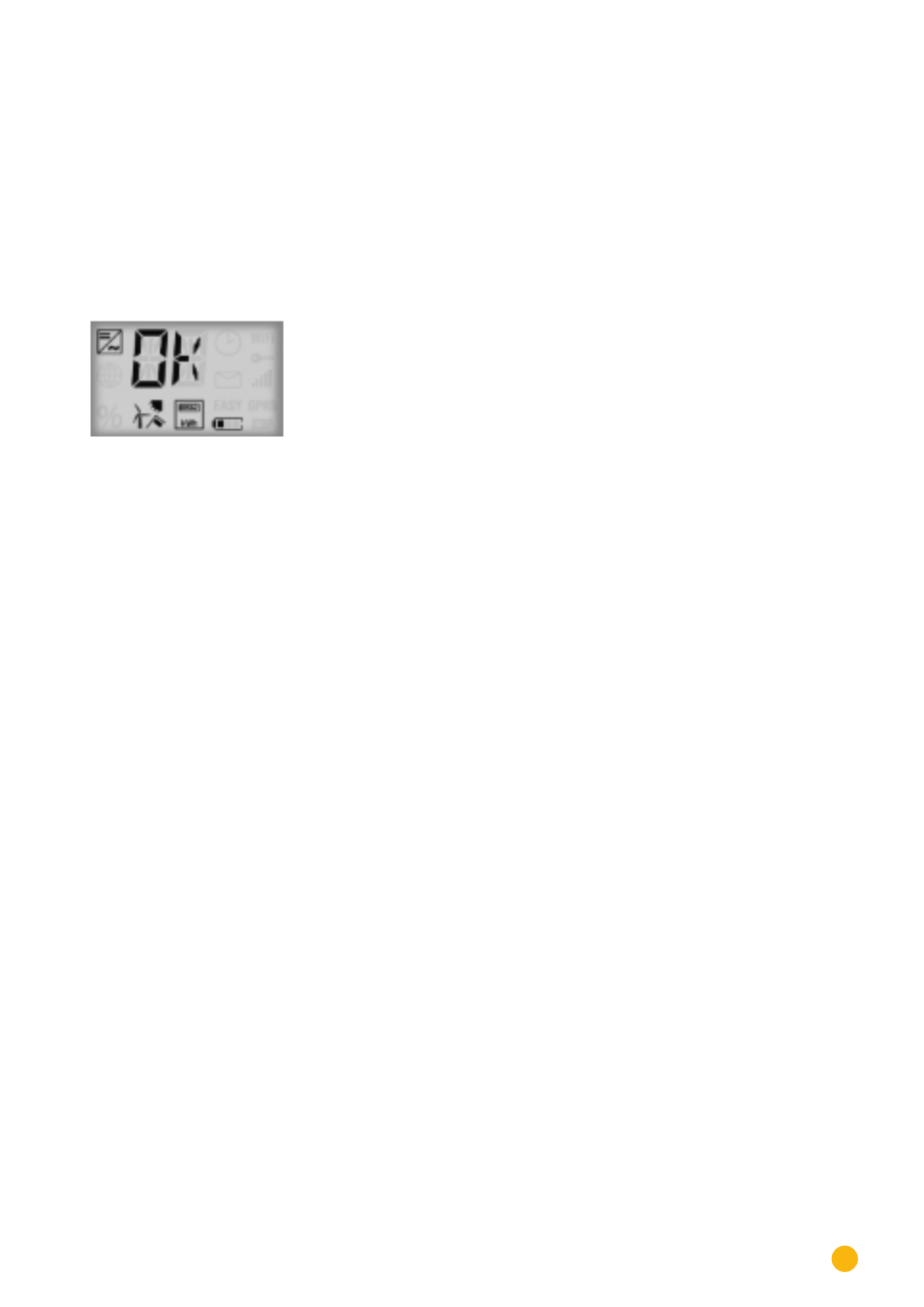
The charge level of the battery is displayed via the charge history in the Web interface and via the LCD
display. The following charge levels of the battery are indicated with the battery symbol elements. (see the
following illustration)
•
Charge level < 25%: Battery drained
•
Charge level < 50%: 1 Element
•
Charge level < 75% 2 Elements
•
Charge level >= 75: 3 Elements
•
The drained battery symbol blinks when the battery is offline.
Fig.: LCD Display with the battery symbol and one element
Also refer to the chapter "
"
Balances
The following sections are in the
Balances
tab:
•
Electricity savings from battery usage
•
Battery efficiency
Electricity savings from battery usage
The following columns are in this section:
•
Discharge
The battery's discharge during its entire run-time in kWh.
•
Electricity costs saved
The electricity savings from battery usage during its entire run-time in the defined currency.