PLANET WGSD-10020 User Manual
Page 102
Advertising
User’s Manual of WGSD-10020 Series
102
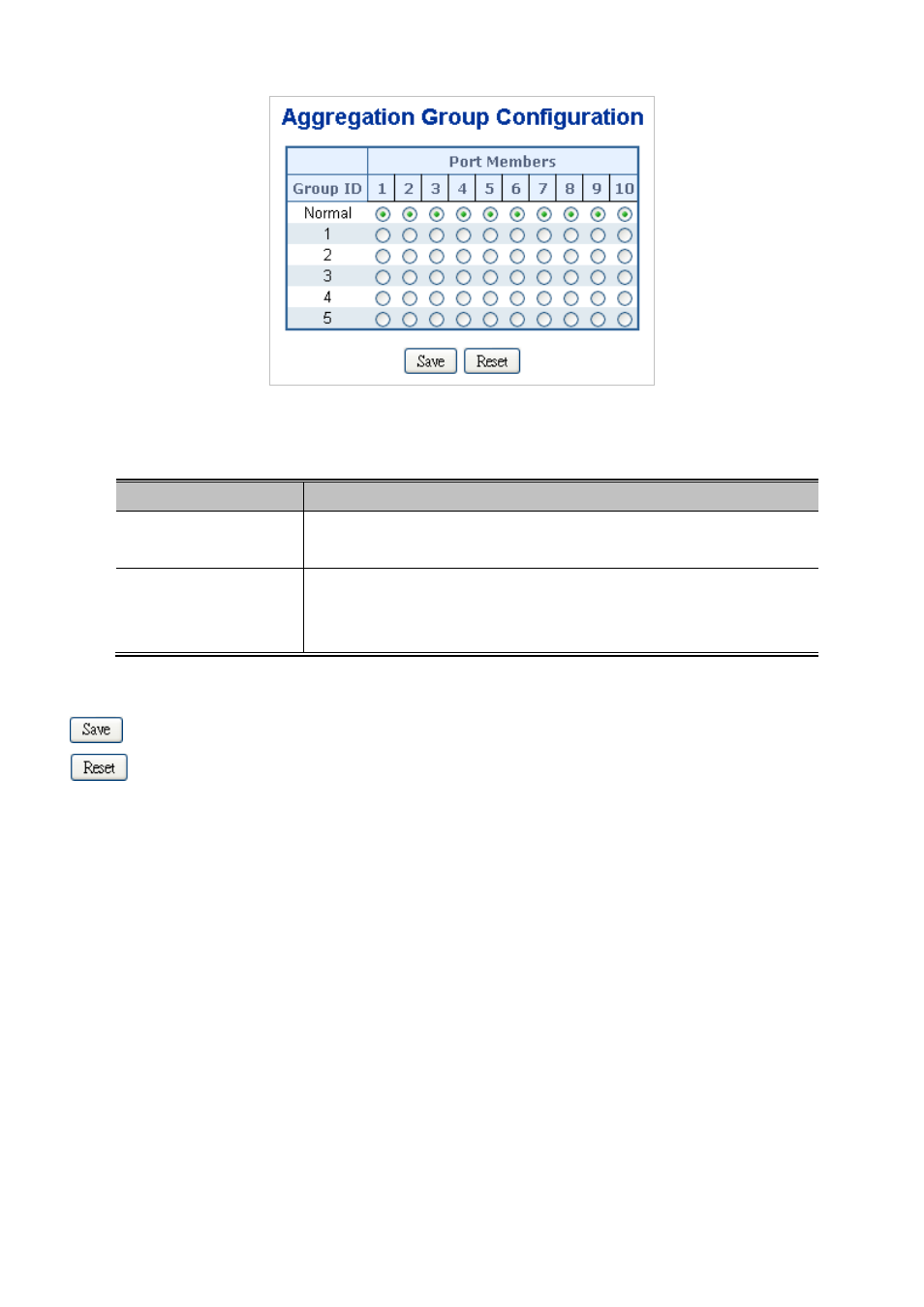
Figure 4-5-3 Aggregation Group Configuration page screenshot
The page includes the following fields:
.Object
Description
•
Group ID
Indicates the group ID for the settings contained in the same row. Group ID
"Normal" indicates there is no aggregation. Only one group ID is valid per port.
•
Port Members
Each switch port is listed for each group ID. Select a radio button to include a port
in an aggregation, or clear the radio button to remove the port from the
aggregation. By default, no ports belong to any aggregation group.
Buttons
: Click to save changes.
: Click to undo any changes made locally and revert to previously saved values.
Advertising
This manual is related to the following products: