Common camera operations – Canon PowerShot ELPH 360 HS Digital Camera (Silver) User Manual
Page 11
11
Before Use
Basic Guide
Advanced Guide
Camera Basics
Auto Mode /
Hybrid Auto Mode
Other Shooting Modes
P Mode
Playback Mode
Wi-Fi Functions
Setting Menu
Accessories
Appendix
Index
Common Camera Operations
Shoot
●
Use camera-determined settings (Auto Mode, Hybrid Auto Mode)
-
●
See several effects applied to each shot, using camera-determined
settings (Creative Shot Mode)
-
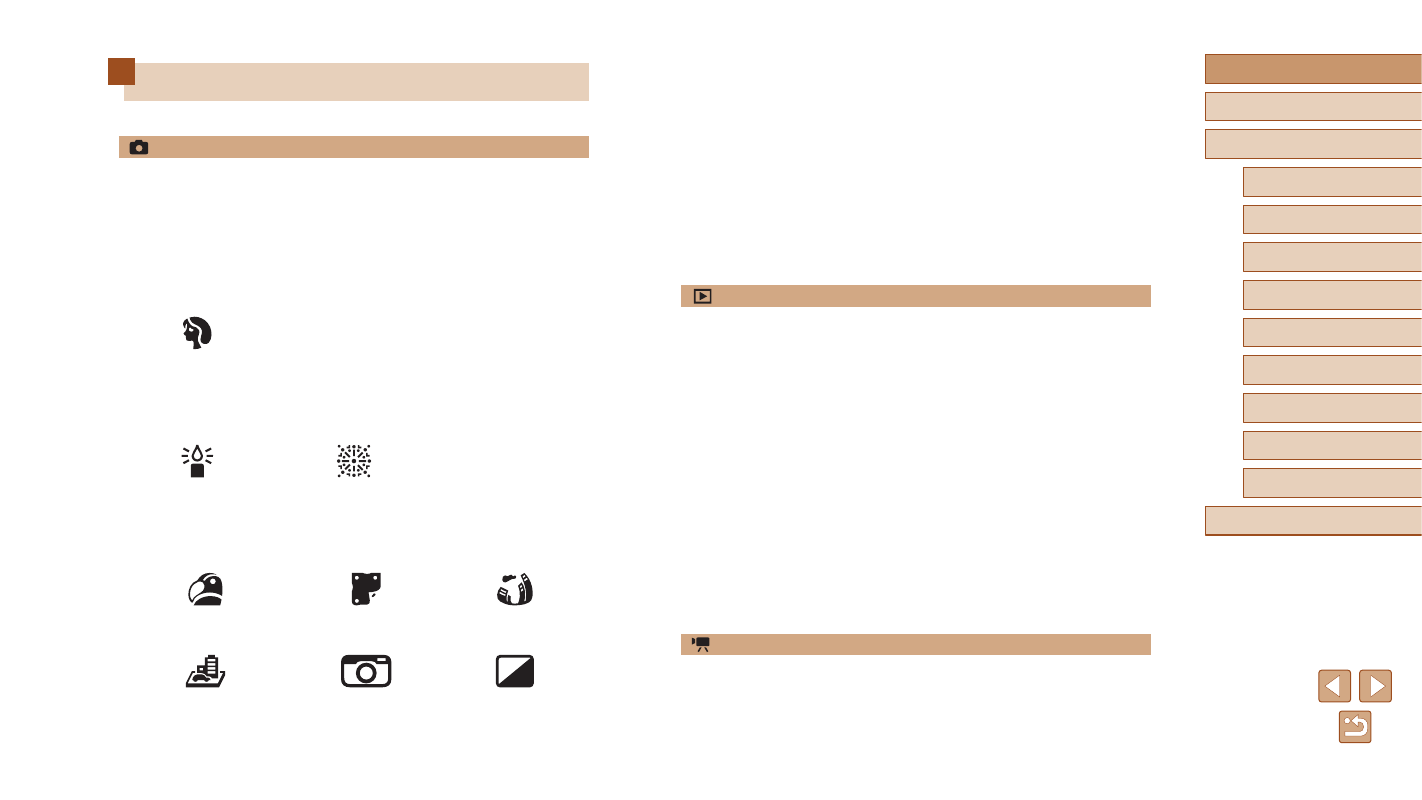
Shooting people well
Portraits
(
Matching specific scenes
Low Light
(
Fireworks
(
Applying special effects
Vivid Colors
(
Poster Effect
(
Fish-Eye Effect
Miniature Effect
(
Toy Camera Effect
(
Monochrome
●
Focus on faces
-
●
Without using the flash (Flash Off)
-
●
Include yourself in the shot (Self-Timer)
-
●
Add a date stamp
-
●
Movie clips and photos together (Movie Digest)
-
View
●
View images (Playback Mode)
-
●
Automatic playback (Slideshow)
-
●
On a TV
-
●
On a computer
-
●
Browse through images quickly
-
●
Erase images
-
●
Create an album automatically
-
Record/View Movies
●
Record movies
-
●
View movies (Playback Mode)
-