Continuous shooting, Image customization features, Changing the aspect ratio – Canon PowerShot ELPH 360 HS Digital Camera (Silver) User Manual
Page 38
38
Before Use
Basic Guide
Advanced Guide
Camera Basics
Auto Mode /
Hybrid Auto Mode
Other Shooting Modes
P Mode
Playback Mode
Wi-Fi Functions
Setting Menu
Accessories
Appendix
Index
Image Customization Features
Changing the Aspect Ratio
Still Images
Movies
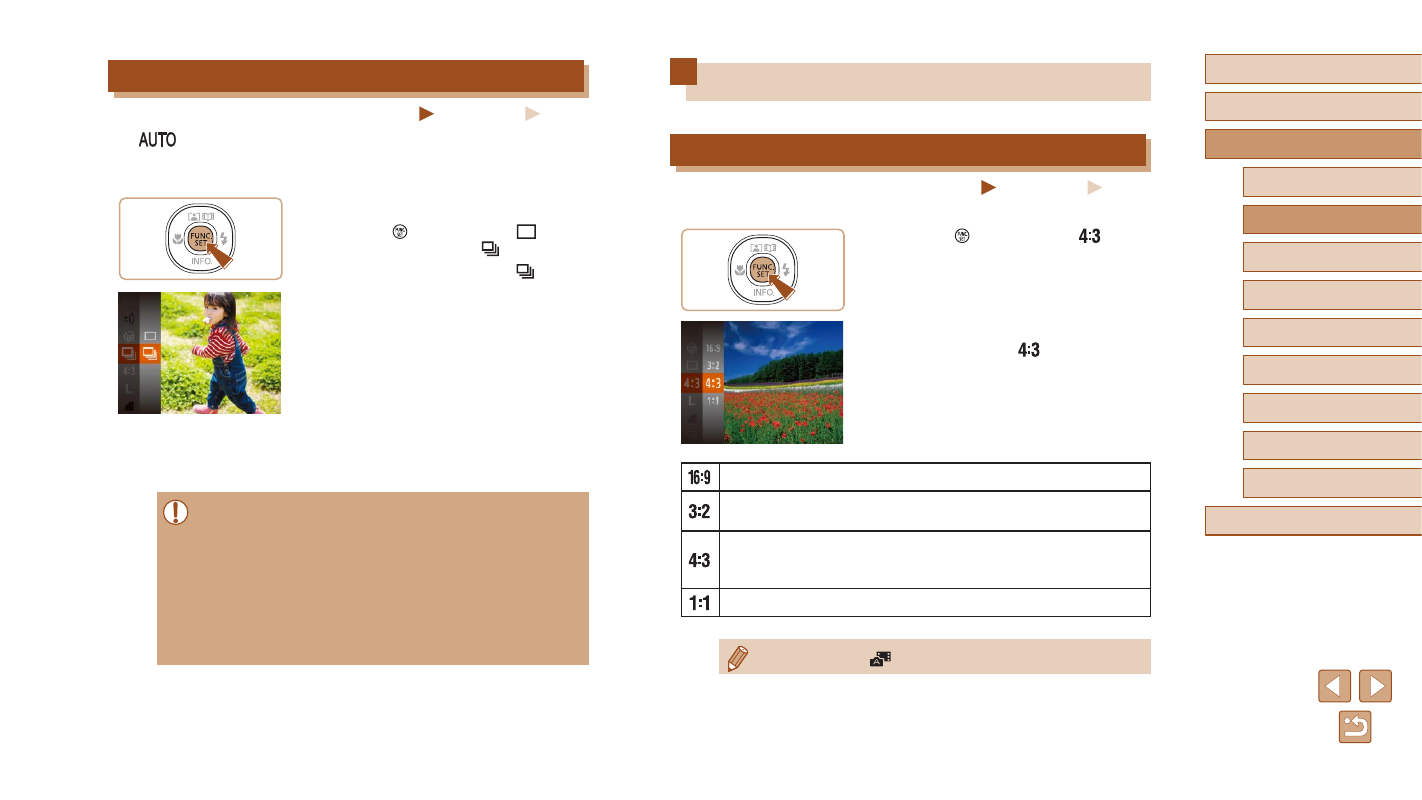
Change the image aspect ratio (ratio of width to height) as follows.
●
Press the [ ] button, choose [
] in the
menu, and choose the desired option
●
Once the setting is complete, the screen
aspect ratio will be updated.
●
To restore the original setting, repeat this
process but choose [
].
Used for display on widescreen HDTVs or similar display devices.
Same aspect ratio as 35mm film, used for printing images at
5 x 7-inch or postcard sizes.
Native aspect ratio of the camera screen. Used for display on
standard-definition televisions or similar display devices. Also
used for printing images at 3.5 x 5-inch or A-series sizes.
Square aspect ratio.
●
Not available in [
] mode.
Continuous Shooting
Still Images
Movies
In [
] mode, hold the shutter button all the way down to shoot
continuously.
For details on the continuous shooting speed, see “Camera” (
1
Configure the setting.
●
Press the [ ] button, choose [ ] in the
menu, and then choose [ ] (
●
Once the setting is complete, [ ] is
displayed.
2
Shoot.
●
Hold the shutter button all the way down
to shoot continuously.
●
During continuous shooting, the focus, exposure, and colors are
locked at the position/level determined when you pressed the
shutter button halfway.
●
Cannot be used with the self-timer (
●
Shooting may stop momentarily or continuous shooting may slow
down depending on shooting conditions, camera settings, and the
zoom position.
●
As more shots are taken, shooting may slow down.
●
Shooting may slow down if the flash fires.