Canon PowerShot ELPH 360 HS Digital Camera (Silver) User Manual
Page 51
51
Before Use
Basic Guide
Advanced Guide
Camera Basics
Auto Mode /
Hybrid Auto Mode
Other Shooting Modes
P Mode
Playback Mode
Wi-Fi Functions
Setting Menu
Accessories
Appendix
Index
2
Compose the shot and press the
shutter button halfway.
●
Make sure a green frame is displayed
around the face you focus on and white
frames around other faces.
3
Press the shutter button all the way
down.
●
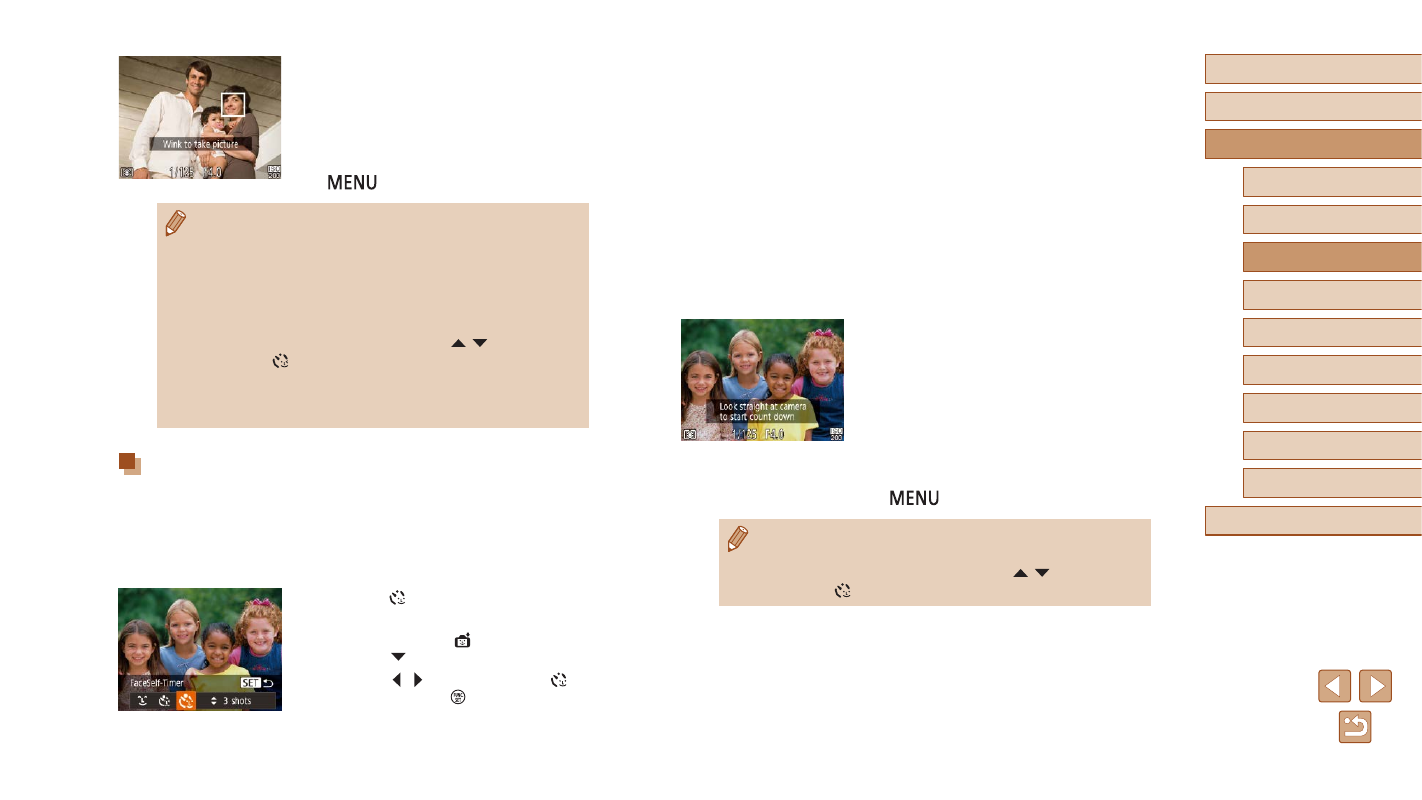
The camera now enters shooting standby
mode, and [Look straight at camera to
start count down] is displayed.
●
The lamp blinks and the self-timer sound
is played.
4
Join the subjects in the shooting
area and look at the camera.
●
After the camera detects a new face, the
lamp blinking and self-timer sound will
speed up. (When the flash fires, the lamp
will remain lit.) About two seconds later,
the camera will shoot.
●
To cancel shooting after you have
triggered the self-timer, press the
[
] button.
●
Even if your face is not detected after you join the others in the
shooting area, the camera will shoot about 15 seconds later.
●
To change the number of shots, press the [ ][ ] buttons after
choosing [ ] in step 1.
4
Face the camera and wink.
●
The camera will shoot about two seconds
after detecting a wink by the person
whose face is inside the frame.
●
To cancel shooting after you have
triggered the self-timer, press the
[
] button.
●
If the wink is not detected, wink again slowly and deliberately.
●
Winking may not be detected if eyes are obscured by hair, a hat,
or glasses.
●
Closing and opening both eyes at once will also be detected as
a wink.
●
If winking is not detected, the camera will shoot about 15 seconds
later.
●
To change the number of shots, press the [ ][ ] buttons after
choosing [ ] in step 1.
●
If no one is in the shooting area when the shutter button is
pressed all the way down, the camera will shoot after a person
enters the shooting area and winks.
Auto Shooting after Detecting New Person
(Face Self-Timer)
The camera will shoot about two seconds after detecting that the face of
another person (such as the photographer) has entered the shooting area
(
59). This is useful when including yourself in group photos or similar
shots.
1
Choose [ ].
●
Follow steps 1 – 2 in “Specific Scenes”
46) and choose [ ], and then
press the [ ] button.
●
Press the [ ][ ] buttons to choose [ ],
and then press the [ ] button.