Canon PowerShot ELPH 360 HS Digital Camera (Silver) User Manual
Page 29
29
Before Use
Basic Guide
Advanced Guide
Camera Basics
Auto Mode /
Hybrid Auto Mode
Other Shooting Modes
P Mode
Playback Mode
Wi-Fi Functions
Setting Menu
Accessories
Appendix
Index
2) Shoot.
●
Press the shutter button all the way
down.
●
As the camera shoots, a shutter sound
is played, and in low-light conditions, the
flash fires automatically.
●
Keep the camera still until the shutter
sound ends.
●
After displaying your shot, the camera will
revert to the shooting screen.
Recording Movies
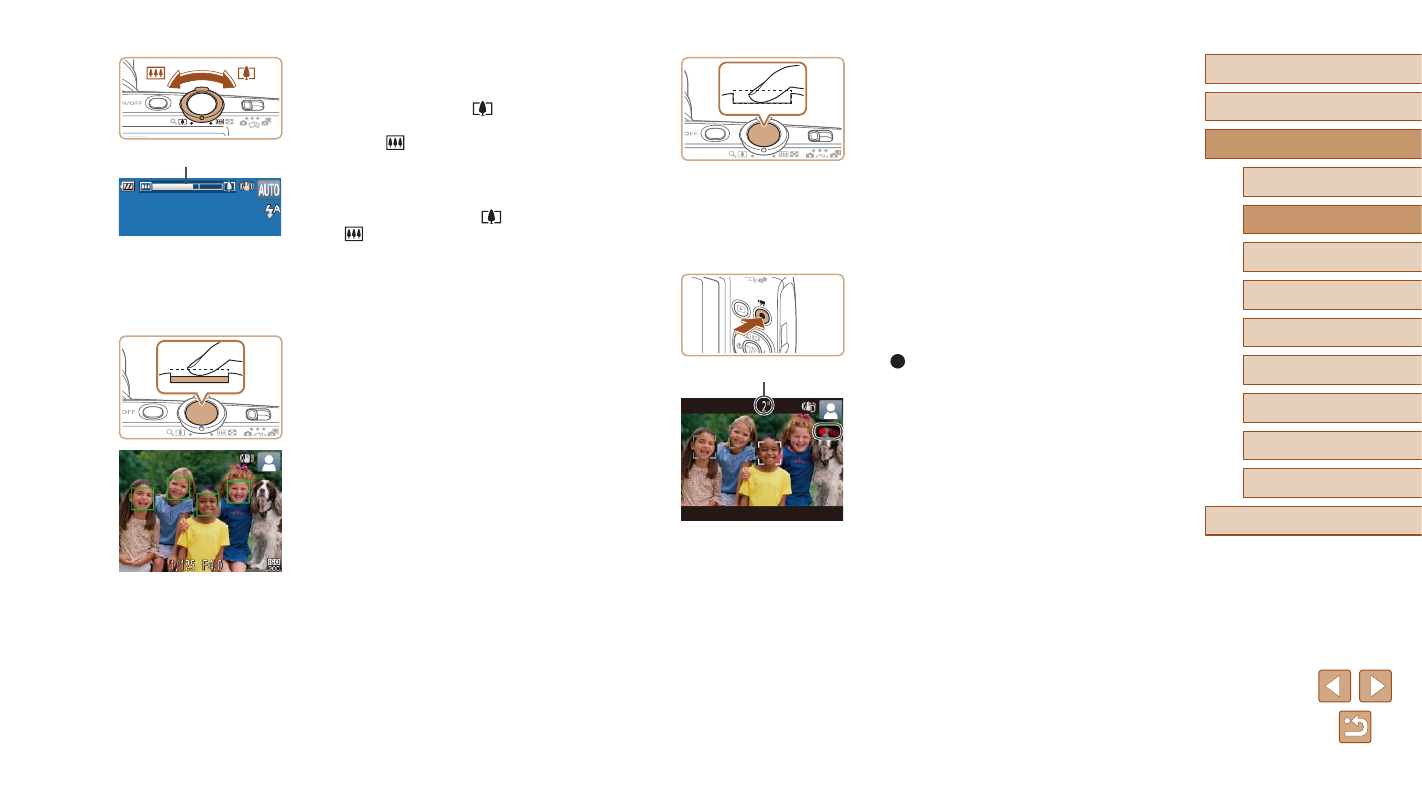
1) Start recording.
●
Press the movie button. The camera
beeps once as recording begins, and
[ Rec] is displayed with the elapsed
time (1).
●
Black bars are displayed on the top and
bottom edges of the screen, and the
subject is slightly enlarged. The black
bars indicate image areas not recorded.
●
Frames displayed around any detected
faces indicate that they are in focus.
●
Once recording begins, take your finger
off the movie button.
(1)
3
Compose the shot.
●
To zoom in and enlarge the subject, move
the zoom lever toward [
] (telephoto),
and to zoom away from the subject, move
it toward [ ] (wide angle). (A zoom
bar (1) showing the zoom position is
displayed.)
●
To zoom in or out quickly, move the zoom
lever all the way toward [
] (telephoto)
or [ ] (wide angle), and to zoom in
or out slowly, move it just a little in the
desired direction.
4
Shoot.
Shooting Still Images
1) Focus.
●
Press the shutter button halfway. The
camera beeps twice after focusing, and
frames are displayed to indicate image
areas in focus.
●
Several AF frames are displayed when
multiple areas are in focus.
(1)