Ldap search target, 116 ■ ldap search target – Fujitsu Ricoh Fujitsu N7100E Network Image Scanner User Manual
Page 116
4.10 Setting the Authentication Server
116
■
LDAP Search Target
The search range and method for LDAP server searches are different according to the
LDAP server connection or the search base (DN) settings (
The LDAP search targets in each setting are as follows:
For connecting with LDAP server (when [Active Directory] or [Other LDAP Server]
is selected in
The following shows an example (where the domain name is
example.com
) for
[Search Base (DN)]. The italic text represents variable character strings.
Hereinafter, Active Directory is used as an example to describe search targets.
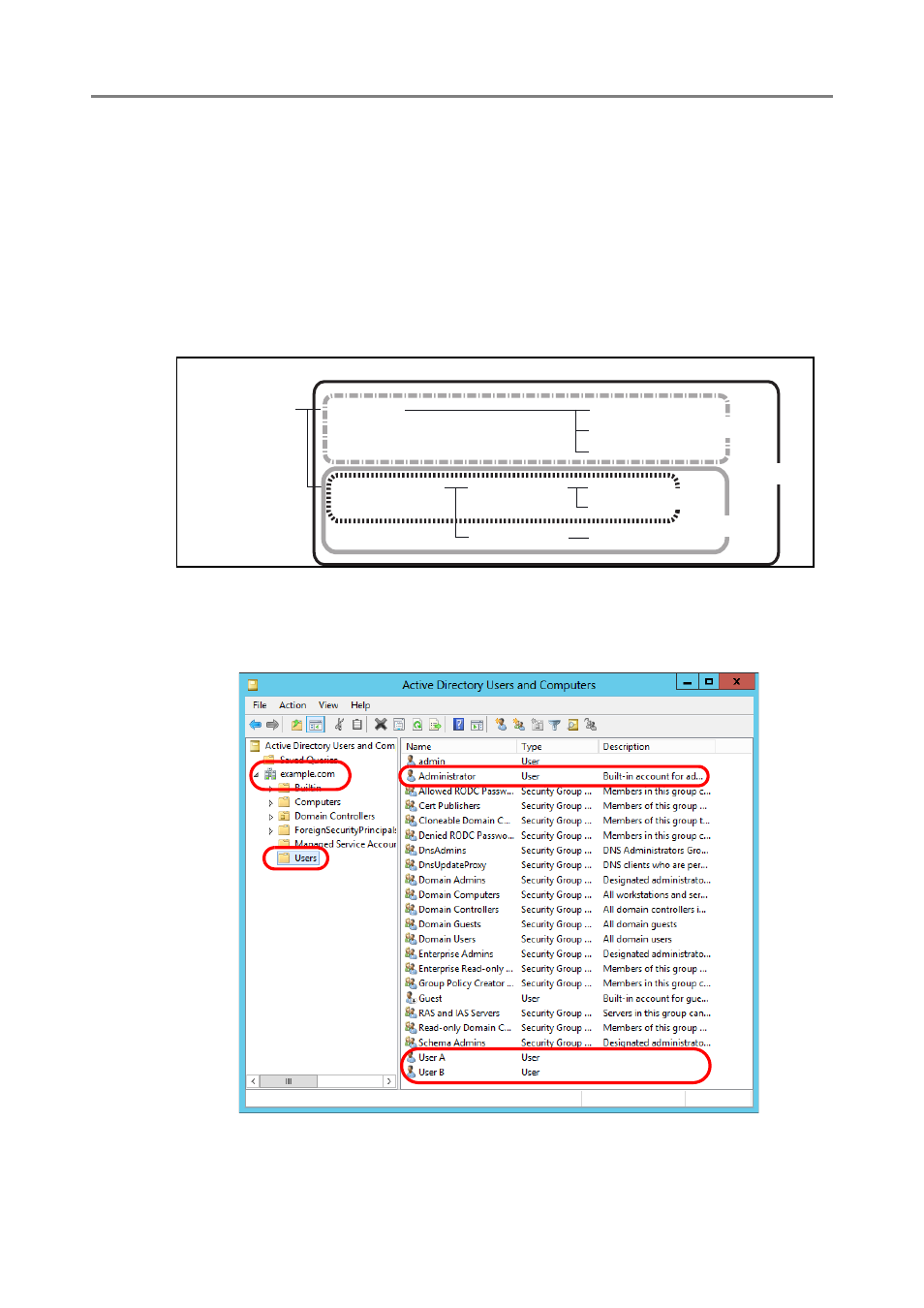
Example 1: When searching for (administrator, user A, user B)
CN=
Users
, DC=
example
, DC=
com
Active Directory configuration is as follows:
example.com
CN=Users
OU=department
OU=section A
OU=section B
Administrator
User A
User B
User C
User D
User E
LDAP Tree: Example
Example 3
Example 2
Example 1
Example 4