When automatic login is set – Fujitsu Ricoh Fujitsu N7100E Network Image Scanner User Manual
Page 71
Advertising
4.2 Administrator Login
71
■
When Automatic Login is Set
When automatic login has been set, login to the administrator windows from the regular
user window.
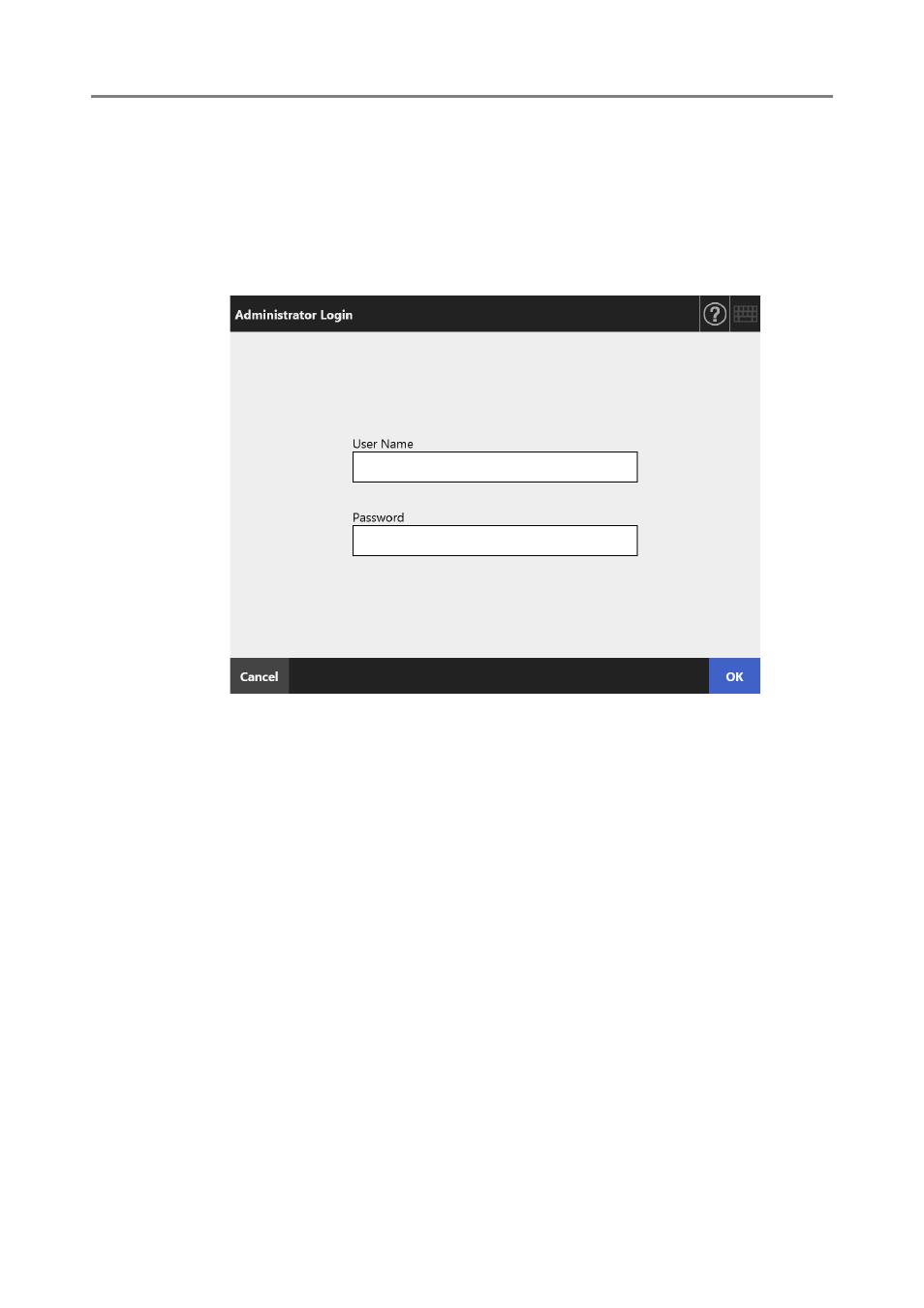
1. From the [Maintenance] window, press the [Administrator Login] button.
The [Administrator Login] window appears.
2. Enter the user name and password of the administrator.
3. Press the [OK] button.
When authenticated, the administrator window is shown.
Advertising