Image correction, 273 ■ image correction – Fujitsu Ricoh Fujitsu N7100E Network Image Scanner User Manual
Page 273
Advertising
5.8 Setting the Scan Options
273
■
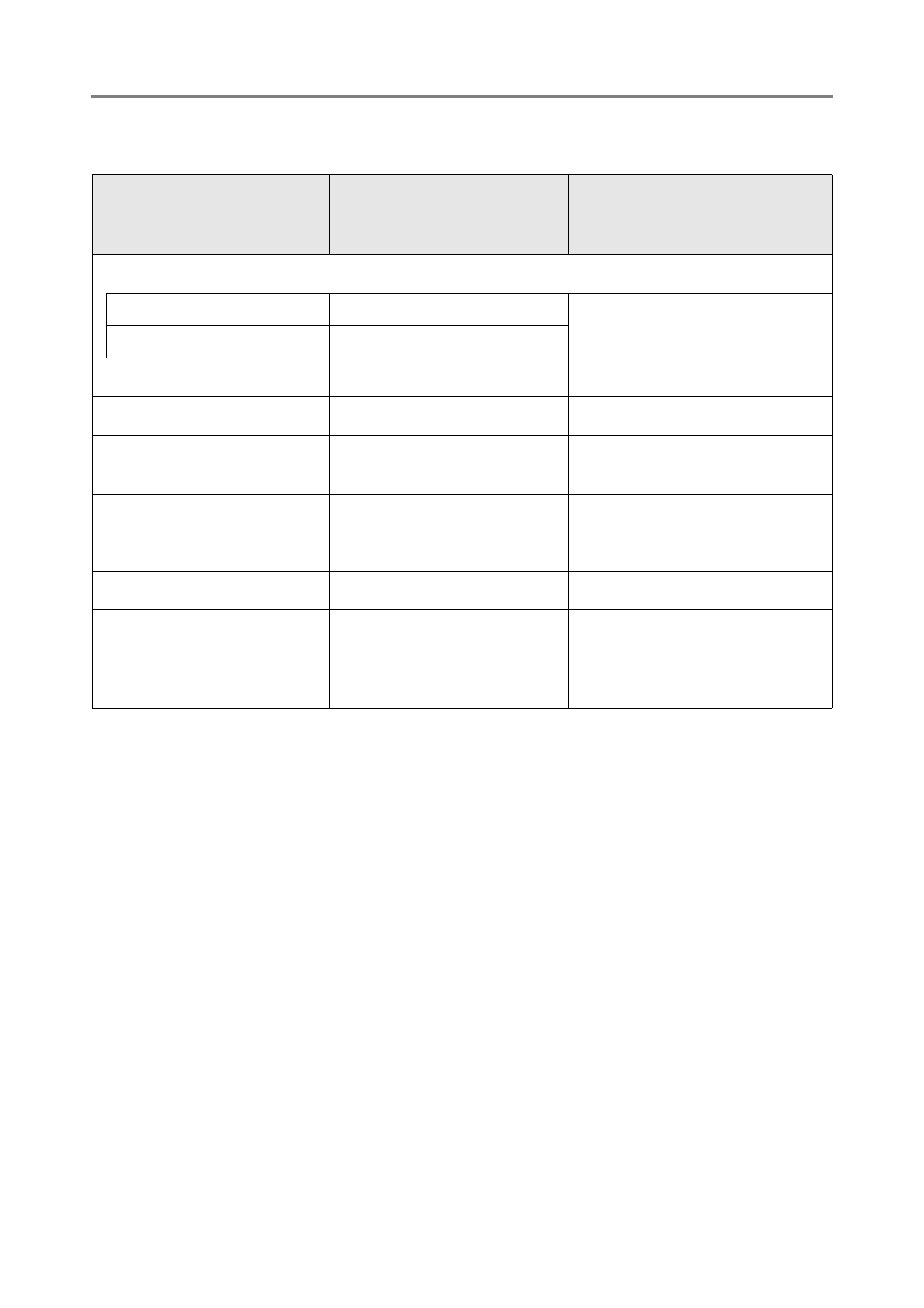
Image Correction
Item
Settings which become
invalid when an item in the
Item column is set
Conditions which make an
item in the Item column invalid
Thresholding
Sensitivity
—
Image Mode, [Grayscale]
Image Mode, [Color]
Thresholding (background) —
Control Image Tone
—
Image Mode, [Black & White]
Cleanup
—
Image Mode, [Black & White]
Cleanup
(Black & White)
—
Image Mode, [Grayscale]
Image Mode, [Color]
Vertical Streaks
Reduction
—
Paper Size, other than
[Automatic], and Carrier
Sheet, [Off]
Dropout Color
—
Image Mode, [Color]
sRGB Output
(when setting a job
sequence (configuring the
scan settings))
Assisted Scan
Image Mode, [Black & White]
Image Mode, [Grayscale]
Advertising