4 front panel operation, Front panel, Chapter 4. front panel operation – Comtech EF Data SDM-300L3 User Manual
Page 69
Advertising
4–1
Chapter 4. FRONT PANEL
OPERATION
4.1 Front
Panel
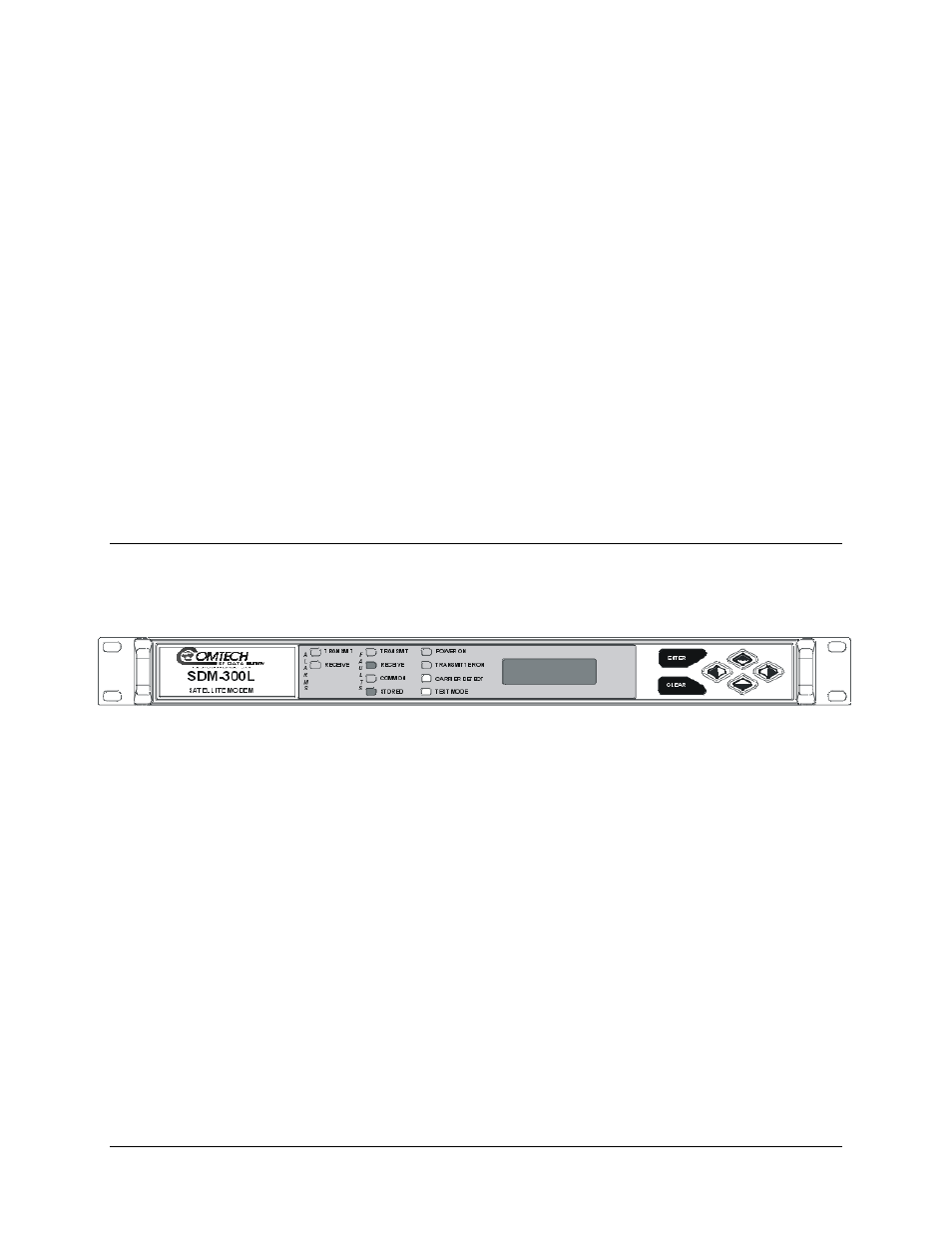
The modem front panel (Figure 4-1) enables control of modem configuration parameters
and displays the modem status.
Figure 4-1. Front Panel View
The front panel features include:
•
32-character, 2-line LCD display
•
6-button keypad for local control
•
10 LEDs to provide overall status at a glance
All functions are accessible at the front panel by entering one of six pre-defined Function
Select categories or levels:
•
Configuration
•
Monitor
•
Faults/Alarms
•
Stored
Faults/Alarms
•
Remote AUPC (ASYNC mode only)
•
Utility
Advertising