Remotec ZRC-100 V1.53 User Manual
Page 21
Advertising
21
2
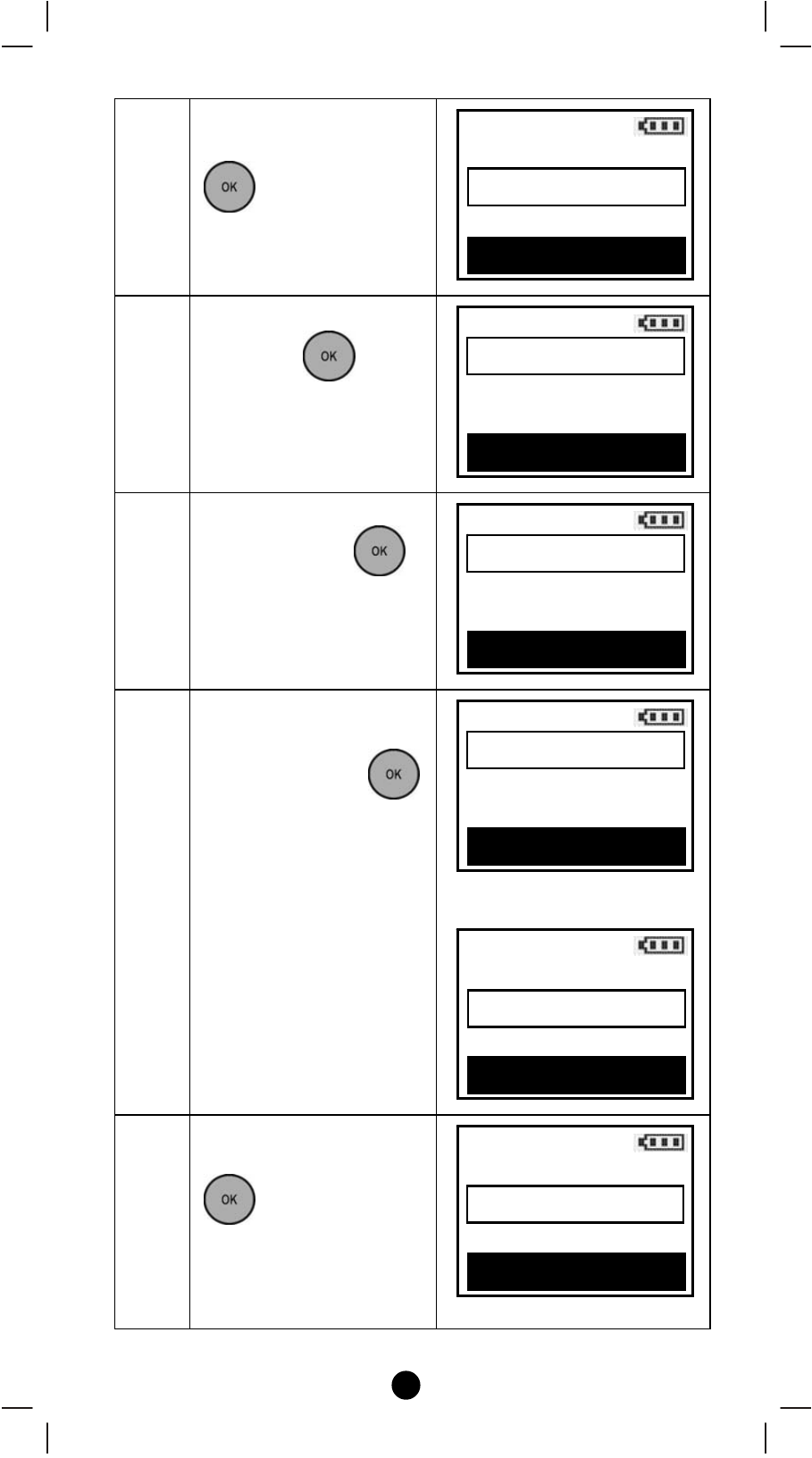
Select “Device
Configure"and press
key.
3
Select your“Device"
and press
key.
4
Select your action (e.g.
Move) and press
key.
5
Move your selected
device to your target
position and press
to save the setting.
⇓
6
Select your action (e.g.
Rename) and press
key.
Setup
Remove fr. Scene
>
Device Config. >
Scene Config. >
OK to Enter
Device Configure
Dimmer 002
>
Dimmer 004
>
OK to Enter
Edit
Move
Rename
Delete
OK to Execute
Move
Dimmer 002
>
Dimmer 004
>
OK to Save
Move
Dimmer 004
>
Dimmer 002
>
OK to Save
Edit
Move
Rename
Delete
OK to Execute
Advertising
This manual is related to the following products: