Remotec ZRC-100 V1.53 User Manual
Page 37
Advertising
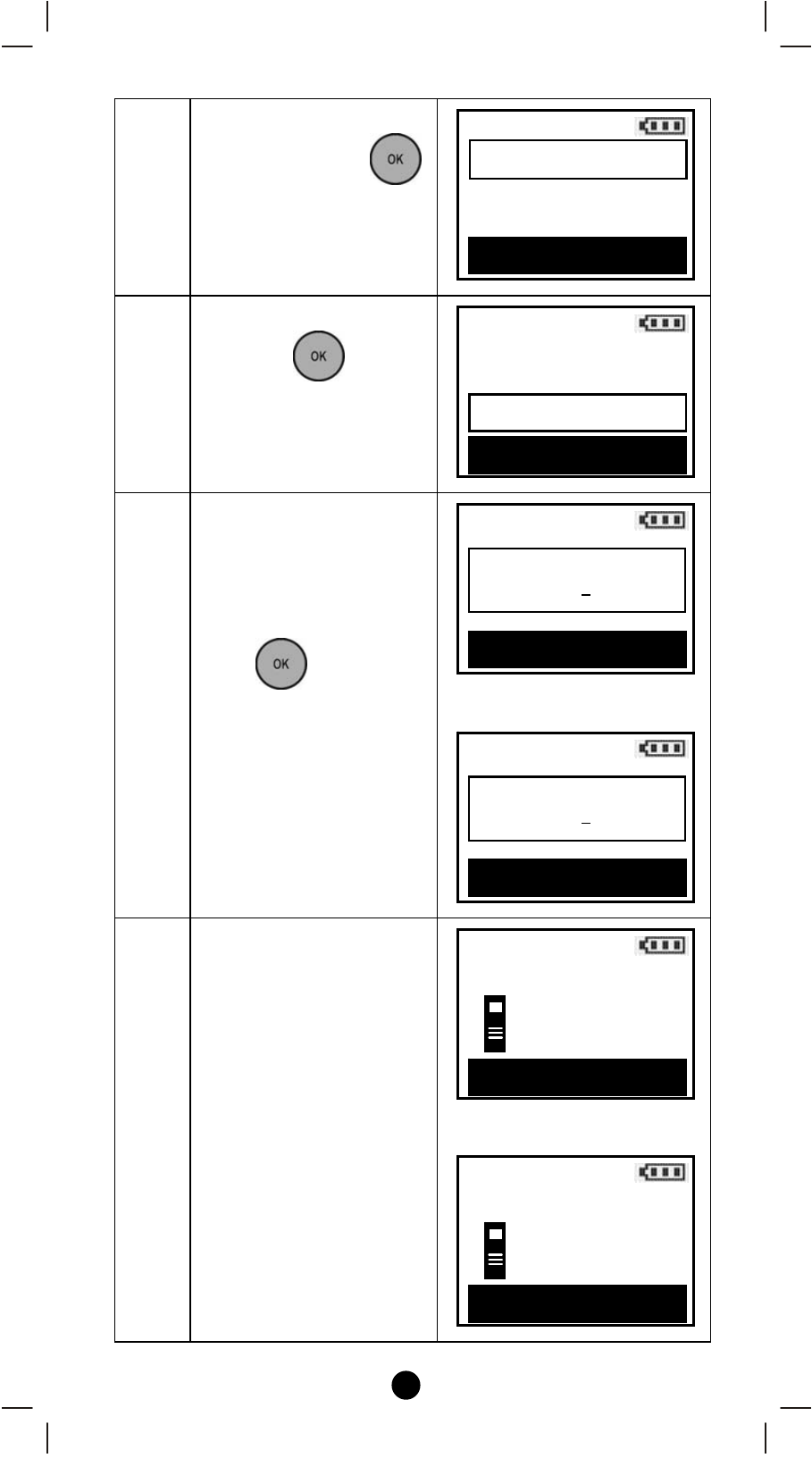
37
3
Select “Config.
Assoc."and press
key.
4
Select “Delete Assoc."
and press
key.
5
Select an “Assoc. ID"
(e.g. 001) by using
cdkeys to change your
number and ef keys to
select number position.
Press
key to save
the settings.
⇓
6
Press the program/EP
button on the primary
device (e.g. door sensor)
⇓
Config. Assoc.
Add Assoc.
>
Remove Assoc.
>
Delete Assoc.
>
OK to Enter
Delete Assoc.
Assoc. ID (1-255)
000
OK to Save
Delete Assoc.
Assoc. ID (1-255)
001
OK to Save
Delete Assoc.
Press PROG on Pri.
>>>>
Press PROG on Pri.
>>>>
OK
Delete Assoc.
e.g. door sensor
e.g. door sensor
Advanced Setup
Config. Assoc.
>
Reset to Default
>
OK to Enter
Configuration >
Advertising
This manual is related to the following products: