Opening siteconfig, Siteconfig main window, Opening siteconfig siteconfig main window – Grass Valley K2 System Guide v.9.0 User Manual
Page 58
to keep a record of changes, which makes the system easier to maintain and aids in troubleshooting
should a problem arise.
SiteConfig displays information from a system description file, which is an XML file.
Opening SiteConfig
1. Do one of the following: Use the SiteConfig shortcut on the Windows desktop or in the Start
menu to open SiteConfig.
•
On the Windows desktop, click the
Grass Valley SiteConfig
shortcut.
•
On the Windows
Start
menu, in the
Grass Valley
folder, click the
SiteConfig
shortcut.
2. SiteConfig opens as follows:
•
If you have previously opened SiteConfig, the SiteConfig main window opens with the most
recently used system description loaded.
•
If you have not previously used SiteConfig or if SiteConfig does not have access to a system
description file, you are prompted to create a new system description or to import an existing
system description.
3. Respond as appropriate.
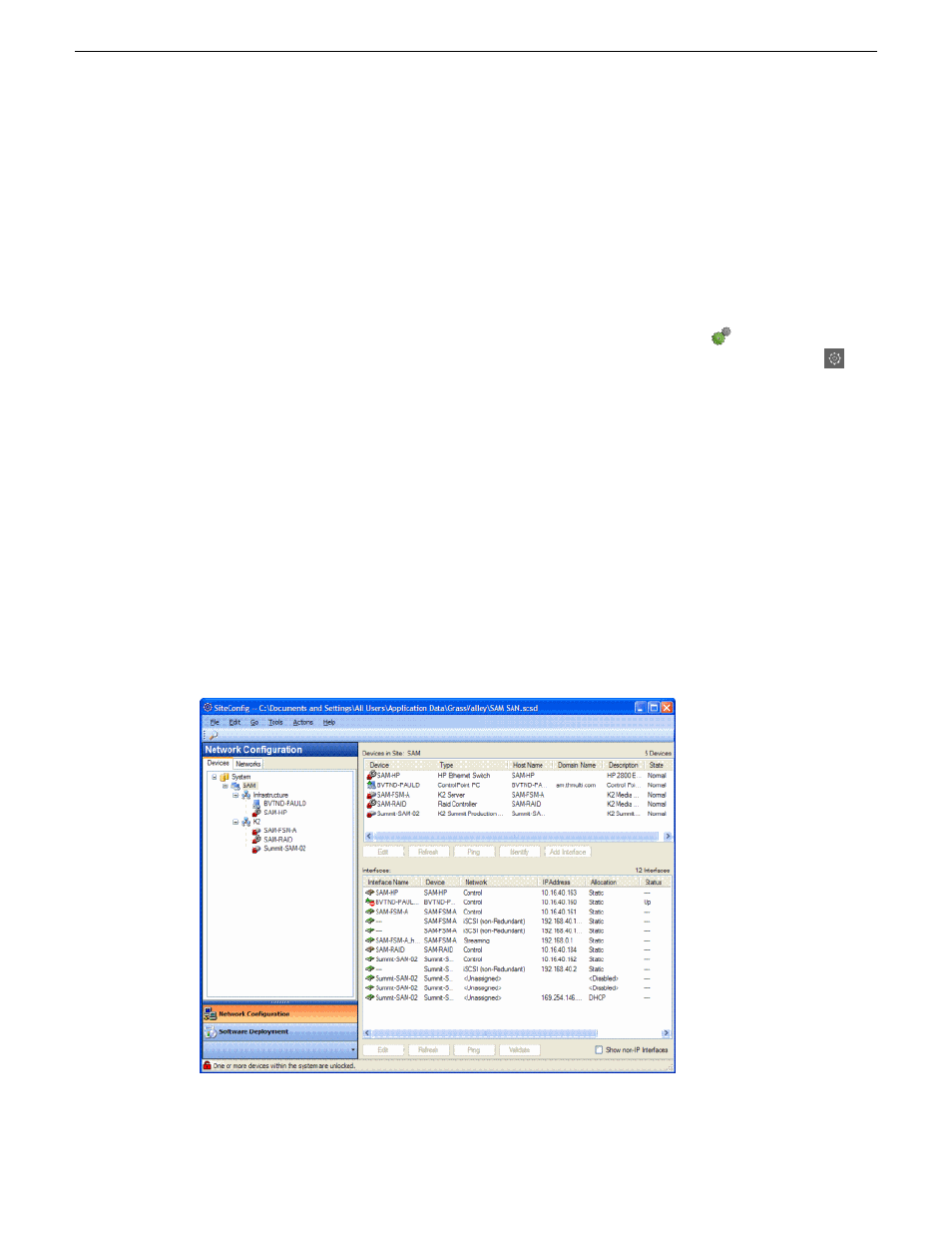
SiteConfig main window
The SiteConfig main window is as follows:
58
K2 System Guide
06 November 2012
Overview of K2 System Tools