Erasing codes – Sealey EU908 User Manual
Page 38
•
If the manufacturer of your vehicle is not listed, use the
UP/DOWN scroll button to select Other and press the OK
button.
6.2. Erasing Codes
CAUTION: Erasing the Diagnostic Trouble Codes may allow the
scan tool to delete not only the codes from the vehicle’s on-board
computer, but also “Freeze Frame” data and manufacturer specific
enhanced data. Further, the I/M Readiness Monitor Status for all
vehicle monitors is reset to Not Ready or Not Complete status. Do
not erase the codes before the system has been checked completely
by a technician.
NOTE: Erasing codes does not mean that trouble codes in
ECU have been eliminated completely. As long as there is
fault with the vehicle, the trouble codes keeps on presenting.
This function is performed with key on engine off (KOEO). Do
not start the engine.
1) Use the UP/DOWN scroll buttons to select Erase Codes from
Diagnostics Menu and press the OK button. (Figure 6.3)
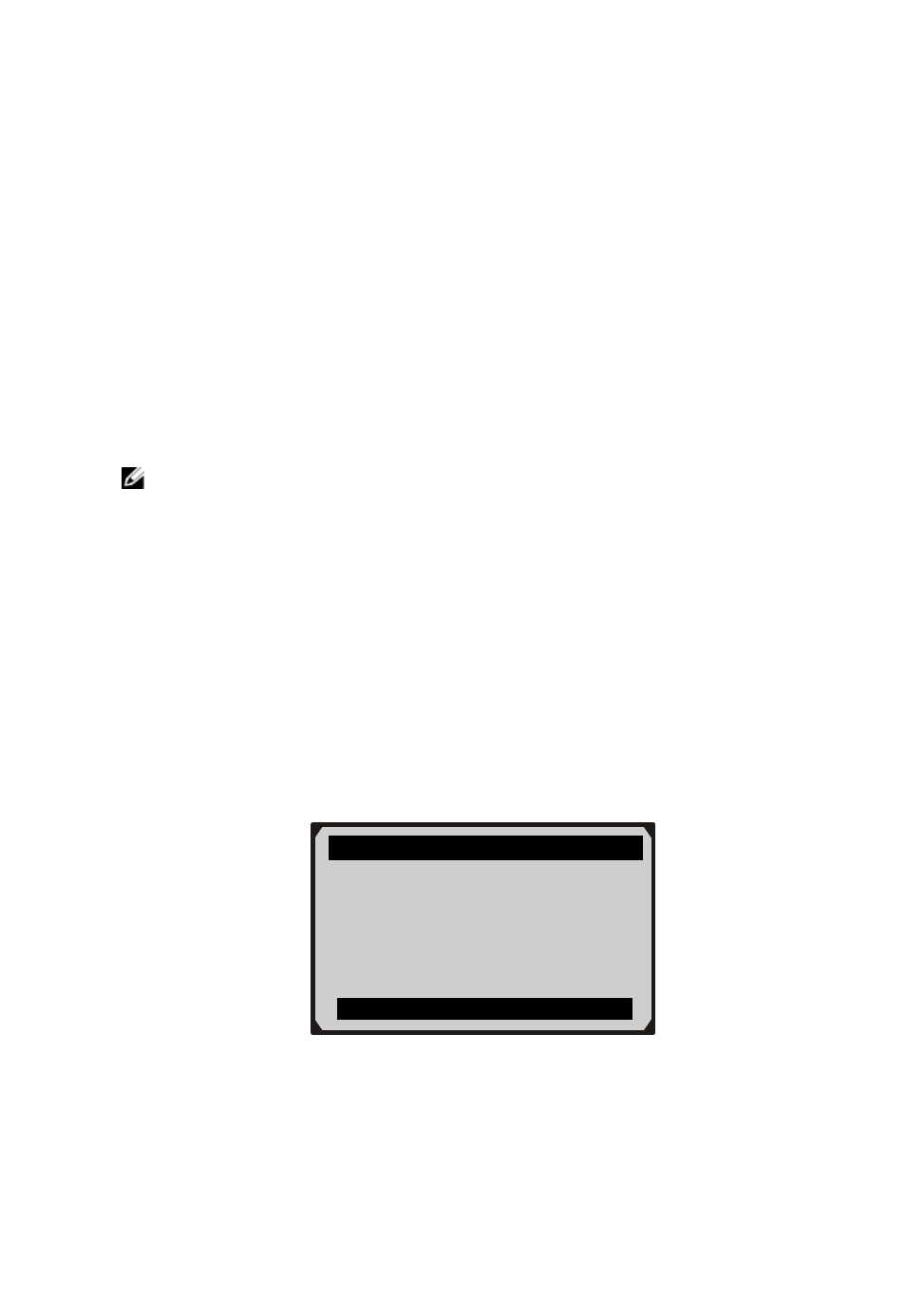
2) A warning message comes up asking for your confirmation.
(Figure 6.6)
Erase Codes
Erase trouble codes!
Are you sure?
Yes No
Figure 6.6
•
If you do not want to proceed with erasing codes, press ESC
button or select NO to exit and return to previous screen.
37