Using the preview buttons, Using the preview buttons -29 – Epson Expression 1680 User Manual
Page 49
Understanding EPSON TWAIN Pro Features
2-29
Note:
❏ The luminosity value is calculated by the following formula:
0.2R+0.6G+0.2B.
❏ For more information on the Pixel Depth setting, see “Image Type
Specifying the number of pixels to be sampled
You can choose to sample one pixel at a time, 3
×
3 pixels at a time,
or 5
×
5 pixels at a time. To change the number of pixels being
sampled, press the
Ctrl
and
E
keys on your keyboard. The square
in the center of the close-up changes size to indicate the amount
of pixels being sampled.
Note:
❏ The values shown for a group of pixels are an average of each pixel’s
values.
❏ In the Configuration dialog box, you can specify the default number
of pixels to be sampled when the Densitometer opens. See
“Densitometer menu” on page 2-23 for instructions.
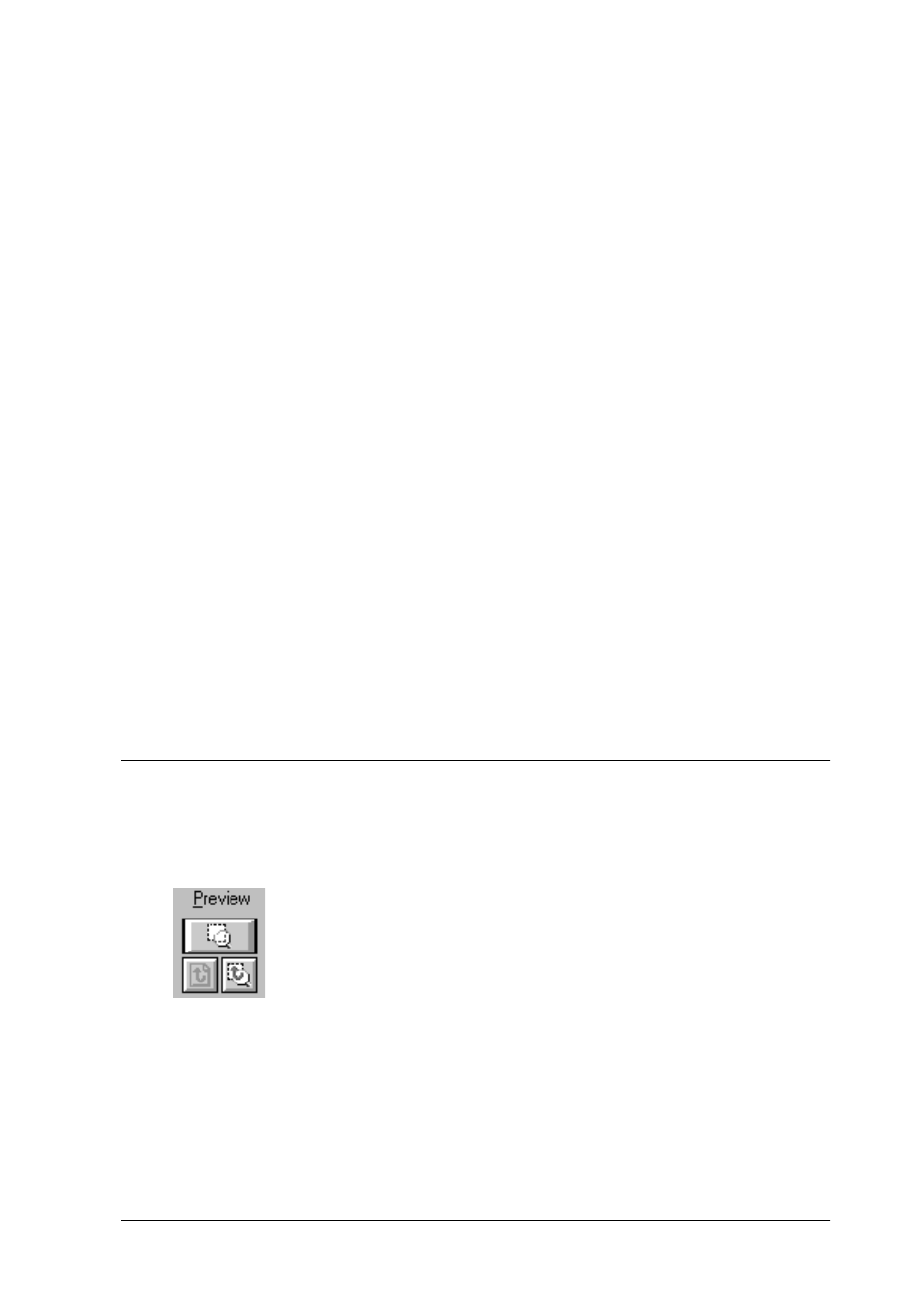
Using the Preview Buttons
The Preview buttons let you zoom in on selected
portions of the previewed image.