LEICA V-Lux 5 Digital Camera User Manual
Page 174
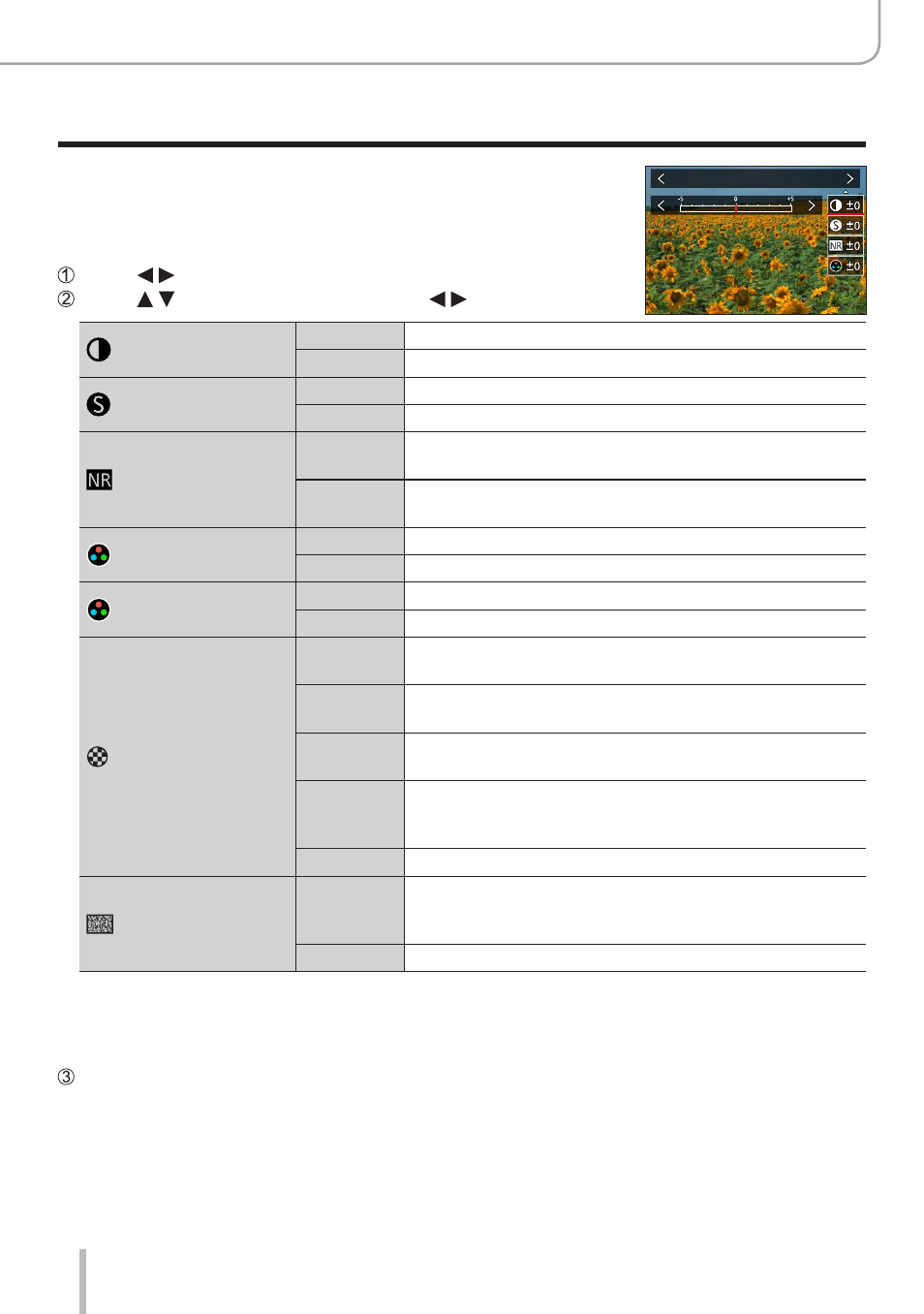
174
Using Menu Functions
Menu list
■
Adjusting the picture quality
Standard
Press to select the type of Photo Style
Press to select an item and press to adjust
[Contrast]
[+]
Increases the contrast in a picture.
[–]
Decreases the contrast in a picture.
[Sharpness]
[+]
Enhances the outlines in a picture.
[–]
Softens the outlines in a picture.
[Noise Reduction]
[+]
Increases the noise reduction effect to reduce noise.
This setting may slightly lower the resolution.
[–]
Lowers the noise reduction effect to achieve a picture
quality with clearer resolution.
[Saturation]
*
1
[+]
Gaudy coloring
[–]
Subdued coloring
[Color Tone]
*
1
[+]
Bluish coloring
[–]
Yellowish coloring
[Filter Effect]
*
2
[Yellow]
Enhances the contrast of a subject. (Effect: Low)
Records a blue sky clearly.
[Orange]
Enhances the contrast of a subject. (Effect: Medium)
Records a blue sky with vibrant colors.
[Red]
Enhances the contrast of a subject. (Effect: High)
Records a blue sky with even more vibrant colors.
[Green]
Applies subdued coloring for the skin and lips of a
person. Emphasizes green leaves and makes them
brighter.
[Off]
—
[Grain Effect]
*
2
[Low]/
[Standard]/
[High]
Sets the graininess in a picture.
[Off]
—
*
1
[Color Tone] is displayed only when [Monochrome], [Monochrome HC] or [Monochrome HC+] is
selected. Otherwise, [Saturation] is displayed.
*
2
Displayed only when [Monochrome], [Monochrome HC] or [Monochrome HC+] is selected.
•When the picture quality is adjusted, [+] will be displayed in the [Photo Style] icon.
Press [MENU/SET]