Auto attendant & vms functions, Ttendant, Unctions – Welltech SIPPBX 6200 V.3.1.1 User Manual
Page 104
Welltech Technology Co., Ltd.
SIPPBX 6200S, 6200GS, 6200N Release 3.1.1
User Guide
- 104 -
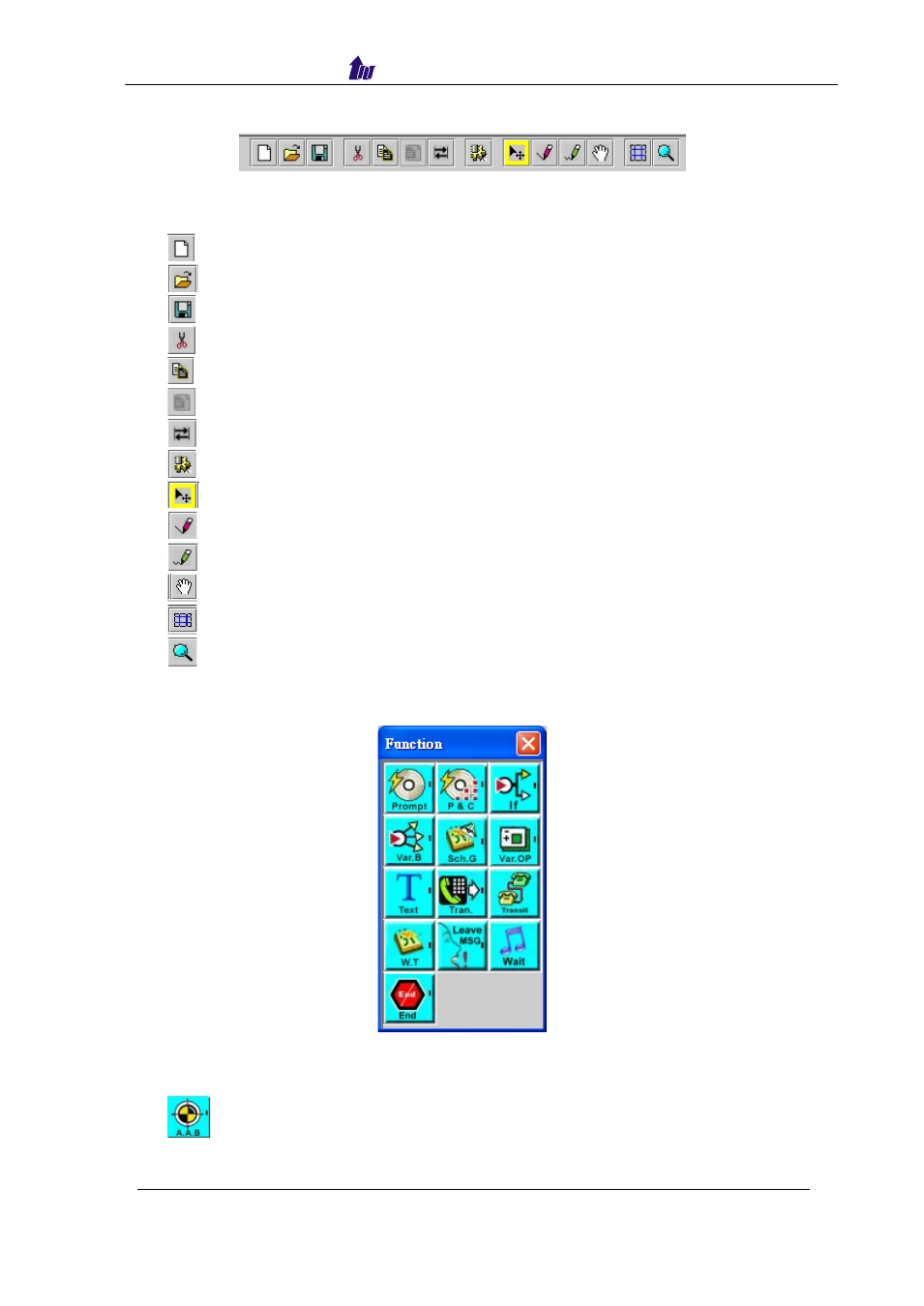
Call Flow Tools:
Figure 7.1-9
Description:
•
Clear: Clear the call flow.
•
Open existing file: Open existing call flow from SIPPBX 6200x.
•
Save file: Save a call flow in SIPPBX 6200x.
•
Cut data: Cut a component.
•
Copy data: Copy a component.
•
Paste data: Paste a component.
•
Snap to Grid: Snap to Grid.
•
All Function: Show all component table.
•
Select Component: Select the component at call flow workspace.
•
Draw lines: Lines to Connect 2 components together.
•
Draw curve lines: Curve lines.
•
Scroll Display: Scroll the call flow workspace.
•
Display Grid: Display Grid or not.
•
Zoom in/out data: Zoom in or zoom out the workspace.
Auto Attendant & VMS Functions
Figure 7.2-1
Right click the component to bring up the component propriety to setup
parameter:
•
: Auto Attendant Begin
This is the first component for auto attendant service.