Welltech SIPPBX 6200 V.3.1.1 User Manual
Page 82
Welltech Technology Co., Ltd.
SIPPBX 6200S, 6200GS, 6200N Release 3.1.1
User Guide
- 82 -
•
Global Broadcaster: The user broadcast any broadcasting group or not. It
just likes a super-user of the broadcasting service.
•
VMS Access Type: Allow to use WEB or Voice to access voice mail or not.
•
Max Keeping Voice Message: The maximum keep days of voice message.
•
Default VMS Language: The default VMS language.
•
VMS Personal Greeting: Enable personal greeting or not.
•
VMS/FAX Notice: Enable Email notice for VMS/FAX message or not.
•
FAX Service: Enable or disable the FAX-IN service. When enable it, the
extension will have the ability to receive its own fax.
•
Notice Email Address: Email address for the VMS service.
Information
•
User Name: The user contact name.
•
Contact TEL: The telephone number.
•
Email Address: The email address of the subscriber.
•
Address: The contact address.
•
Description: Description.
Service
:
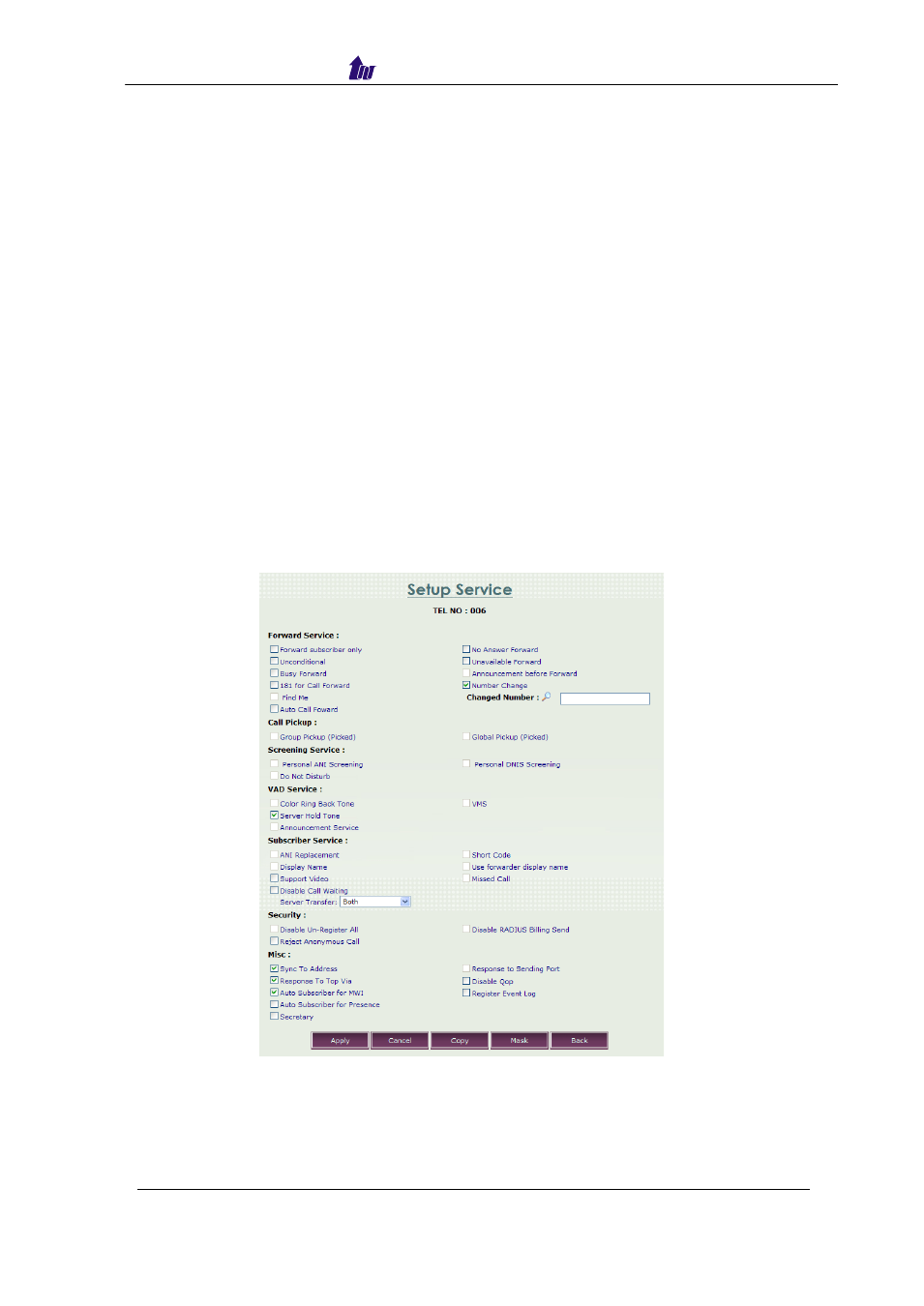
Click the
Extension > service to modify telephony service for the selected
user.
Figure 6.12-3
Parameter Description:
Forward Service
:
•
Forward Subscriber Only: Forward to IP-PBX extension only. When it is
enabled, the forwarded receiver is extension only, not allow to PSTN(FXO
or E1 gateway), not allow to IP SIP trunk either.