2 led indications – PLANET WGSW-48040HP User Manual
Page 22
User’s Manual of WGSW-48040HP
2.1.2 LED Indications
The front panel LEDs indicate instant status of power and system status, fan status, port links / PoE in-use and data activity;
they help monitor and troubleshoot when needed.
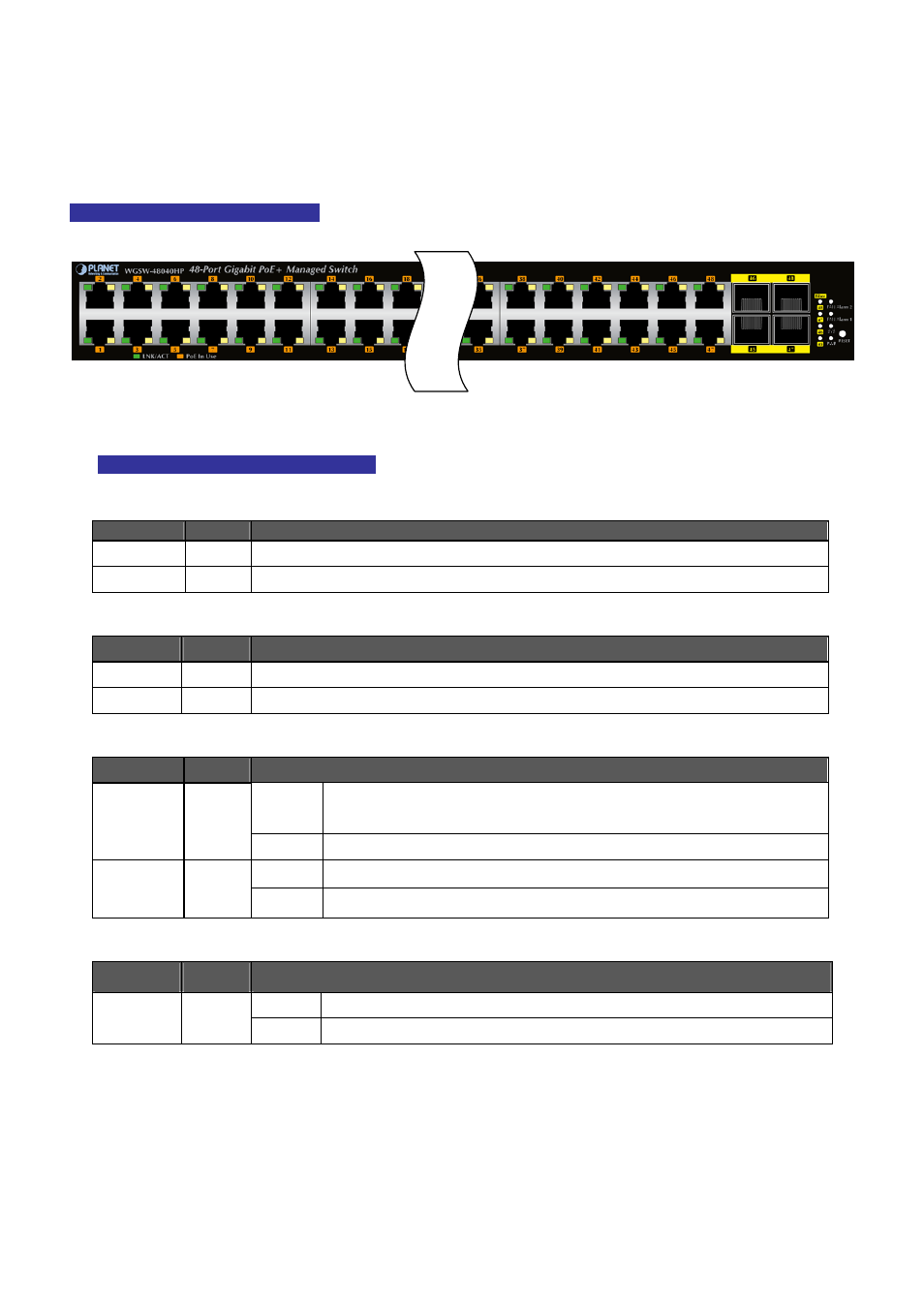
Figure 2-1-2
shows the LED indications of the Managed Switch.
WGSW-48040HP LED Indication
Figure 2-1-2: WGSW-48040HP LED at Front Panel
WGSW-48040HP LED Indication Table
■
System
LED
Color
Function
PWR
Green
Lights to indicate that the Switch has power.
SYS
Green
Lights to indicate the system is working.
■
Alert
LED
Color
Function
FAN1
Red
Lights to indicate that the FAN1 Group failure.
FAN2
Red
Lights to indicate that the FAN2 Group failure.
Per 10/100/1000Mbps port with PoE interfaces (Port-1 to Port-48)
LED
Color
Function
Lights:
Indicates the link through that port is successfully established at
10/100/1000Mbps.
LNK/ACT
Green
Blink:
Indicates that the Switch is actively sending or receiving data over that port.
Lights: Indicates the port is providing 52V DC in-line power.
PoE In-Use
Orange
Off:
Indicates the connected device is not a PoE Powered Device (PD).
Per 100/1000Mbps SFP Combo Interface (Port-45 to Port-48)
LED
Color
Function
Lights. Indicates the port is successfully established at 100/1000Mbps.
LNK/ACT
Green
Blink:
Indicates that the Switch is actively sending or receiving data over that port.
22