Shooting in hybrid auto mode – Canon PowerShot SX540 HS User Manual
Page 34
34
Before Use
Basic Guide
Advanced Guide
1
Camera Basics
2
Auto Mode /
Hybrid Auto Mode
3
Other Shooting Modes
4
P Mode
6
Playback Mode
7
Wi-Fi Functions
8
Setting Menu
9
Accessories
10
Appendix
Index
5
Tv, Av, and M Mode
3
Shoot.
●
Follow step 4 in “Shooting (Smart Auto)”
(= 32) to shoot a still image.
●
The camera records both a still image
and movie clip. The clip, which ends with
the still image and a shutter sound, forms
a single chapter in the digest movie.
●
Battery life is shorter in this mode than in [
] mode, because
digest movies are recorded for each shot.
●
A digest movie may not be recorded if you shoot a still image
immediately after turning the camera on, choosing [
] mode, or
operating the camera in other ways.
●
Camera operating sounds will be recorded in digest movies.
●
Digest movie quality is [
] and cannot be changed.
●
Sounds are not played when you press the shutter button halfway
or trigger the self-timer.
●
Digest movies are saved as separate movie files in the following
cases even if they were recorded on the same day in [
] mode.
-
The digest movie file size reaches approximately 4 GB, or the
total recording time reaches approximately 16 minutes and 40
seconds.
-
The digest movie is protected (= 94).
-
Daylight saving time (= 20) or time zone (= 139) settings
are changed.
-
A new folder is created (= 143).
●
Recorded shutter sounds cannot be modified or erased.
●
If you prefer to record digest movies without still images, adjust
the setting in advance. Choose MENU (= 29) > [
] tab >
[Digest Type] > [No Stills] (= 29).
●
Individual chapters can be edited (= 106).
3) Finish shooting.
●
Press the movie button again to stop
shooting. The camera beeps twice as
recording stops.
●
Recording will stop automatically when
the memory card becomes full.
●
The flash firing during shots indicates that the camera has
automatically attempted to ensure optimal colors in the main
subject and background (Multi-area White Balance).
Shooting in Hybrid Auto Mode
Still Images
Movies
You can make a short movie of the day just by shooting still images. The
camera records 2 – 4-second clips of scenes before each shot, which are
later combined in a digest movie.
The created movie can be included in a Story Highlights album (= 106).
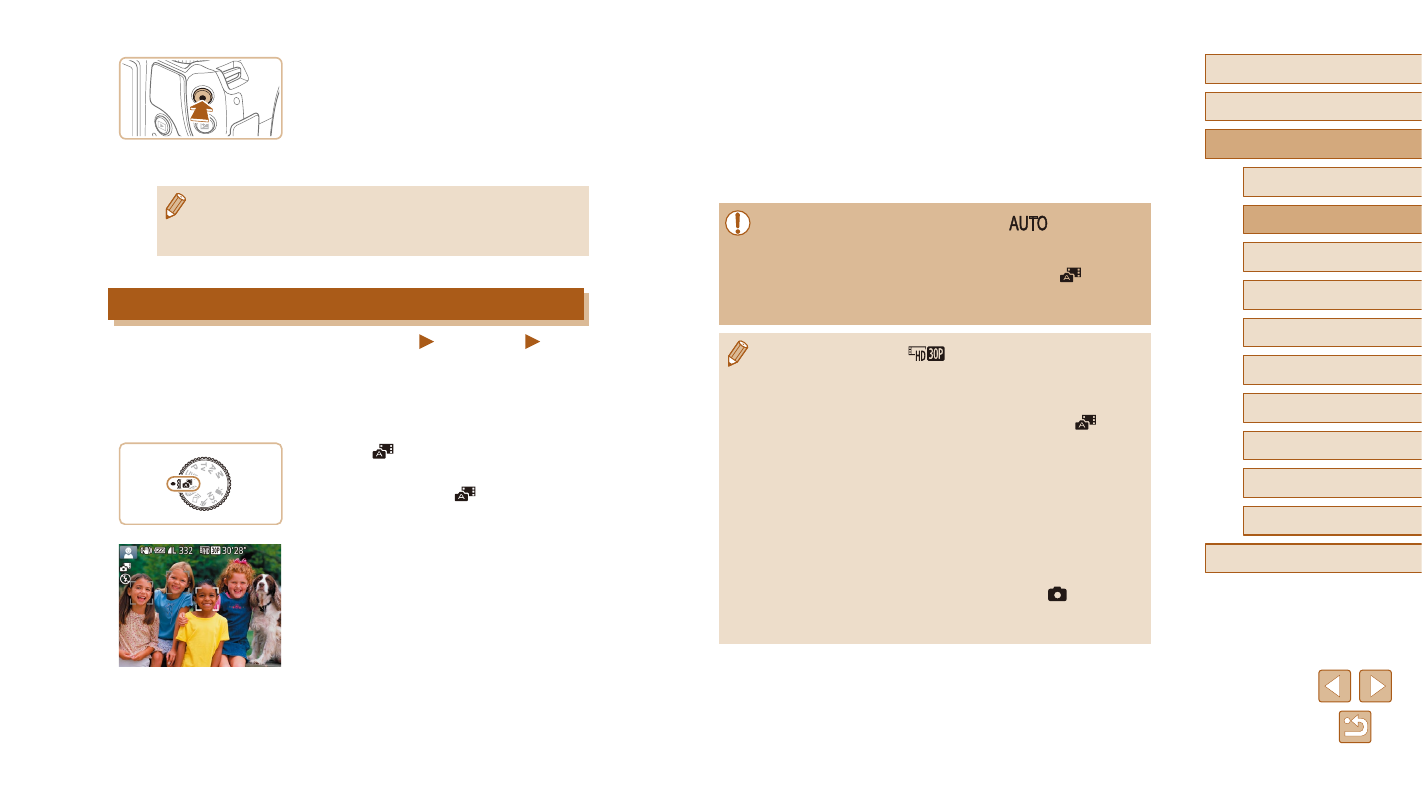
1
Enter [ ] mode.
●
Follow step 2 in “Shooting (Smart Auto)”
].
2
Compose the shot.
●
Follow steps 3 – 4 in “Shooting (Smart
Auto)” (= 32) to compose the shot and
focus.
●
For more impressive digest movies,
aim the camera at subjects about four
seconds before shooting still images.