Special modes for other purposes, Auto shooting after face detection (smart shutter) – Canon PowerShot SX540 HS User Manual
Page 63
63
Before Use
Basic Guide
Advanced Guide
1
Camera Basics
2
Auto Mode /
Hybrid Auto Mode
3
Other Shooting Modes
4
P Mode
6
Playback Mode
7
Wi-Fi Functions
8
Setting Menu
9
Accessories
10
Appendix
Index
5
Tv, Av, and M Mode
●
You can also shoot as usual by pressing the shutter button.
●
The camera can detect smiles more easily when subjects face
the camera and open their mouth wide enough so that teeth are
visible.
●
To change the number of shots, press the [ ][ ] buttons after
choosing [
] in step 1.
●
Automatic shooting is not available while you are holding down
the [
] button.
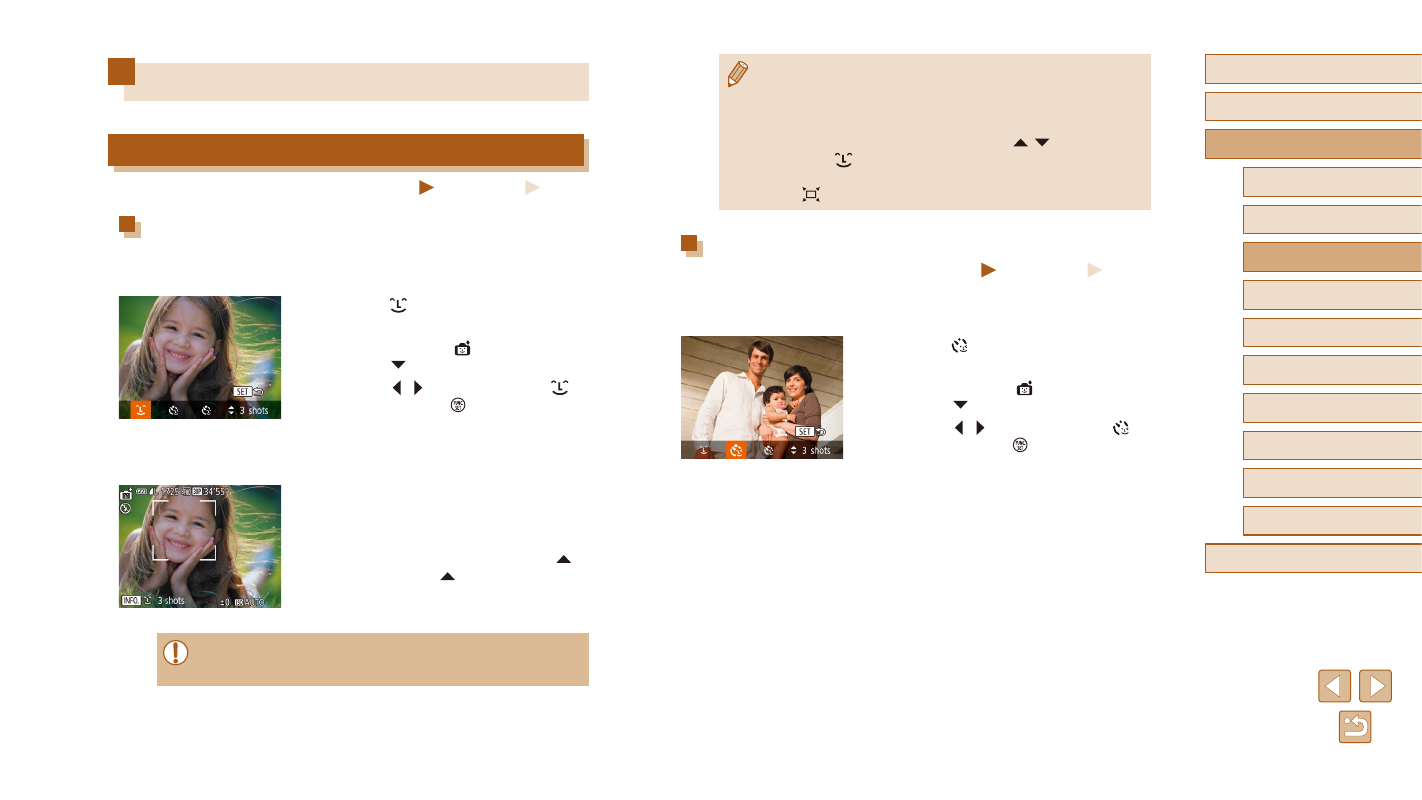
Using the Wink Self-Timer
Still Images
Movies
Aim the camera at a person and press the shutter button all the way
down. The camera will shoot about two seconds after a wink is detected.
1
Choose [ ].
●
Follow steps 1 – 2 in “Specific Scenes”
(= 59) and choose [ ], and then
press the [ ] button.
●
Press the [ ][ ] buttons to choose [ ],
and then press the [ ] button.
2
Compose the shot and press the
shutter button halfway.
●
Make sure a green frame is displayed
around the face of the person who will
wink.
3
Press the shutter button all the way
down.
●
The camera now enters shooting standby
mode, and [Wink to take picture] is
displayed.
●
The lamp blinks and the self-timer sound
is played.
Special Modes for Other Purposes
Auto Shooting after Face Detection (Smart Shutter)
Still Images
Movies
Auto Shooting after Smile Detection
The camera shoots automatically after detecting a smile, even without you
pressing the shutter button.
1
Choose [ ].
●
Follow steps 1 – 2 in “Specific Scenes”
(= 59) and choose [ ], and then
press the [ ] button.
●
Press the [ ][ ] buttons to choose [ ],
and then press the [ ] button.
●
The camera now enters shooting standby
mode, and [Smile Detection on] is
displayed.
2
Aim the camera at a person.
●
Each time the camera detects a smile, it
will shoot after the lamp lights up.
●
To pause smile detection, press the [ ]
button. Press the [ ] button again to
resume detection.
●
Switch to another mode when you finish shooting, or the camera
will continue shooting each time a smile is detected.