Canon PowerShot SX540 HS User Manual
Page 61
61
Before Use
Basic Guide
Advanced Guide
1
Camera Basics
2
Auto Mode /
Hybrid Auto Mode
3
Other Shooting Modes
4
P Mode
6
Playback Mode
7
Wi-Fi Functions
8
Setting Menu
9
Accessories
10
Appendix
Index
5
Tv, Av, and M Mode
●
To switch the orientation of the frame to vertical, press the [ ][ ]
buttons in step 2. To return the frame to horizontal orientation,
press the [ ][ ] buttons.
●
Holding the camera vertically will change the orientation of the frame.
●
Movie image quality is [
] at an aspect ratio of [
] and [
] at
an aspect ratio of [
] (= 49). These quality settings cannot
be changed.
●
The zoom factor cannot be changed with the [
] button on the
screens in steps 2 and 3, or while shooting movies.
Shooting with a Toy Camera Effect (Toy Camera Effect)
Still Images
Movies
This effect makes images resemble shots from a toy camera by vignetting
(darker, blurred image corners) and changing the overall color.
1
Choose [
].
●
Follow steps 1 – 2 in “Specific Scenes”
].
2
Choose a color tone.
●
Turn the [
] dial to choose a color
tone.
●
A preview is shown of how your shot will
look with the effect applied.
3
Shoot.
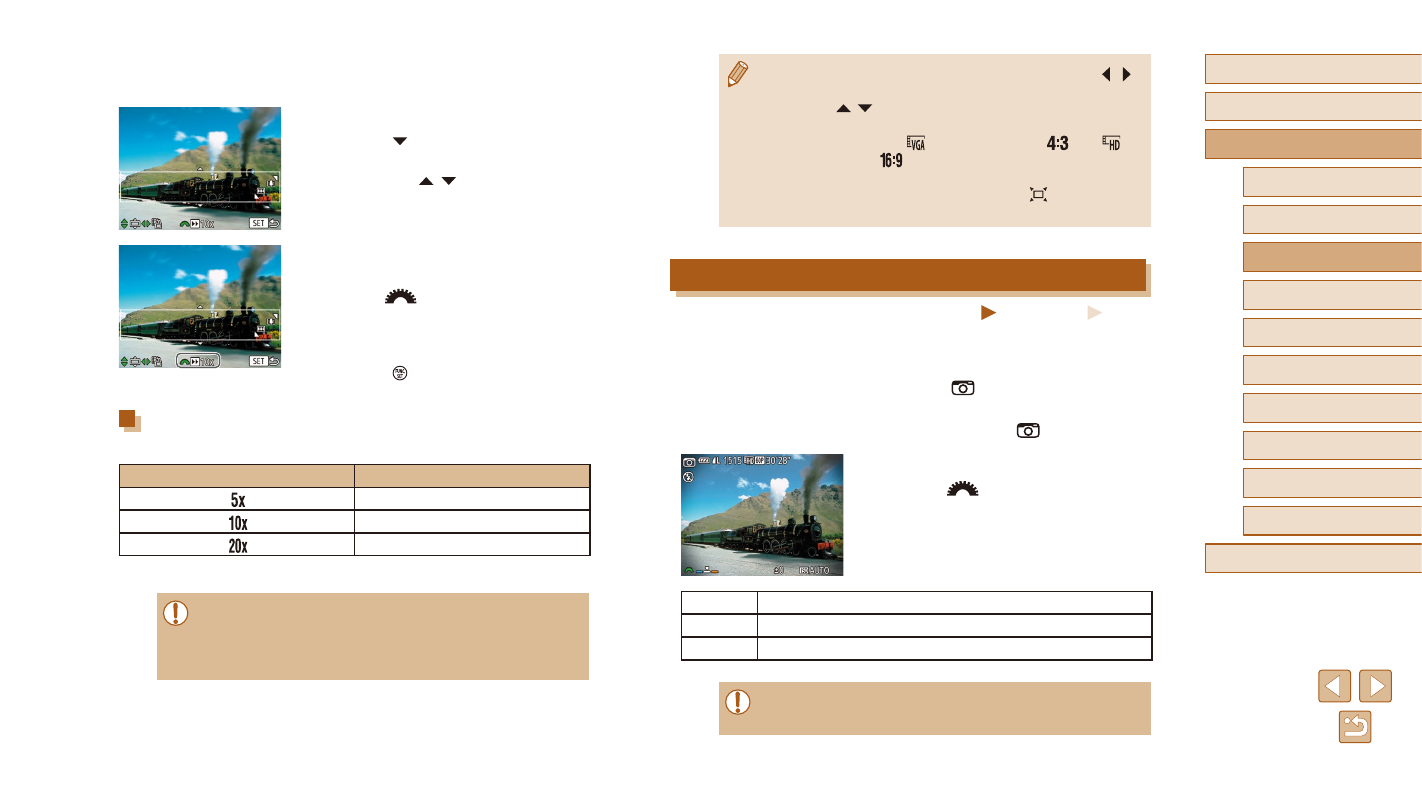
Standard
Shots resemble toy camera images.
Warm
Images have a warmer tone than with [Standard].
Cool
Images have a cooler tone than with [Standard].
●
Try taking some test shots first, to make sure you obtain the
desired results.
●
A white frame is displayed, indicating the
image area that will not be blurred.
2
Choose the area to keep in focus.
●
Press the [ ] button.
●
Move the zoom lever to resize the frame,
and press the [ ][ ] buttons to move it.
3
For movies, choose the movie
playback speed.
●
Turn the [
] dial to choose the speed.
4
Return to the shooting screen and
shoot.
●
Press the [ ] button to return to the
shooting screen, and then shoot.
Playback Speed and Estimated Playback Time (for
One-Minute Clips)
Speed
Playback Time
Approx. 12 sec.
Approx. 6 sec.
Approx. 3 sec.
Movies are played back at 30 fps.
●
The zoom is not available when shooting movies. Be sure to set
the zoom before shooting.
●
Try taking some test shots first, to make sure you obtain the
desired results.