Specific scenes – Canon PowerShot SX540 HS User Manual
Page 59
59
Before Use
Basic Guide
Advanced Guide
1
Camera Basics
2
Auto Mode /
Hybrid Auto Mode
3
Other Shooting Modes
4
P Mode
6
Playback Mode
7
Wi-Fi Functions
8
Setting Menu
9
Accessories
10
Appendix
Index
5
Tv, Av, and M Mode
Shooting under Low Light (Low
Light)
Still Images
Movies
●
Shoot with minimal camera and subject
shake even in low-light conditions.
Shooting Fireworks (Fireworks)
Still Images
Movies
●
Vivid shots of fireworks.
●
In [ ] mode, mount the camera on a tripod or take other
measures to keep it still and prevent camera shake. Additionally,
you should set [IS Mode] to [Off] when using a tripod or other
means to secure the camera (= 53).
●
In [ ] mode, the resolution setting is [ ] (2592 x 1944) and
cannot be changed.
●
In [ ] mode, although no frames are displayed when you press
the shutter button halfway, optimal focus is still determined.
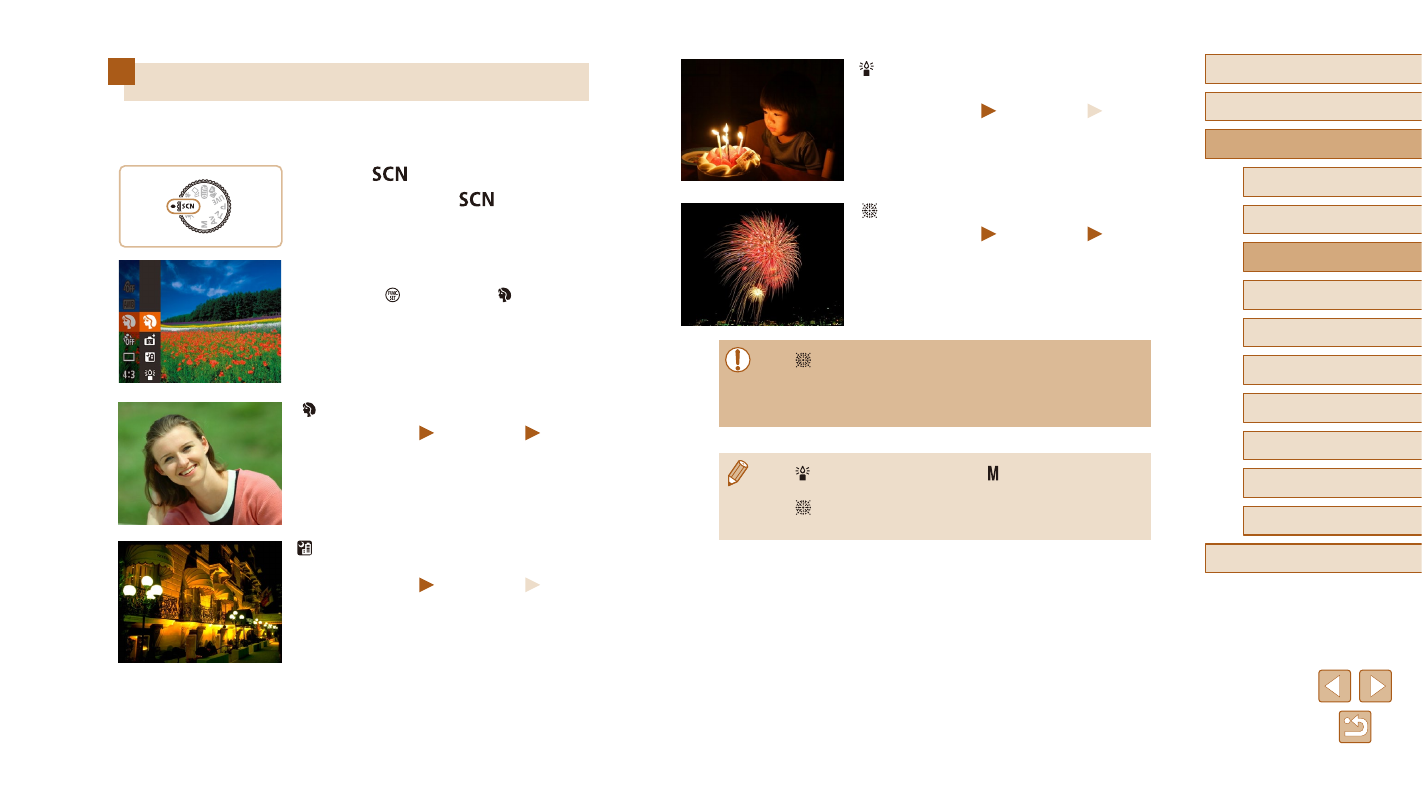
Specific Scenes
Choose a mode matching the shooting scene, and the camera will
automatically configure the settings for optimal shots.
1
Enter [
] mode.
●
Set the mode dial to [
].
2
Choose a shooting mode.
●
Press the [ ] button, choose [ ] in the menu,
and then choose a shooting mode (= 28).
3
Shoot.
Shooting Portraits (Portrait)
Still Images
Movies
●
Take shots of people with a softening effect.
Shooting Evening Scenes without
Using a Tripod (Handheld Night Scene)
Still Images
Movies
●
Beautiful shots of evening scenes or
portraits with evening scenery in the
background, without the need to hold the
camera very still (as with a tripod).
●
A single image is created by combining
consecutive shots, reducing camera
shake and image noise.