Adjusting the flash output – Canon PowerShot SX540 HS User Manual
Page 83
83
Before Use
Basic Guide
Advanced Guide
1
Camera Basics
2
Auto Mode /
Hybrid Auto Mode
3
Other Shooting Modes
4
P Mode
6
Playback Mode
7
Wi-Fi Functions
8
Setting Menu
9
Accessories
10
Appendix
Index
5
Tv, Av, and M Mode
Adjusting the Flash Output
Still Images
Movies
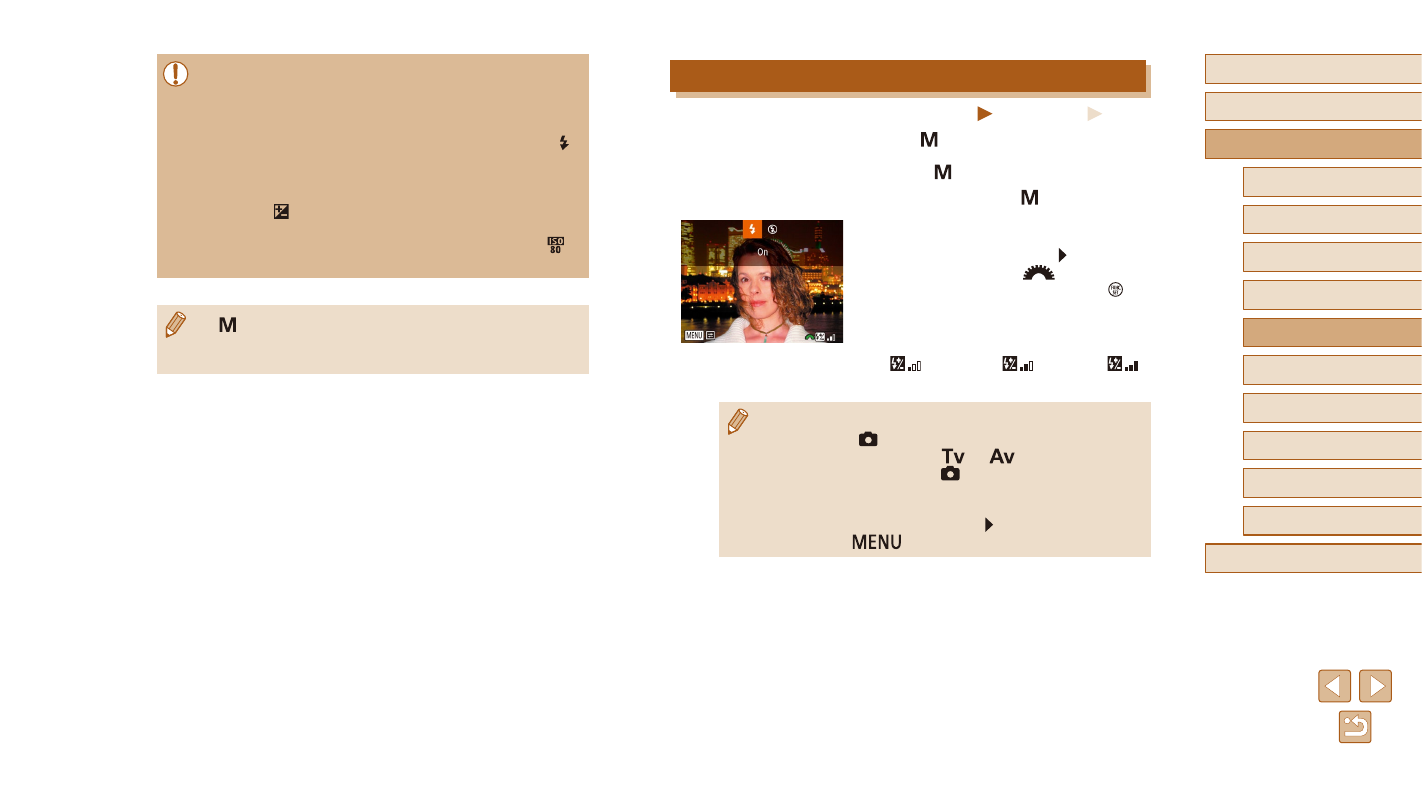
Choose from the three flash levels in [ ] mode.
1
Enter [ ] mode.
●
Set the mode dial to [ ].
2
Configure the setting.
●
Raise the flash, press the [ ] button and
immediately turn the [
] dial to choose
the flash level, and then press the [ ]
button.
●
Once the setting is complete, the flash
output level is displayed.
[
]: Minimum, [
]: Medium, [
]:
Maximum
●
You can also set the flash level by accessing MENU (= 29)
and choosing [
] tab > [Flash Settings] > [Flash Output].
●
You can set the flash level in [
] or [
] mode by accessing
] tab > [Flash Settings] >
[Flash Mode] > [Manual].
●
You can also access the [Flash Settings] MENU screen (= 29)
when the flash is up by pressing the [ ] button and immediately
pressing the [
] button.
●
After you set the shutter speed or aperture value, the exposure
level may change if you adjust the zoom or recompose the shot.
●
Screen brightness may change depending on your specified
shutter speed or aperture value. However, screen brightness
remains the same when the flash is up and the mode is set to [ ].
●
To have the setting you did not configure in step 2 (whether
shutter speed or aperture value) automatically adjusted to obtain
standard exposure, hold the shutter button halfway, and then
press the [ ] button (Note that standard exposure may not be
possible with some settings.).
●
With shutter speeds of 1.3 seconds or slower, ISO speed is [ ]
and cannot be changed.
●
[ ]: Manual
●
Calculation of standard exposure is based on the specified
metering method (= 69).