Nikon Z9 Mirrorless Camera User Manual
Page 147
147
Release Mode
D
Cautions: Burst Photography
•
Depending on shooting conditions and memory card performance, the
memory card access lamp may light for anywhere from a few tens of
seconds to around a minute. Do not remove the memory card while the
memory card access lamp is lit. Not only could any unrecorded pictures be
lost, but the camera or memory card could be damaged.
•
At shutter speeds slower than
1
/
250
s, the shooting display does not update
in real time during burst photography. To track your subject during
shooting, choose shutter speeds faster than
1
/
250
s.
•
If the camera is switched off while the memory card access lamp is lit, it will
not power off until all pictures in the buffer have been recorded.
•
If the battery is exhausted while pictures remain in the buffer, the shutter
release will be disabled and the pictures transferred to the memory card.
•
Bursts shot at a frame rate of 20 fps in continuous high-speed mode will be
limited to a maximum of about 3 seconds if:
- a RAW + JPEG option is selected for image quality, or
- [
JPEG Slot 1 - JPEG Slot 2
] is selected for [
Role played by card in Slot 2
]
in the photo shooting menu.
A
The Memory Buffer
•
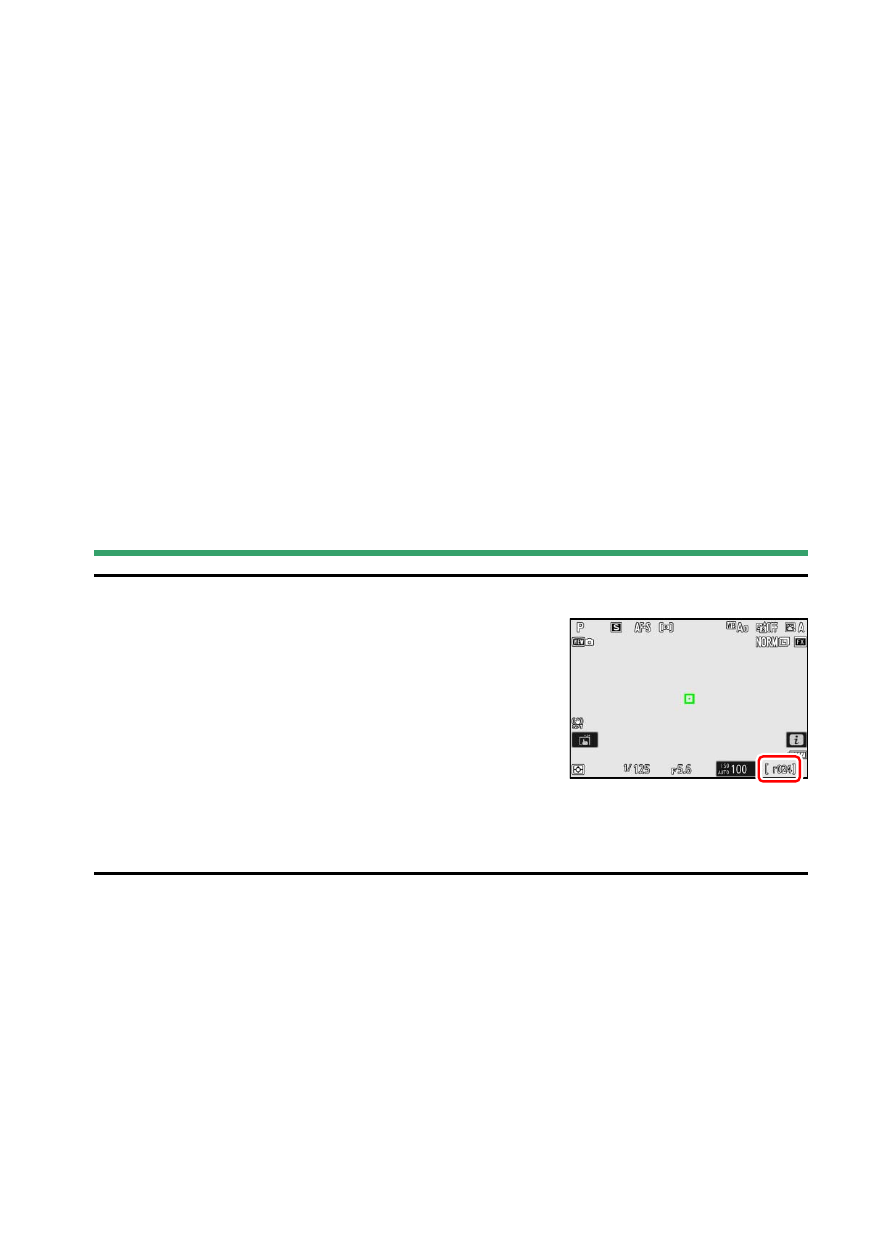
While the shutter-release button is pressed
halfway, the frame-count display will show the
number of pictures that can be stored in the
memory buffer.
•
When the buffer is full, the display will show
r000
and the frame rate will drop.
•
The number shown is approximate. The actual
number of photos that can be stored in the memory buffer varies with
camera settings and shooting conditions.