Nikon Z9 Mirrorless Camera User Manual
Page 419
419
Synchronized Release
A
Suspending Synchronized Release
To temporarily disable synchronized release without ending the camera’s
connection to the network, select [
OFF
] for [
Connect to other cameras
] >
[
Synchronized release
] in the network menu.
A
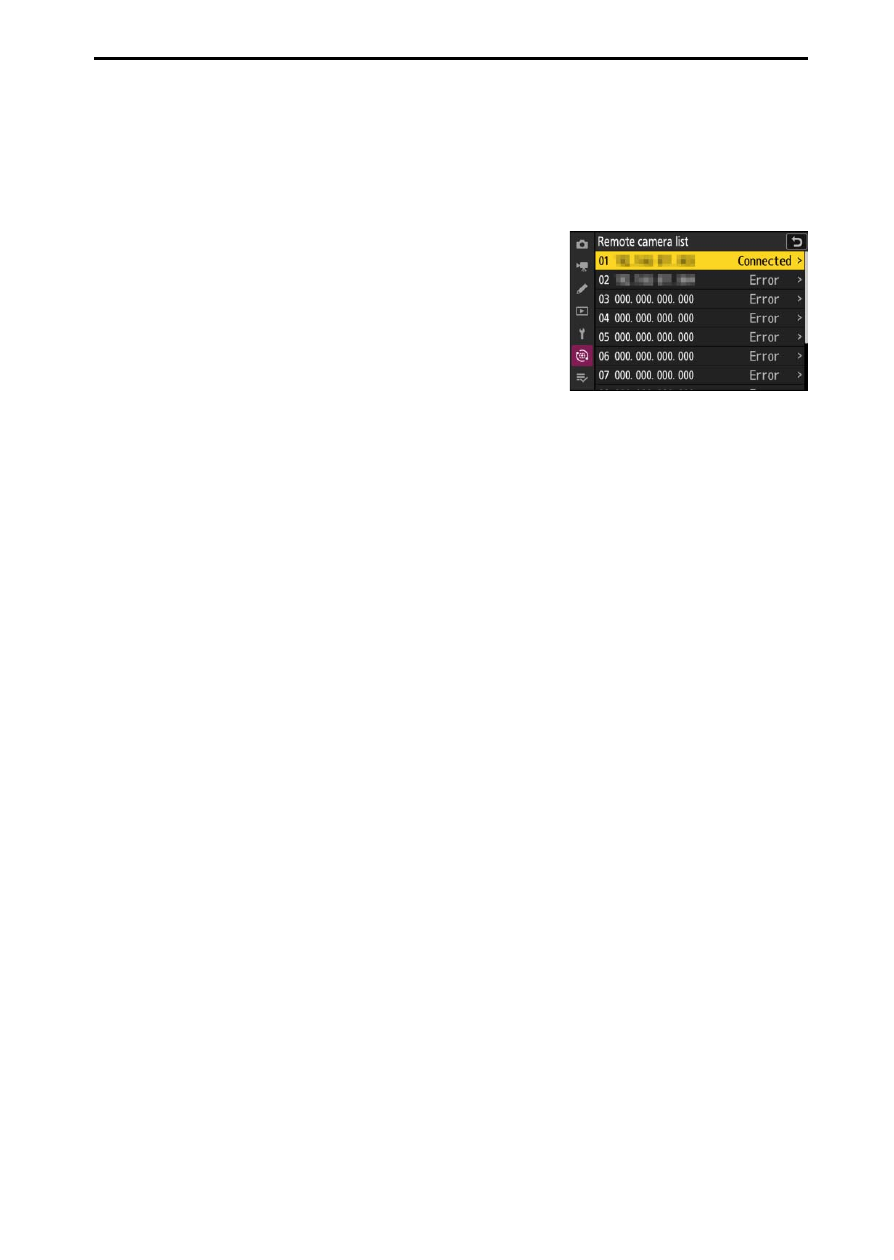
Viewing Remote Camera Status
To view remote camera status, highlight
[
Remote camera list
] on the master camera and
press
2
.
•
Remote cameras are identified by IP address.
•
Remote camera status is displayed as follows:
- [
Connected
]: Normal connection.
- [
Busy
]: The camera is being controlled from
another master camera.
- [
Error
]: The remote camera is off or its standby timer has expired. A third
possibility is that the group name is incorrect.
- [
OFF
]: [
OFF
] is selected for [
Synchronized release
] on the remote
camera or a remote camera has yet to be assigned to the slot.
•
Highlighting a remote camera with the [
Connected
] label and pressing
2
displays the number of pictures awaiting upload from the camera via FTP,
FTP connection status, the battery level, and the number of exposures
remaining.
•
The entries for the remote cameras previously used for synchronized
release will show the time of the most recent shot.