Wireless lan, Direct wireless connection (access-point mode) – Nikon Z9 Mirrorless Camera User Manual
Page 329
329
Computers: Connecting via Ethernet or Wireless LAN
Wireless LAN
The camera can connect to computers either by direct wireless link
(access-point mode) or via a wireless router on an existing network,
including home networks (infrastructure mode).
❚❚
Direct Wireless Connection (Access-Point Mode)
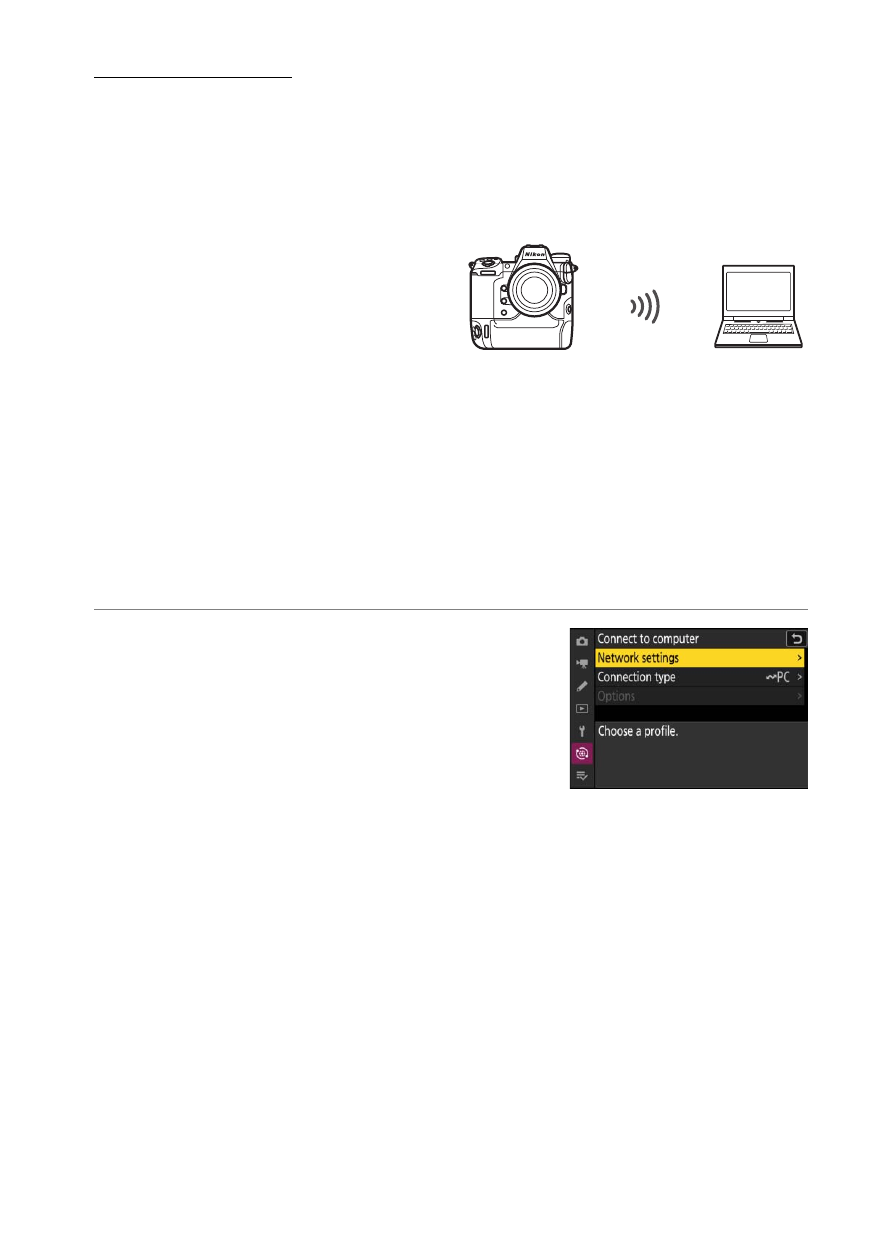
The camera and computer connect
via direct wireless link. The camera
acts as a wireless LAN access point,
letting you connect when working
outdoors and in other situations in
which the computer is not already connected to a wireless network and
eliminating the need for complicated adjustments to settings. The
computer cannot connect to the Internet while connected to the
camera.
•
Before proceeding, check that the Wireless Transmitter Utility (
is installed on the computer.
•
Confirm that [
OFF
] is selected for [
Wired LAN
] in the network menu.
1
Select [Connect to computer] in the
network menu, then highlight [Network
settings] and press
2
.