Iptc – Nikon Z9 Mirrorless Camera User Manual
Page 726
726
B
The Setup Menu: Camera Setup
D
Cautions: Copyright Information
•
To prevent unauthorized use of the artist or copyright holder names, make
sure that [
OFF
] is selected for [
Attach copyright information
] before
lending or transferring the camera to another person. You will also need to
make sure that the artist and copyright fields are blank.
•
Nikon does not accept liability for any damages or disputes arising from
the use of the [
Copyright information
] option.
D
Viewing Copyright Information
•
Copyright information can be viewed on the [
Copyright info
] page in the
photo information display.
•
To display the [
Copyright info
] page, select (
M
) both [
Shooting data
] and
[
Copyright info
] for [
Playback display options
] in the playback menu.
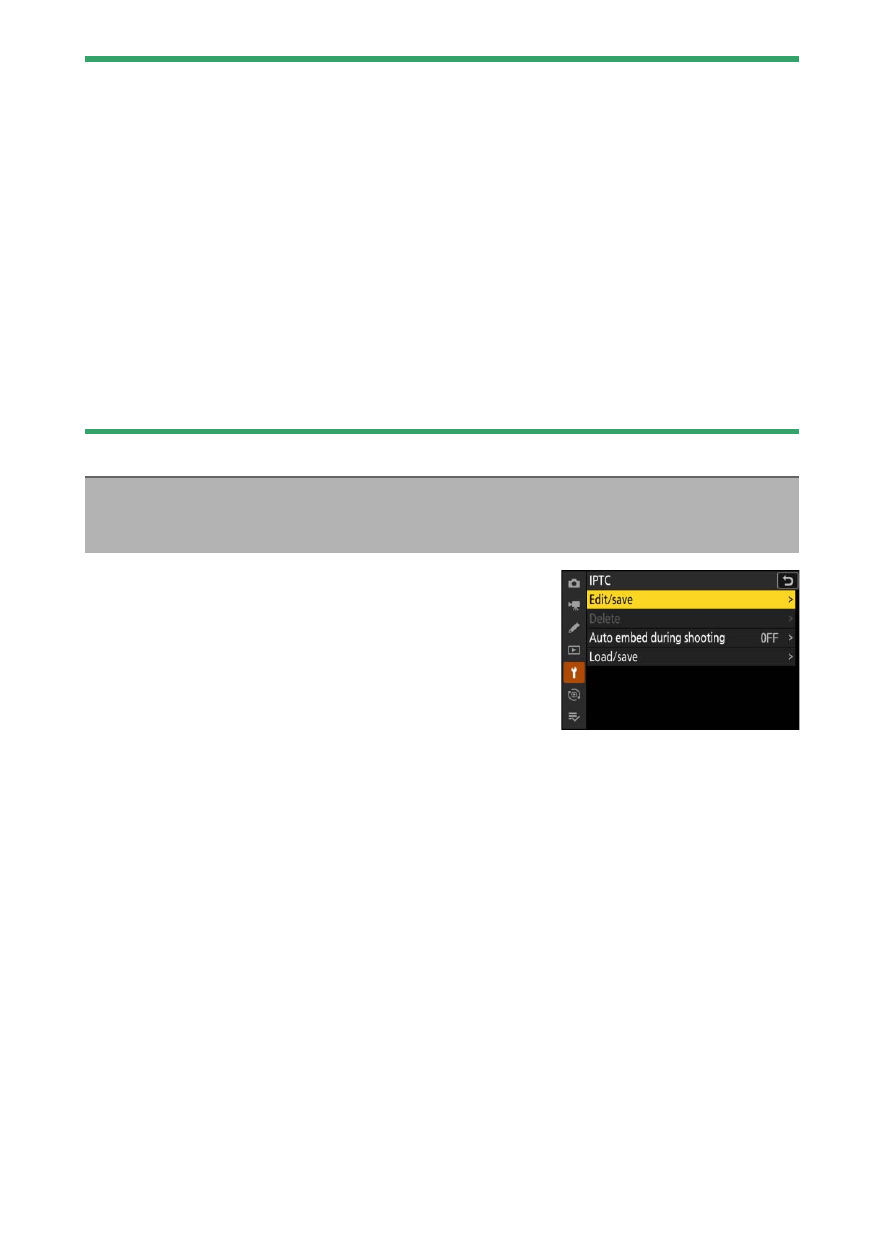
IPTC presets can be created or edited on the
camera and embedded in new photographs
as described below.
•
You can also load IPTC presets created on a
computer.
•
To create IPTC presets and save them to
memory cards for later import, use IPTC Preset Manager (
731).
IPTC
G
button
U
B
setup menu