Nikon Z9 Mirrorless Camera User Manual
Page 331
Advertising
331
Computers: Connecting via Ethernet or Wireless LAN
5
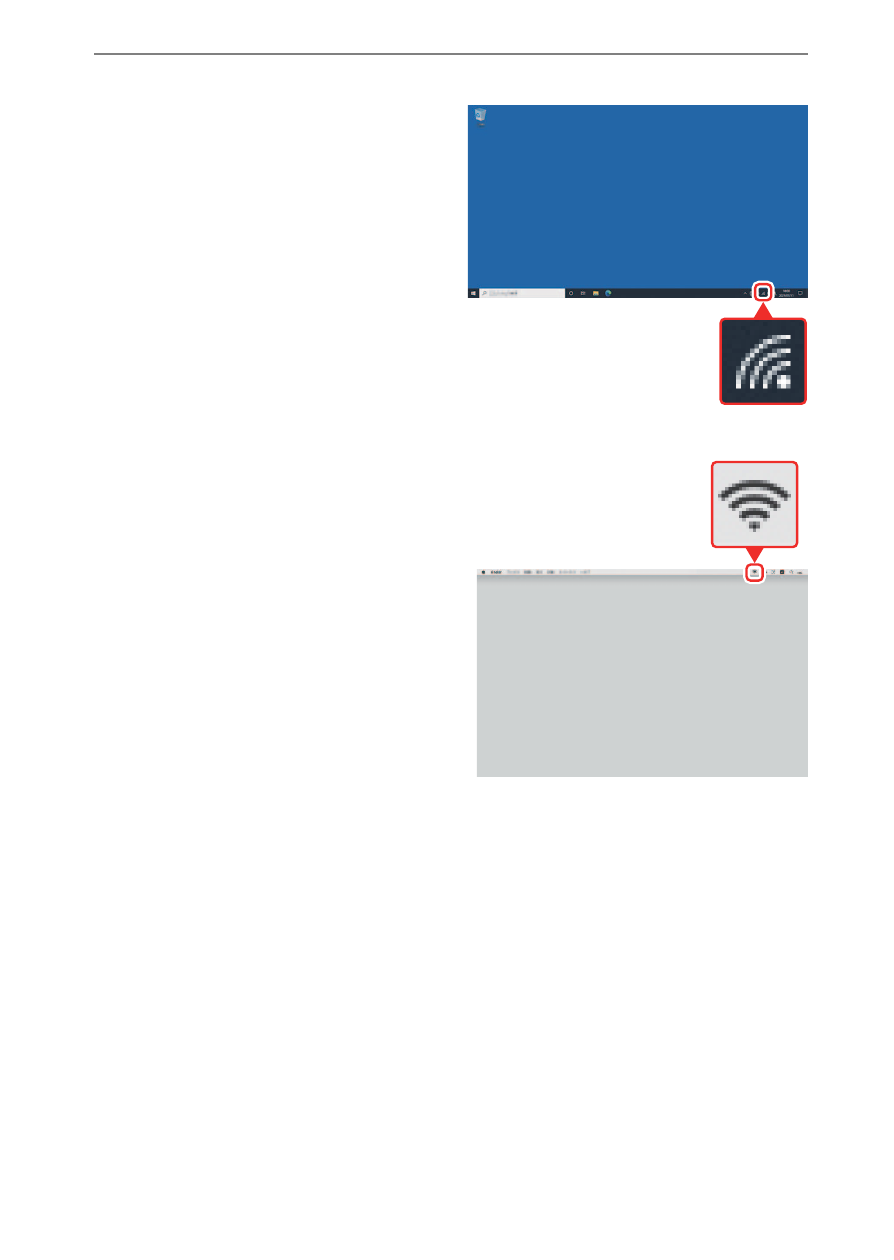
Establish a connection to the camera.
Windows
:
•
Click the wireless LAN icon in
the taskbar.
•
Select the SSID displayed by
the camera in Step 4.
•
When prompted to enter the
network security key, enter
the encryption key displayed
by the camera in Step 4. The
computer will initiate a
connection to the camera.
macOS
:
•
Click the wireless LAN icon in
the menu bar.
•
Select the SSID displayed by
the camera in Step 4.
•
When prompted to enter the
network security key, enter the
encryption key displayed by
the camera in Step 4. The
computer will initiate a
connection to the camera.
Advertising