Edit window – Zilog EZ80F916 User Manual
Page 50
UM014423-0607
Using the Integrated Development Environment
ZiLOG Developer Studio II
eZ80Acclaim!
®
User Manual
30
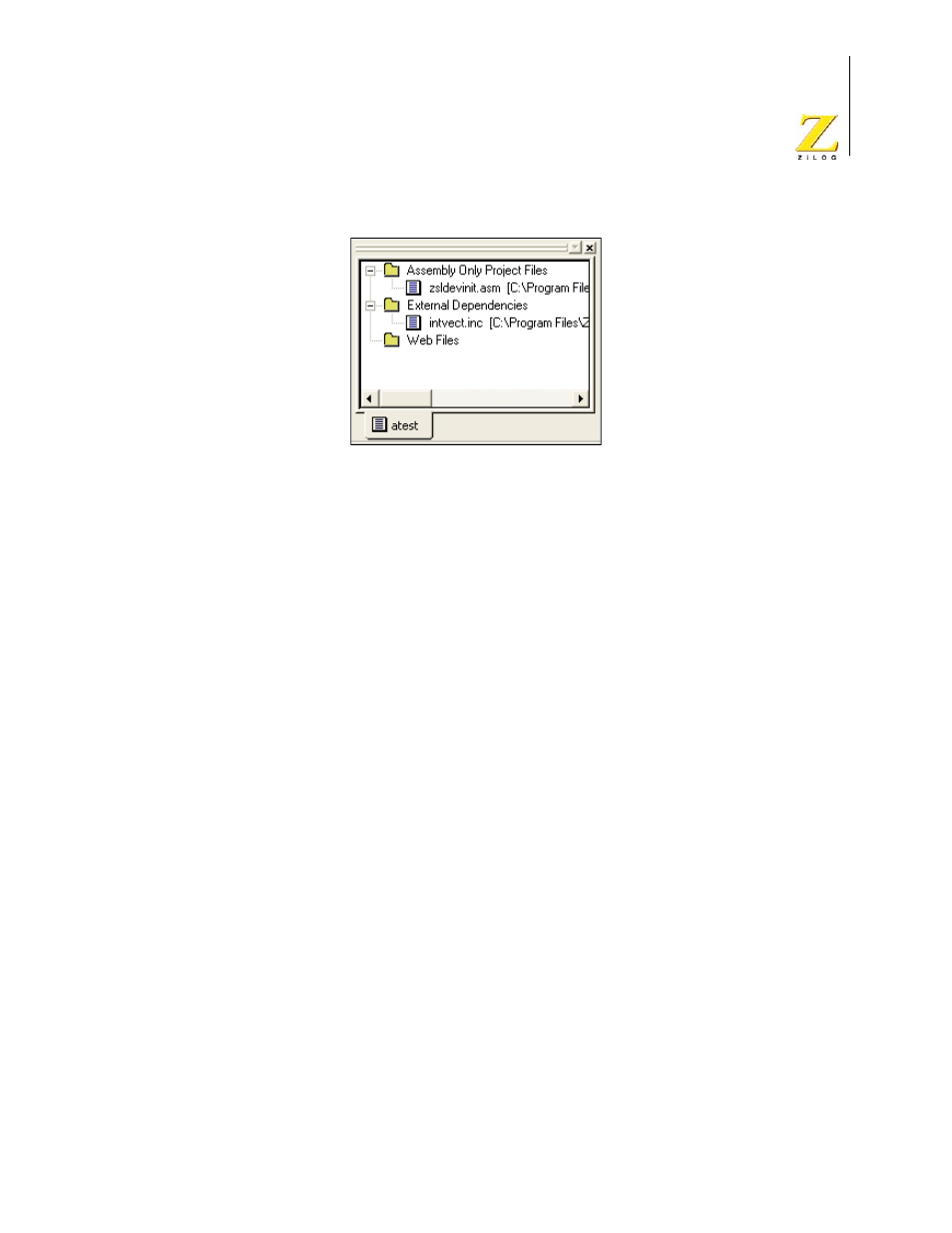
Figure 22. Project Workspace Window for Assembly Only Projects
The Project Workspace window provides access to related functions using context menus.
To access context menus, right-click a file or folder in the window. Depending on which
file or folder is highlighted, the context menu provides some or all of the following func-
tions:
•
Dock the Project Workspace window
•
Hide the Project Workspace window
•
Add files to the project
•
Remove the highlighted file from the project
•
Build project files or external dependencies
•
Build or compile the highlighted file
•
Undock the Project Workspace window, allowing it to float in the Edit window
Edit Window
The Edit window on the right side of the developer’s environment allows you to edit the
files in your project.