Canceling a paused batch, Cancel_pausedbatch, Canceling a paused batch -4 – Avery Dennison Monarch 9855 Operator Handbook User Manual
Page 92
8-4 Operator's Handbook
C a n ce l i n g a P au s e d B at ch
You can cancel a paused batch, delete a format, graphic, or font in memory,
or all the batches waiting to print.
Note:
Before any format, graphic, or font in memory can be deleted, you
must cancel all batches.
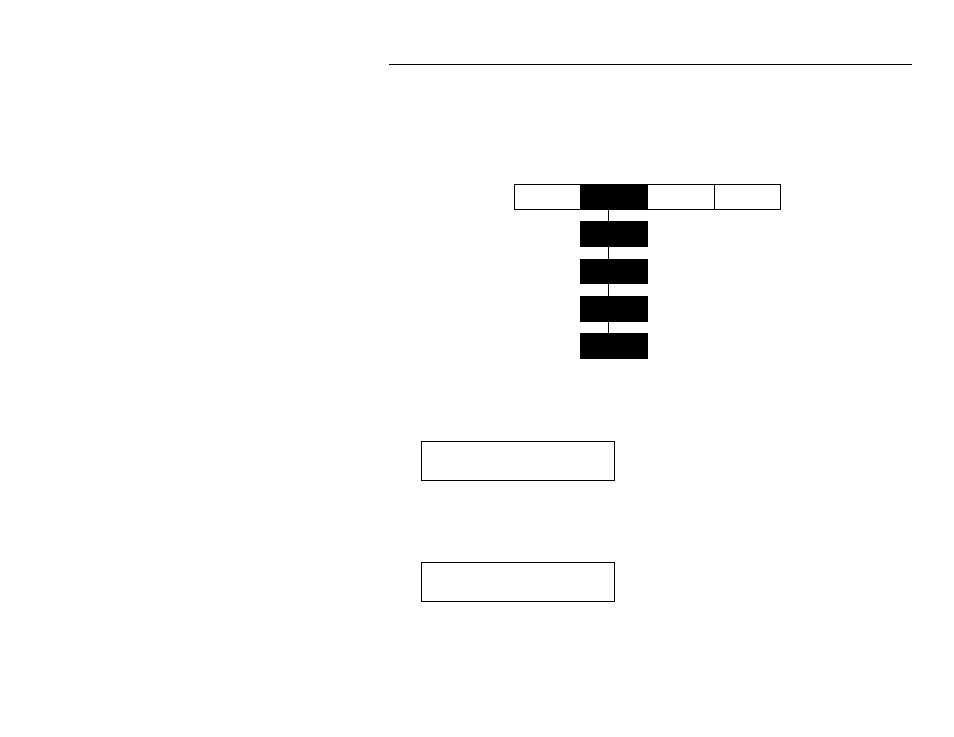
P ause M enu
Cancel
Batch
Cancel
All
Mode
Restart
Batch
Cancel
Batch
Cancel
Format
Cancel
Graphic
Cancel
Font
You can cancel a batch by pressing Escape/Clear while the batch is
printing, or you can use the Pause menu to cancel a batch.
1. Press Enter/Pause to interrupt printing.
PAUSE MENU
Print Mode
♦
If you want to cancel only the paused batch, skip step 3.
♦
If you want to cancel all the batches, skip step 2.
2. To cancel only the paused batch, press or until you see
PAUSE MENU
Cancel Batch
Then press Enter/Pause. The batch is deleted and the printer prints
any remaining batches.