Polishing – Ivoclar Vivadent Telio Lab User Manual
Page 31
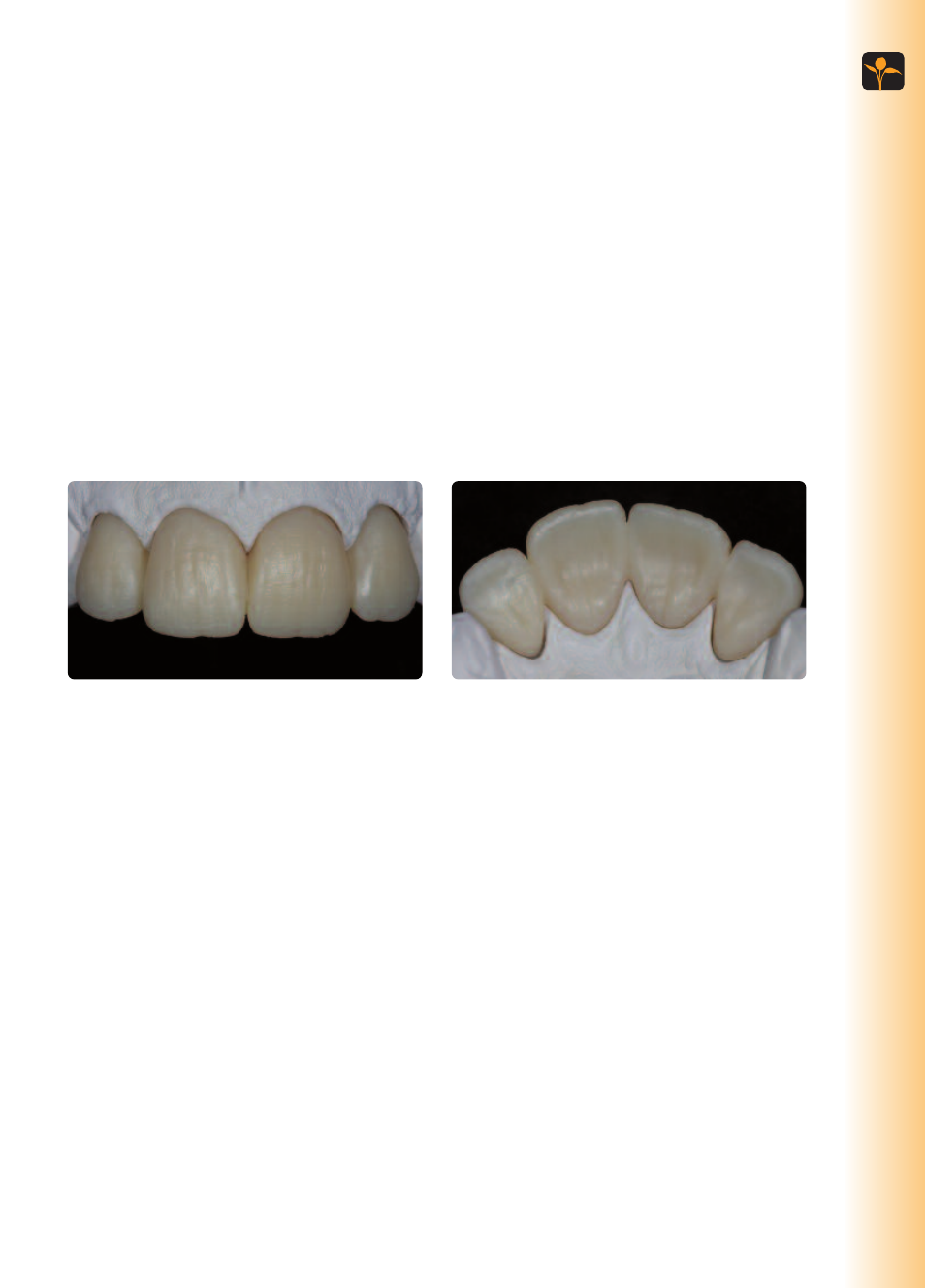
Observe the following procedure for finishing Telio CAD restorations:
– Use cross-cut tungsten carbide burs to smooth out the attachment point.
– Use cross-cut tungsten carbide burs for shape adjustments.
– Overheating of the material must be avoided.
– The restorations are tried in on the dies and carefully finished.
– Check proximal and occlusal contact points.
– Surface-grind the entire occlusal surface with a fine diamond to smooth out the surface structure
created by the CAD/CAM procedure.
– Make sure that the minimum thicknesses are maintained even after the minor adjustments.
– Make sure to thoroughly clean the restoration before further processing and to remove any residue of
the milling additive of the CAD/CAM milling unit. Residue of the milling additive remaining on the sur-
face may result in bonding problems.
– Try in the restoration, if necessary.
Polishing
Careful polishing is the prerequisite for an optimum esthetic result. Polishing reduces plaque acummula-
tion and the resulting shade disturbances. Pay special attention to crown margins, interdental areas, occlu-
sal surfaces and the basal rest area of pontics.
Manual polishing of the restoration is carried out with rotary instruments and polishing paste.
In order to achieve a lifelike surface gloss, please observe the following procedure:
– Always pay attention to the contact points and margins during polishing!
– Use the corresponding speed and little pressure to avoid heat development.
Telio CAD restoration after finishing
Telio
CAD
–
Fully
anatomical
fabrication
and
final
polishing
31