3 system control – Opticom Elite H Series DVR User Manual
Page 54
Advertising
DIGITAL VIDEO RECORDER MANUAL
DIGITAL VIDEO RECODER MANUAL
54
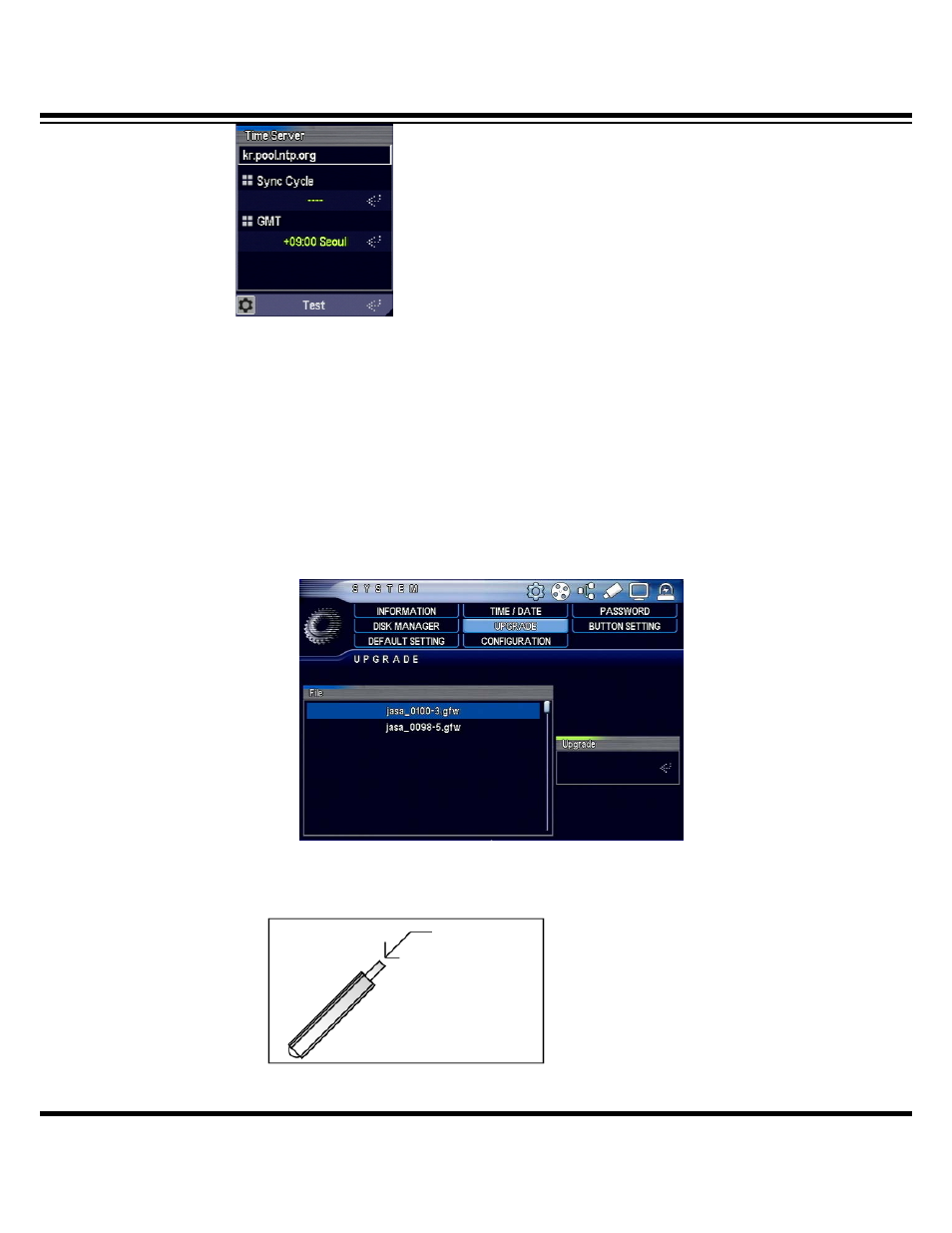
• Enter time server : enter time server URL and IP
• Time-linked cycle : select time
• GMT : sepcify the country’s standard time zone
• Test : check server status
8-3 System control
When there is a need to upgrade firmware following addition of system features, you can easily
upgrade on your own.
Save firmware in USB memory stick and insert it into USB port on front side of the system to
display thru list. Select file and press Upgrade.
Save Firmware
USB Memory Stick
Advertising