3 set holidays – Opticom Elite H Series DVR User Manual
Page 60
Advertising
DIGITAL VIDEO RECORDER MANUAL
DIGITAL VIDEO RECODER MANUAL
60
▶ Copy channel
Applicable to the other cahnnels as well as channel in current use.
(Not use) (Use)
Select multiple channels to copy and press “Copy”
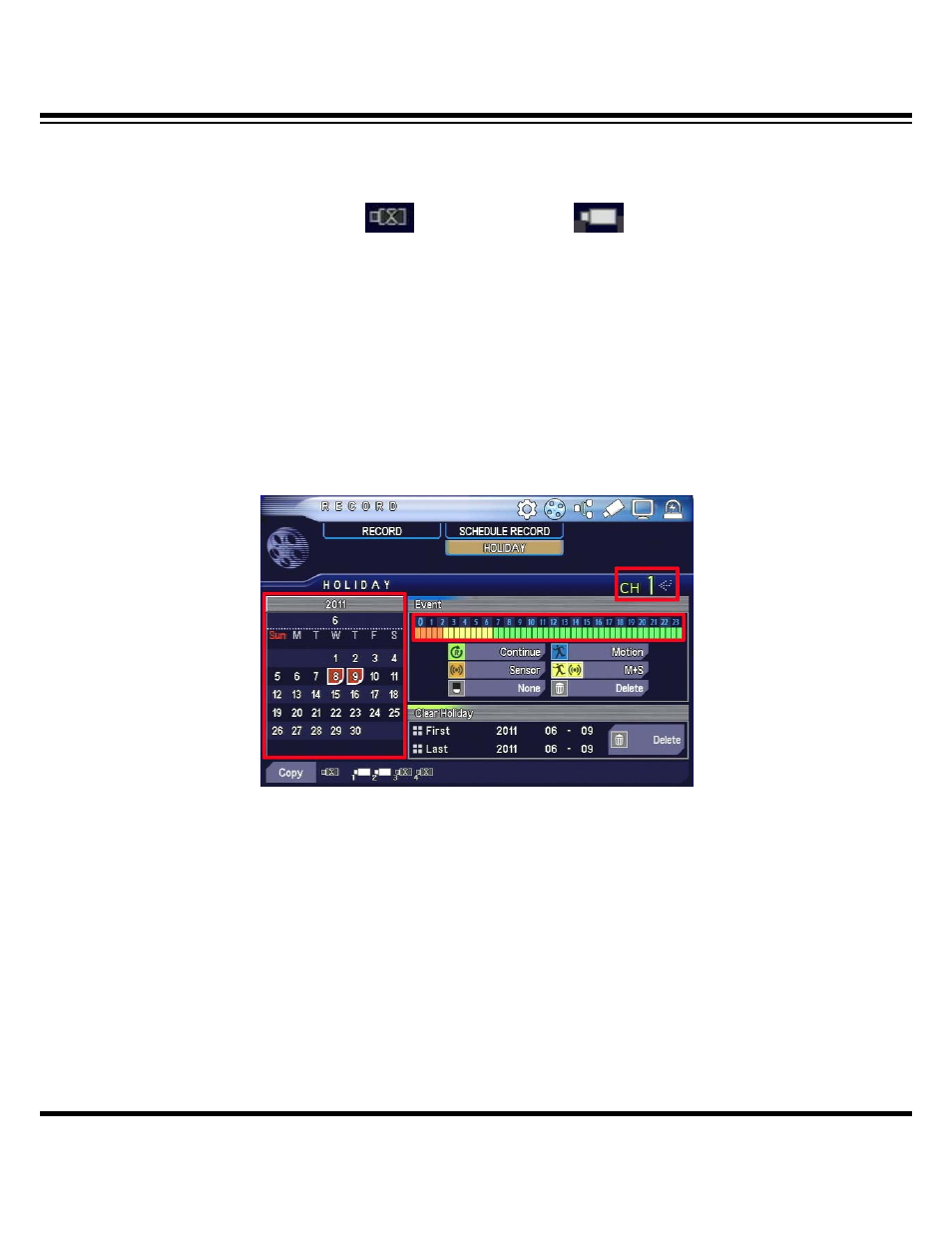
9-3 Set holidays
Set record for customized holidays in addition to pre-specified holidays.
You can set through menu-> record-> set holidays.
▶ Select channel
Select channel to apply schedule to.
▶ Select holidays
Select holidays on the calendar to have them marked red-colored and then set record for the
specified holidays.
Advertising